Audiobookshelf
Your own audiobook and podcast server, with your place in every book kept across devices.
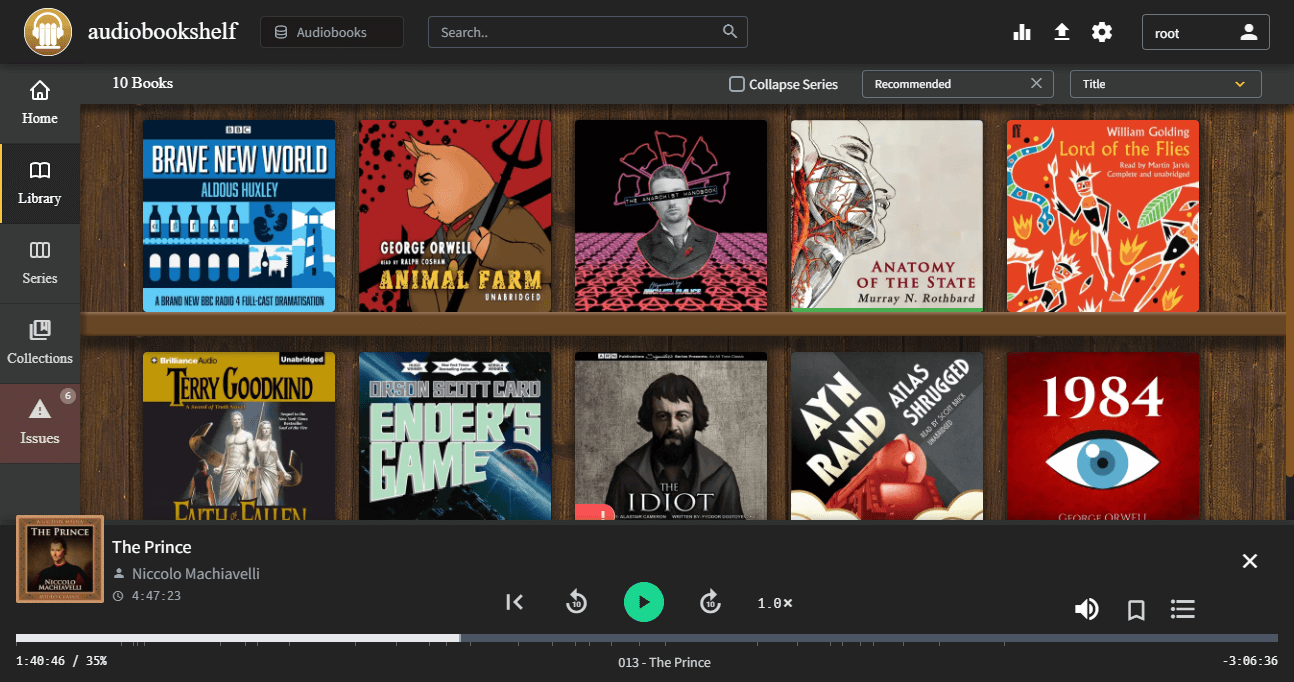
Overview
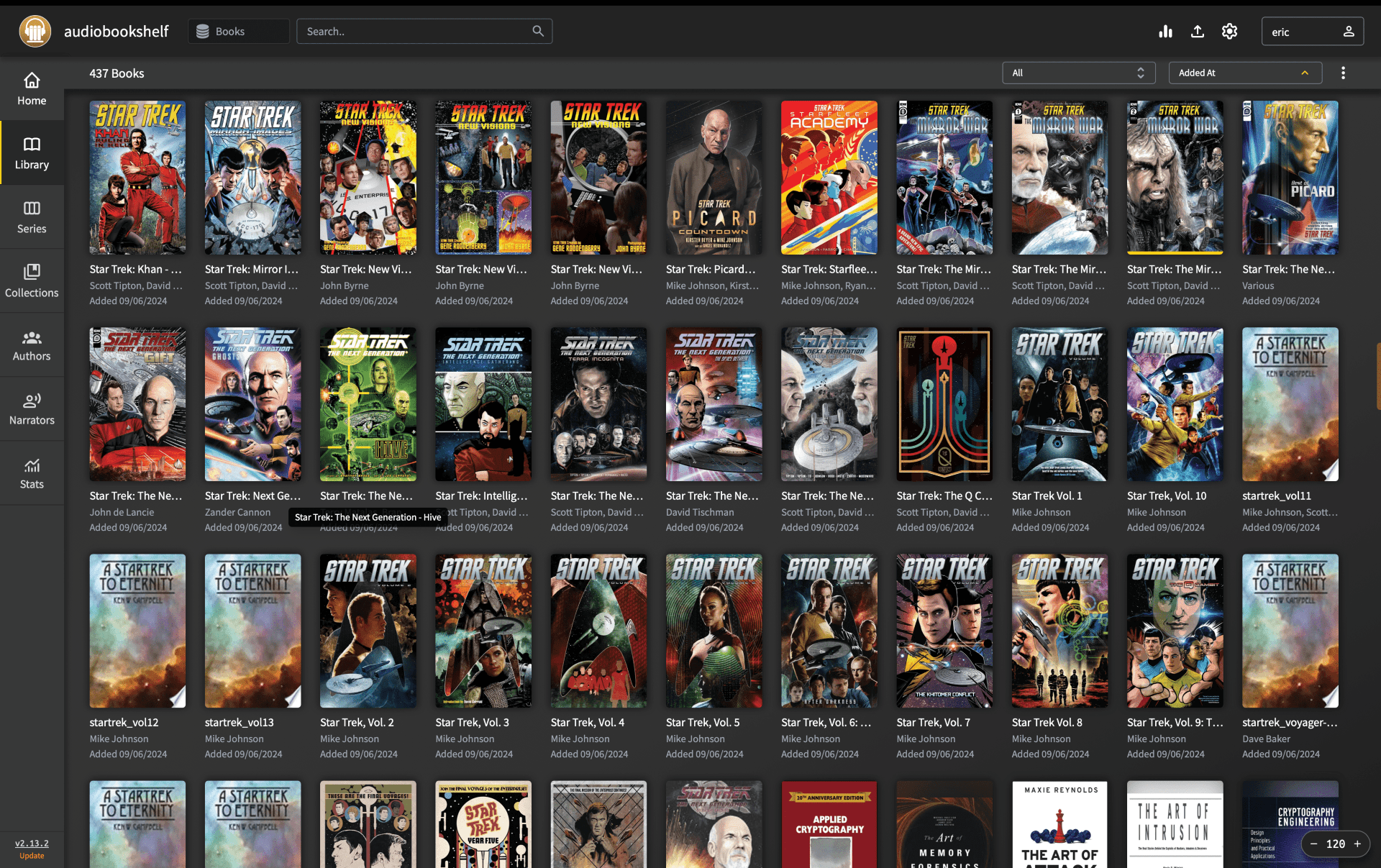
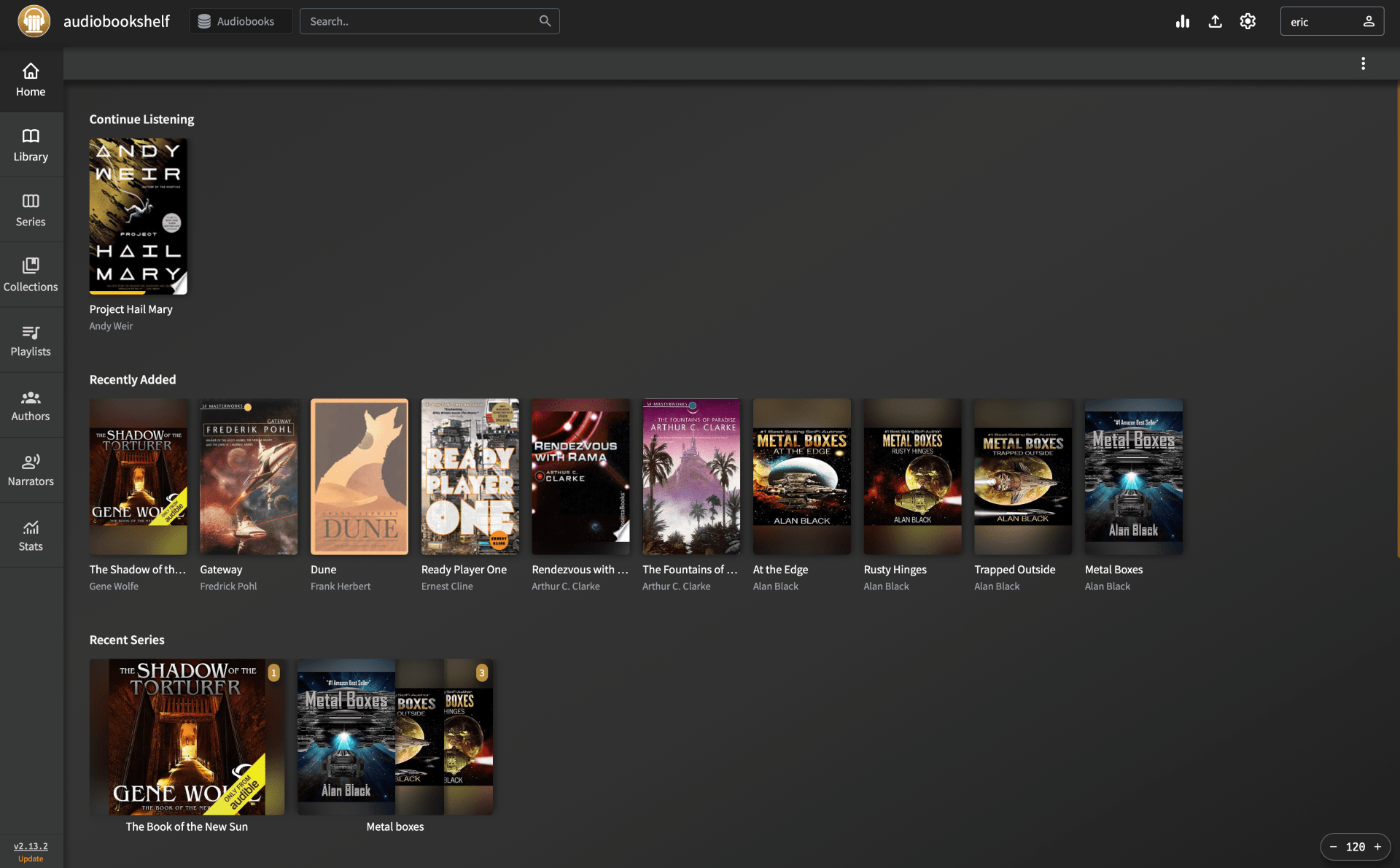
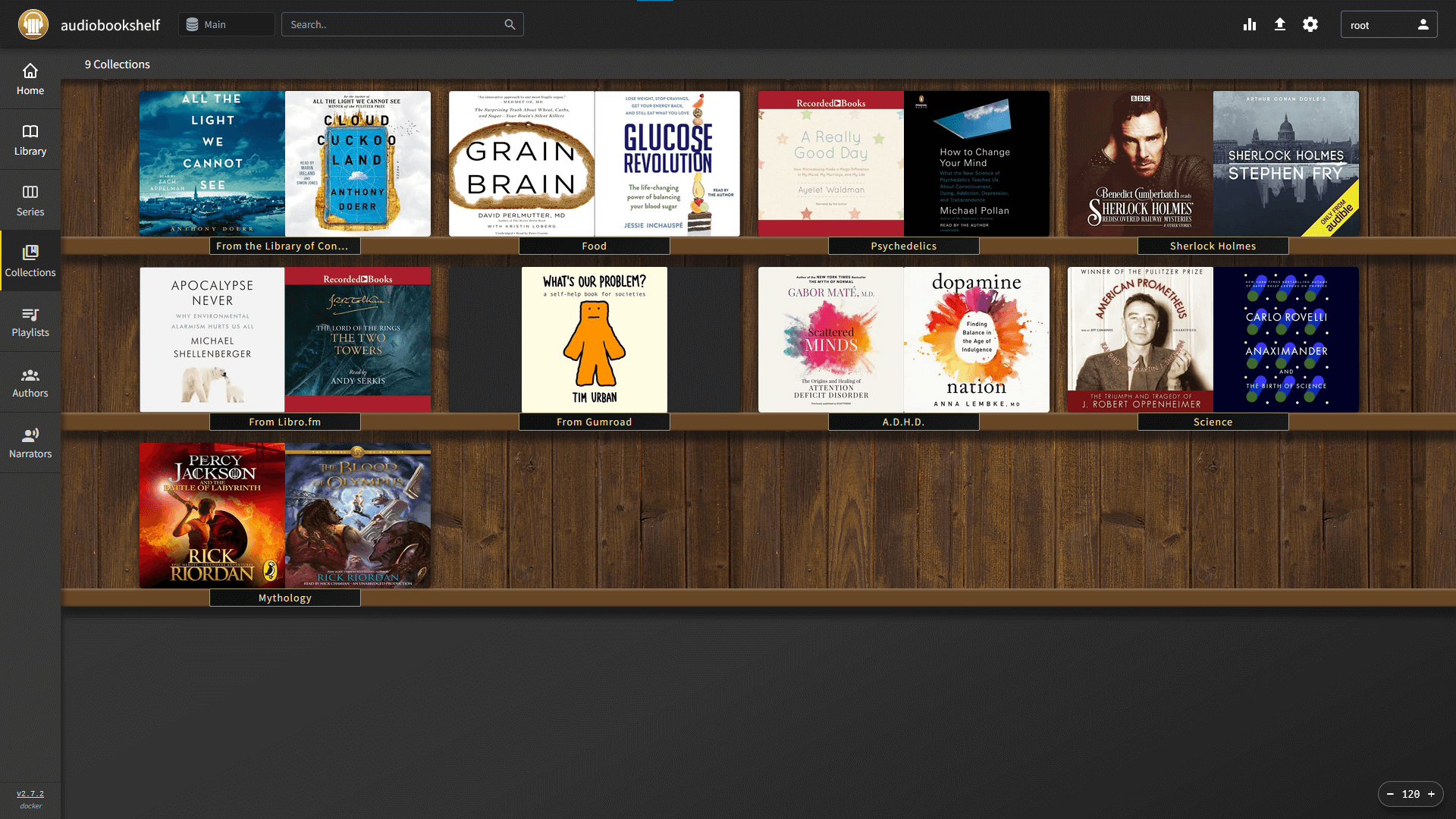
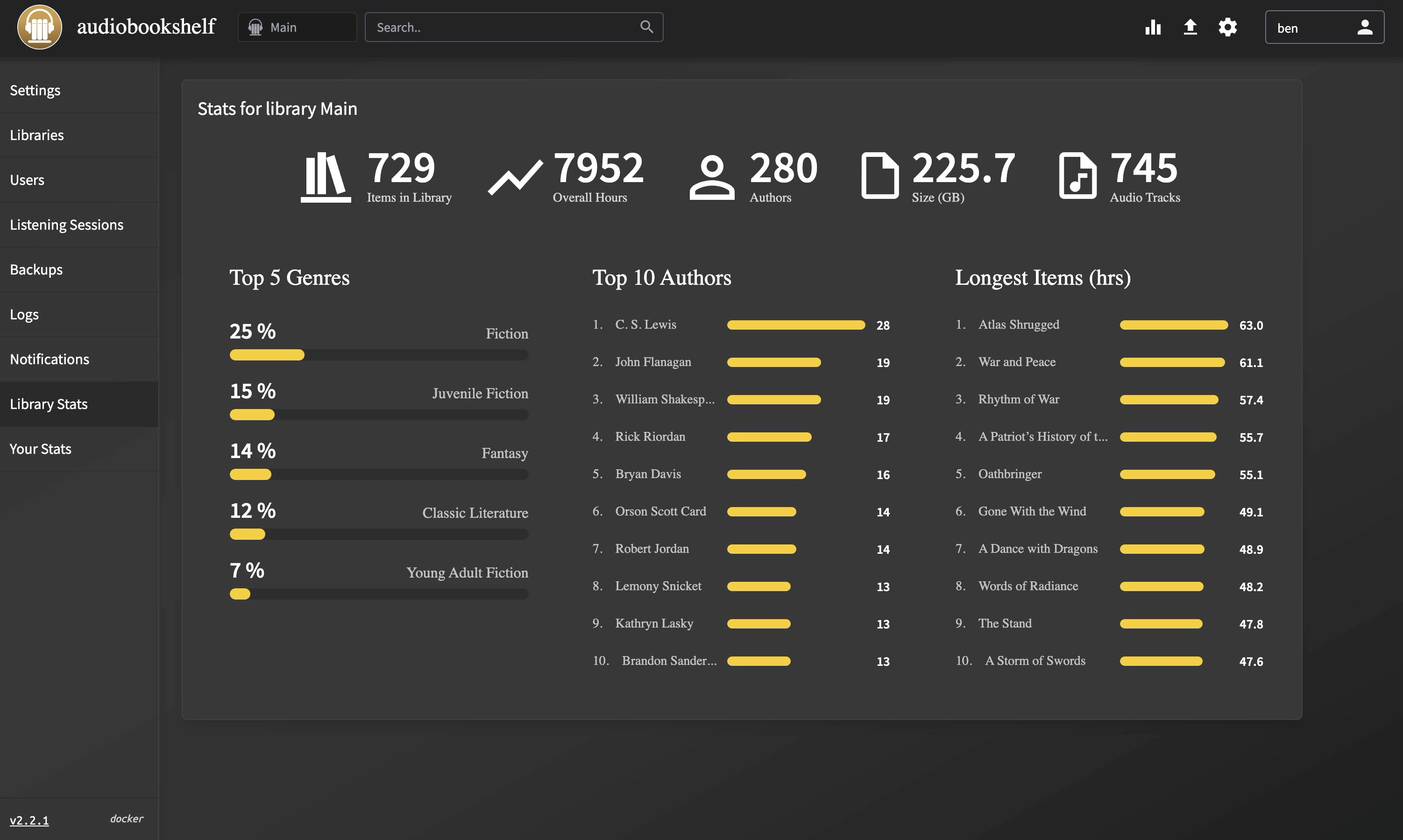
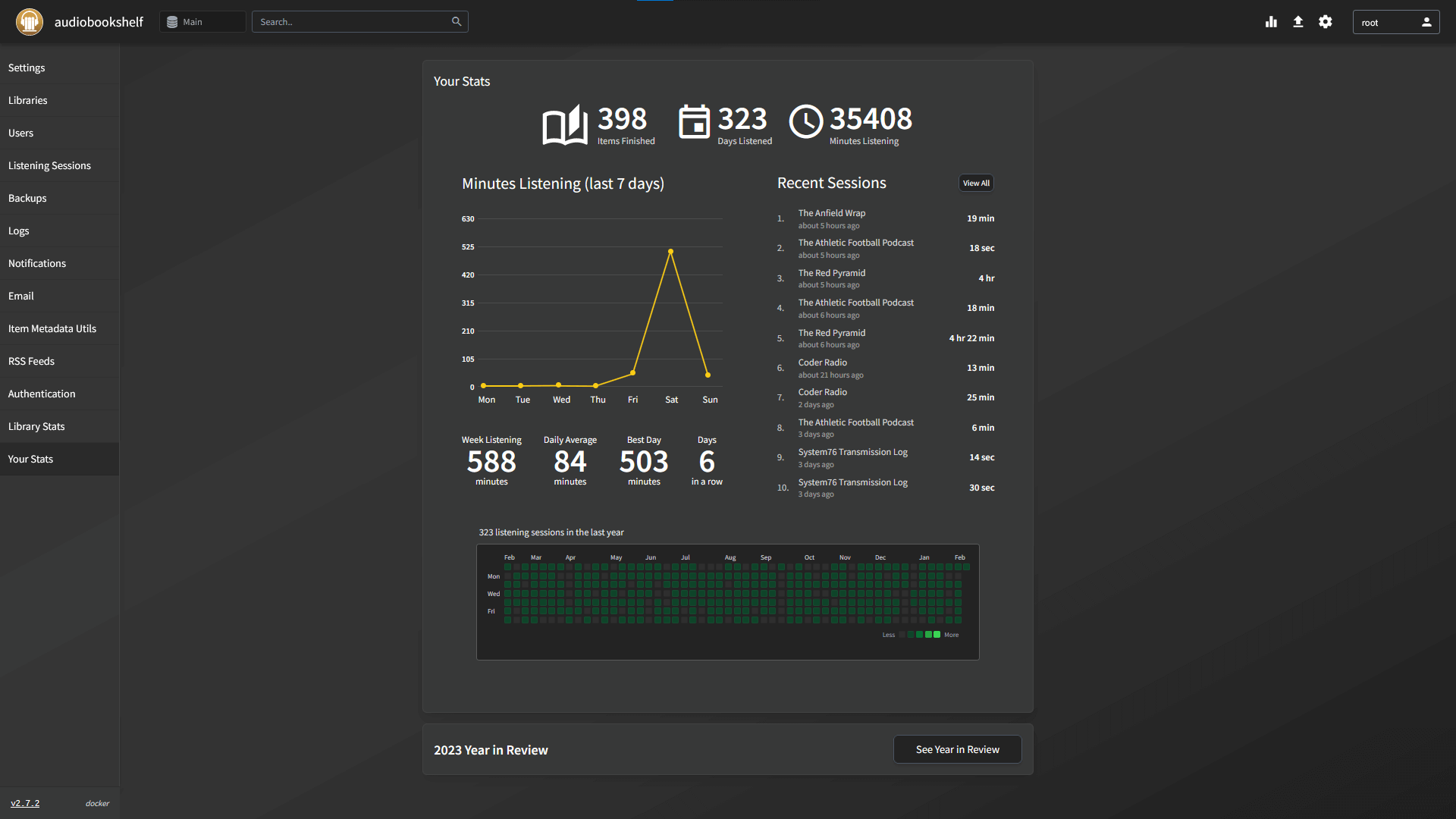
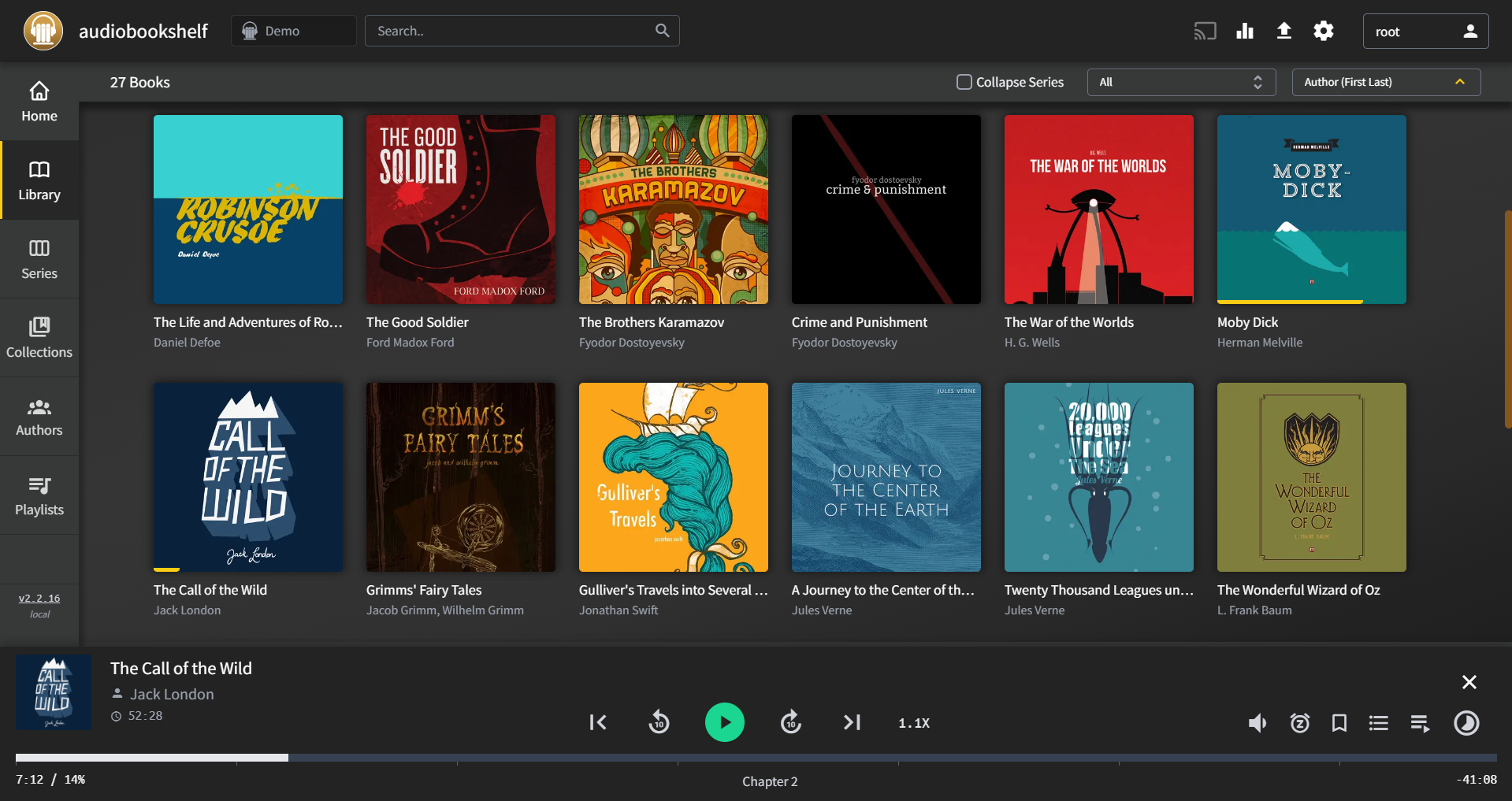
Audiobookshelf turns the audiobooks on this box into a proper listening service: covers, series, chapters, playback speed, a sleep timer, and your exact position in every book, picked up again on the next device you open. It also subscribes to podcasts and downloads new episodes for you, so the whole listening library lives in one place.
Features
- Keeps your place in every book and syncs it between browser, phone, and tablet
- Chapters, playback speed, a sleep timer, and bookmarks
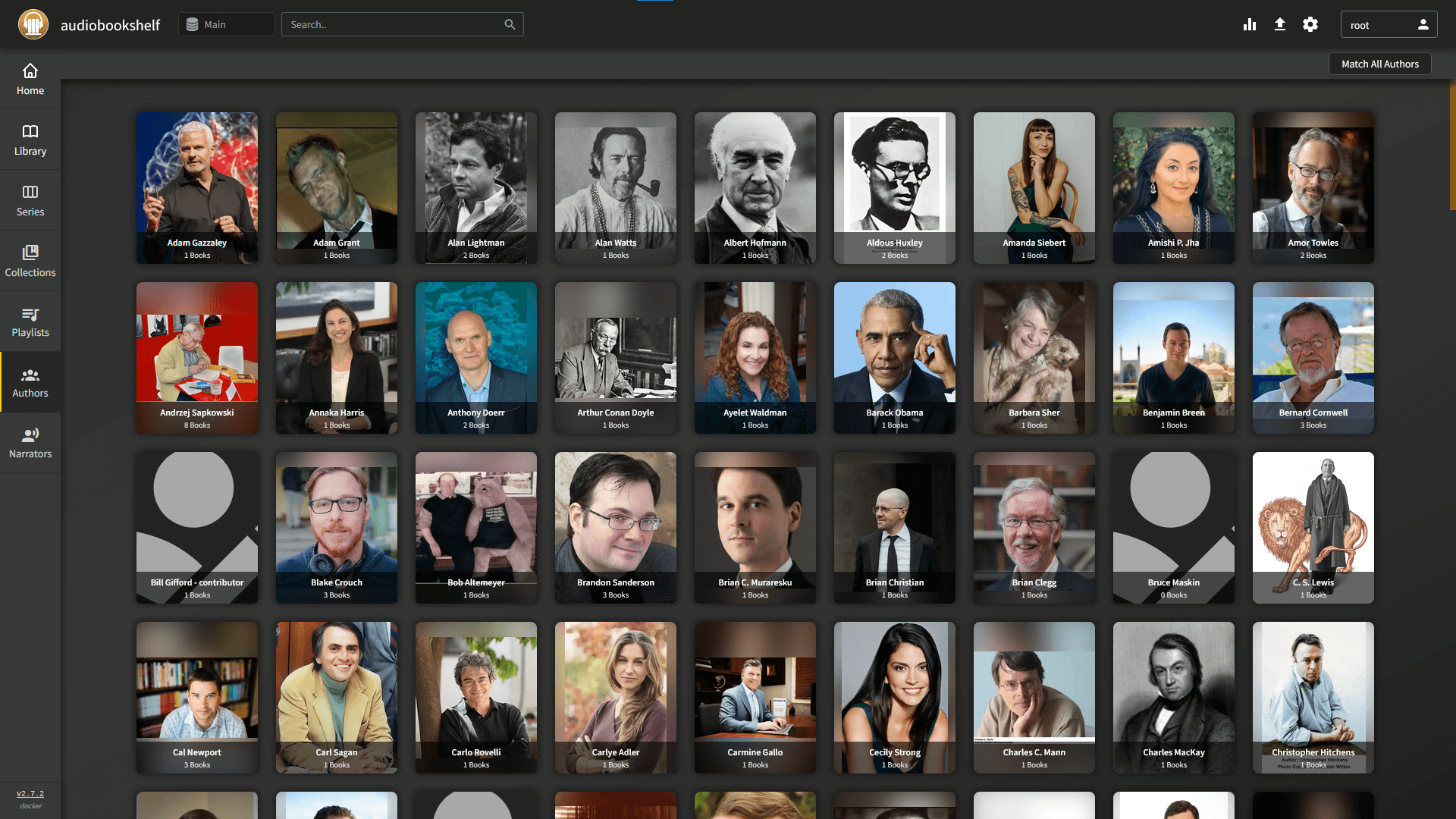
- Covers, series, authors, and narrators, with full-text search
- Podcast subscriptions with automatic episode downloads
- Accounts for the whole household, each with their own progress
- Free apps for Android and iOS, plus any browser
Setting up
The first account you create when you open the app becomes the administrator, and there is no default password.
Your audiobooks stay exactly where they are. Audiobookshelf reads your granted folder in place and never moves or rewrites it, so uninstalling leaves every file untouched. When the app asks you to add a library, point it at:
- Audiobooks:
/moose/music - Podcasts:
/moose/downloads
Those are the paths your granted folders appear at inside the app. The podcast folder is the writable one, because downloaded episodes are saved there as real files you keep.
Good to know
The audiobook folder is read-only, so the app can never change or delete your books. Covers and descriptions it finds on the internet are stored inside the app instead of next to the files, which is what it does by default anyway.
Sending a book to an e-reader by email needs a mail account of your own, typed into the app's settings. Everything else runs on the box, and your library is never uploaded anywhere.