← App store
 Get your box
AutoSEO
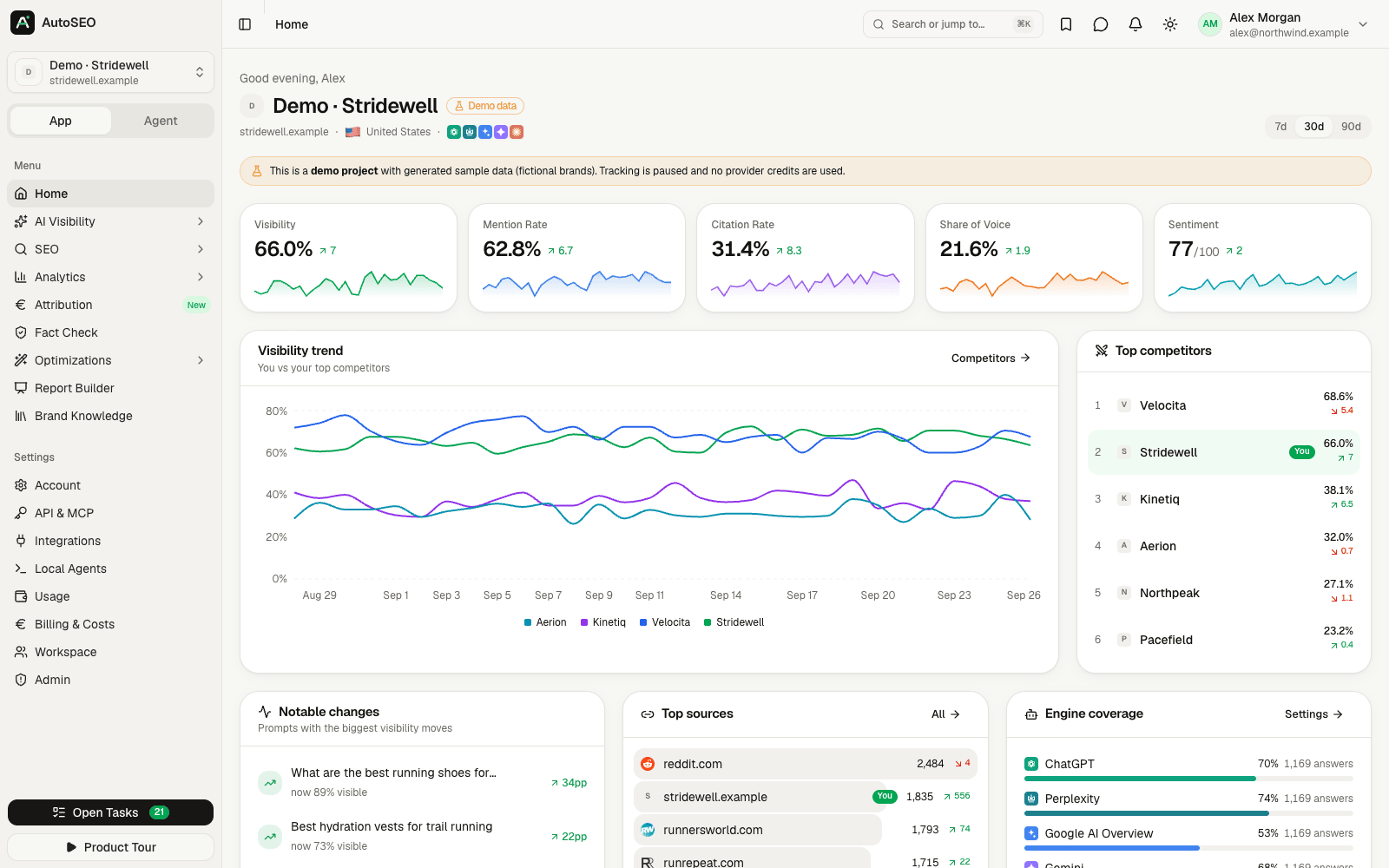
An SEO and GEO platform that tracks how AI engines talk about your brand, next to keyword research, rank tracking and site audits.
by Codext
Overview
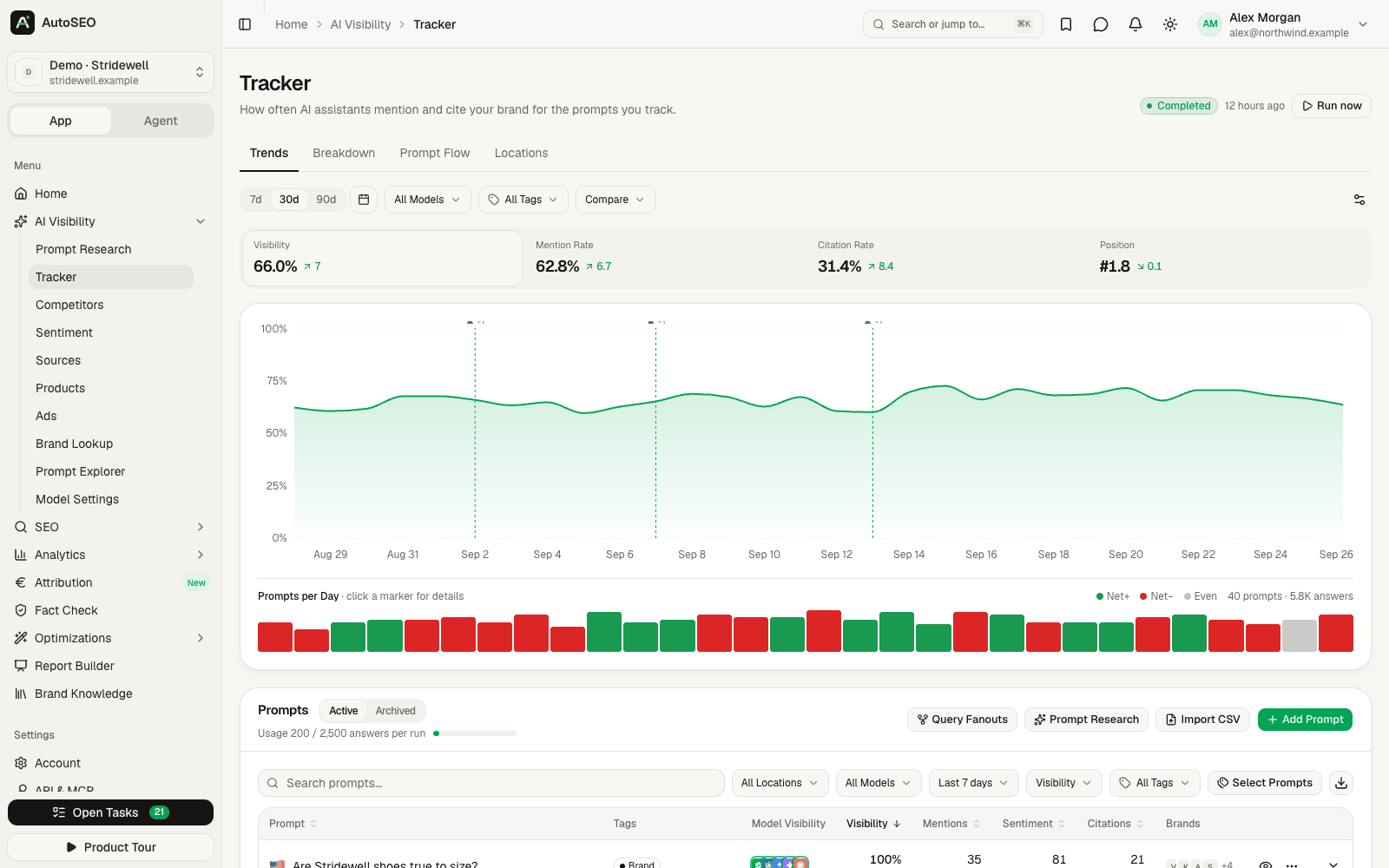
AutoSEO is an open-source platform for search and AI visibility. It checks how ChatGPT, Perplexity, Gemini, Claude and Google AI Overviews mention your brand, and it puts that next to keyword research, rank tracking, site audits and reports. Your projects and reports stay on your box. The services you connect still see what you send them.
Features
- AI visibility tracking: which prompts mention your brand, which sources the engines cite, and how they feel about you
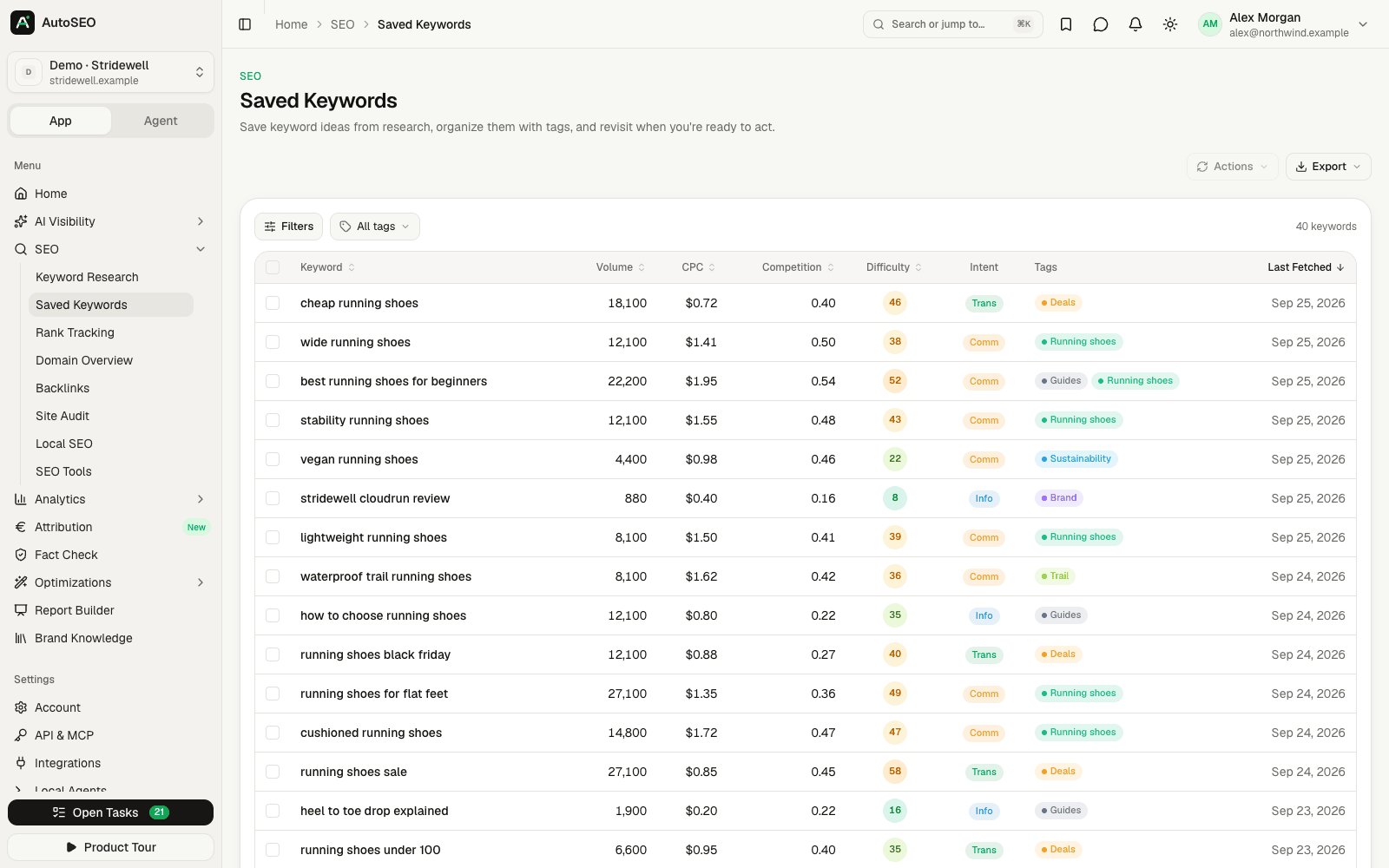
- Keyword research, rank tracking and competitor views
- Site audits and backlink data
- Reports with PowerPoint and PDF export, and share links
- Workspaces, roles and single sign-on with OpenID Connect
- A REST API and an MCP server, so scripts and AI agents can read your data
- Agent mode: your own Claude Code or Codex connects to the app and runs checks for you
Setting up
The install form asks for the owner email. The app makes that account on first start. It has no passwords: you sign in with a link or a six digit code sent to your email.
- Pick an outgoing mail account when you install. Without one, no sign-in link can be sent and nobody can get in.
- Open the app, enter the owner email and ask for a link.
- In Admin, add the keys for the data and AI services you want (see below).
Good to know
- Sign-in needs a mail account. Pick one at install, or add one under Admin, Email later. You cannot add it from inside a locked-out app, so set it up first.
- Data comes from DataForSEO. Keyword, ranking and backlink data need your own DataForSEO account, added in Admin, Data Providers. DataForSEO bills you directly. Without it, the app may fill those screens with estimates made by an AI model and label them.
- AI checks need your own key. Add a provider key (Anthropic, OpenAI, Gemini, OpenRouter and others) in Admin, AI Providers, or connect your own Claude Code or Codex. The provider bills you directly.
- Google Search Console and Analytics need an OAuth client you register at Google and paste into Admin, Data Providers.
- Agent mode needs an https address. Your own Claude Code or Codex agent refuses a plain
http://address, which is what an appliance has. A hosted box has https. API keys work on both. - MCP clients use API keys on a hosted box. The app also offers OAuth sign-in for MCP clients, but its open client registration is not opened to outside clients. Make an API key in the app and give it to the client.