
Campfire
Group chat for a team or a household, with rooms, direct messages, and search.
by 37signals
Overview
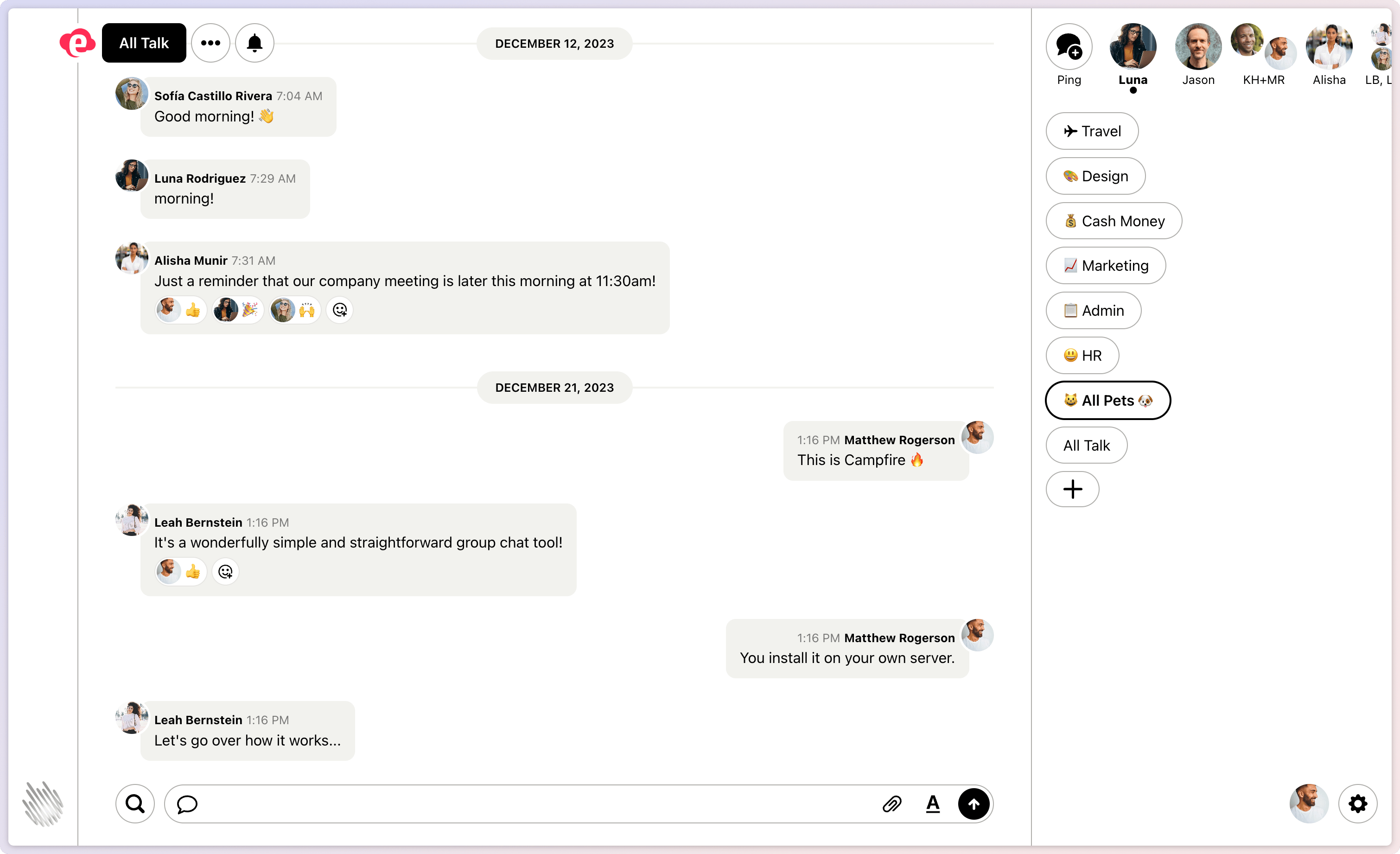
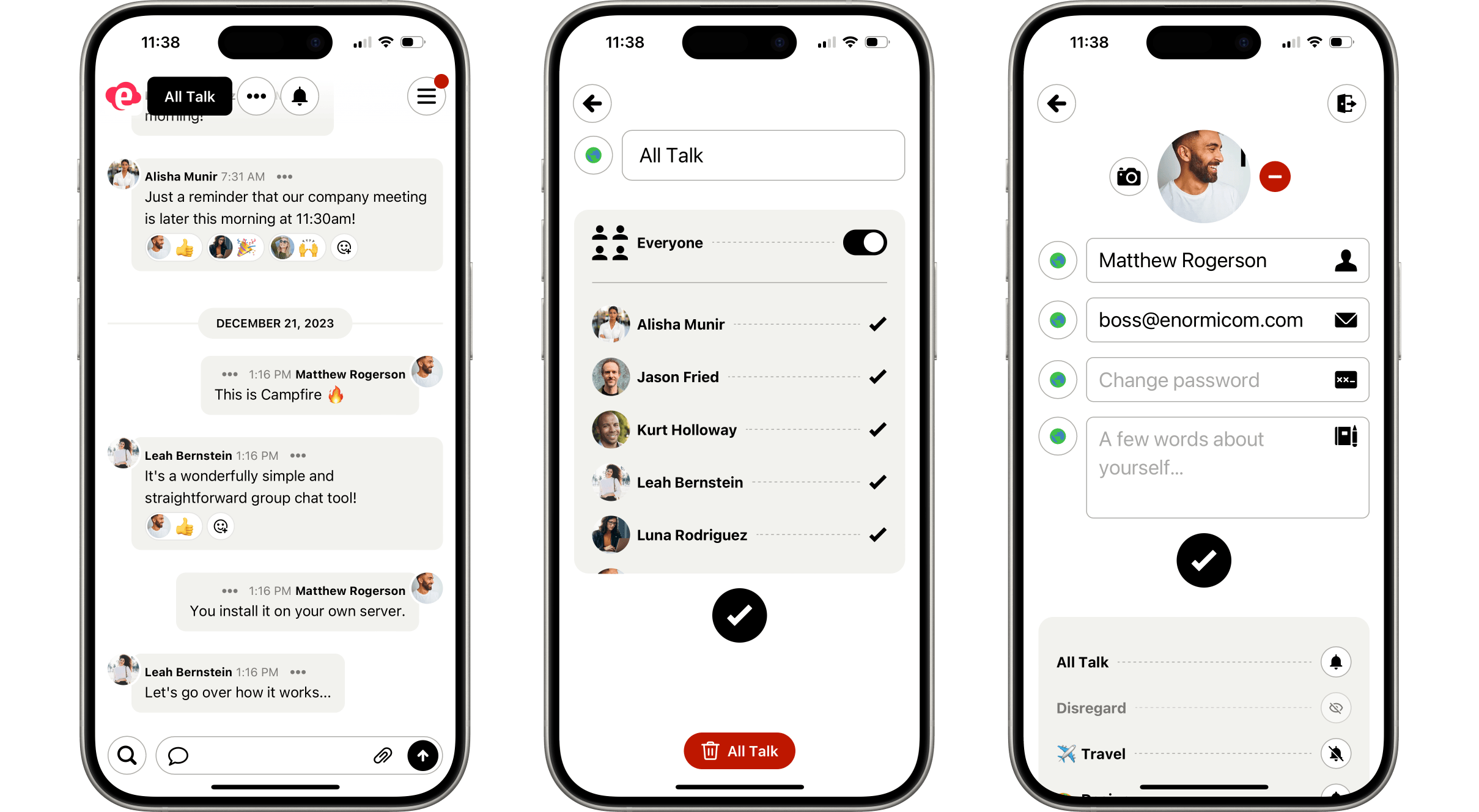
Campfire is the group chat 37signals built for its own teams and then made open source. It is deliberately small: rooms, direct messages, attachments, and search, with no plugins, no threads, and no bots you did not add yourself. Everything lives on your own box.
Features
- Open, closed, and direct rooms, so a room can be for everyone or for a few
- Rich text messages with @mentions, emoji, and boosts (quick reactions)
- File and image attachments with previews, kept on your box
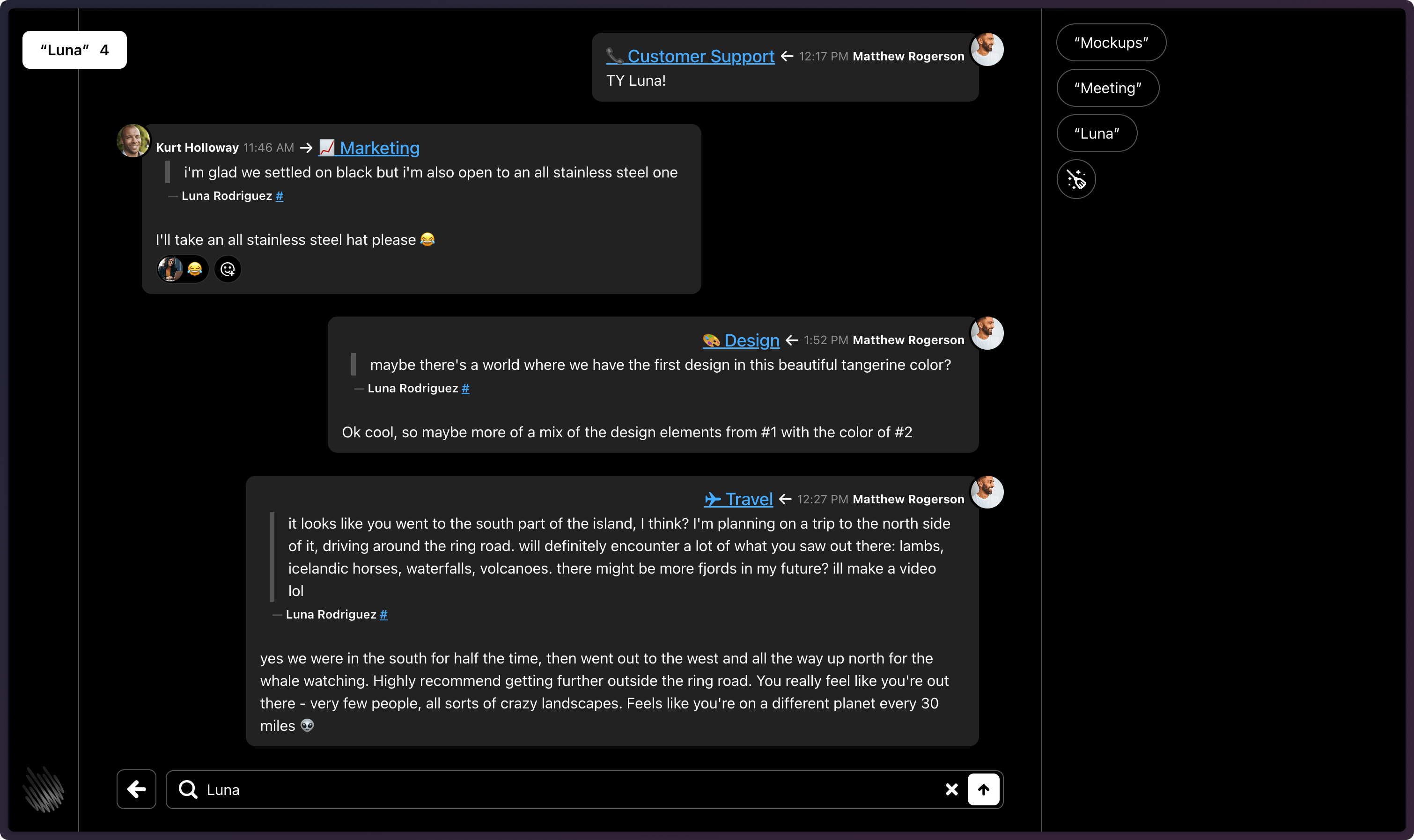
- Full-text search across every message you can see
- Web Push notifications to your phone and desktop browser
- A bot API with webhooks, so a script can post into a room
Setting up
The first time you open Campfire it walks you through creating the administrator account. There is no seeded login to change.
The email address you enter is shown on the sign-in page, so people who need help with their account know who to ask. Use an address you are happy for everyone on the server to see.
To add people, open Settings and copy the invite link. Anyone with that link can create an account, so share it only with the people you want in.
Good to know
There is no "forgot my password" email. Campfire sends no email at all. If someone loses their password, the administrator removes their account from Settings and sends them the invite link again, and they sign up with the same address. Their old messages stay in the rooms.
Campfire is single-tenant: every room marked open is readable by everyone with an account on this server. Use a closed room or a direct message for anything narrower.
Web Push notifications need internet access, because the message goes through your browser maker's push service on its way to your device. The message text is encrypted with a key pair your box generates, and nobody in the middle can read it.