← App store
 Get your box
Colanode
A shared workspace for notes, docs, databases and team chat that keeps working offline.
by Colanode
Overview
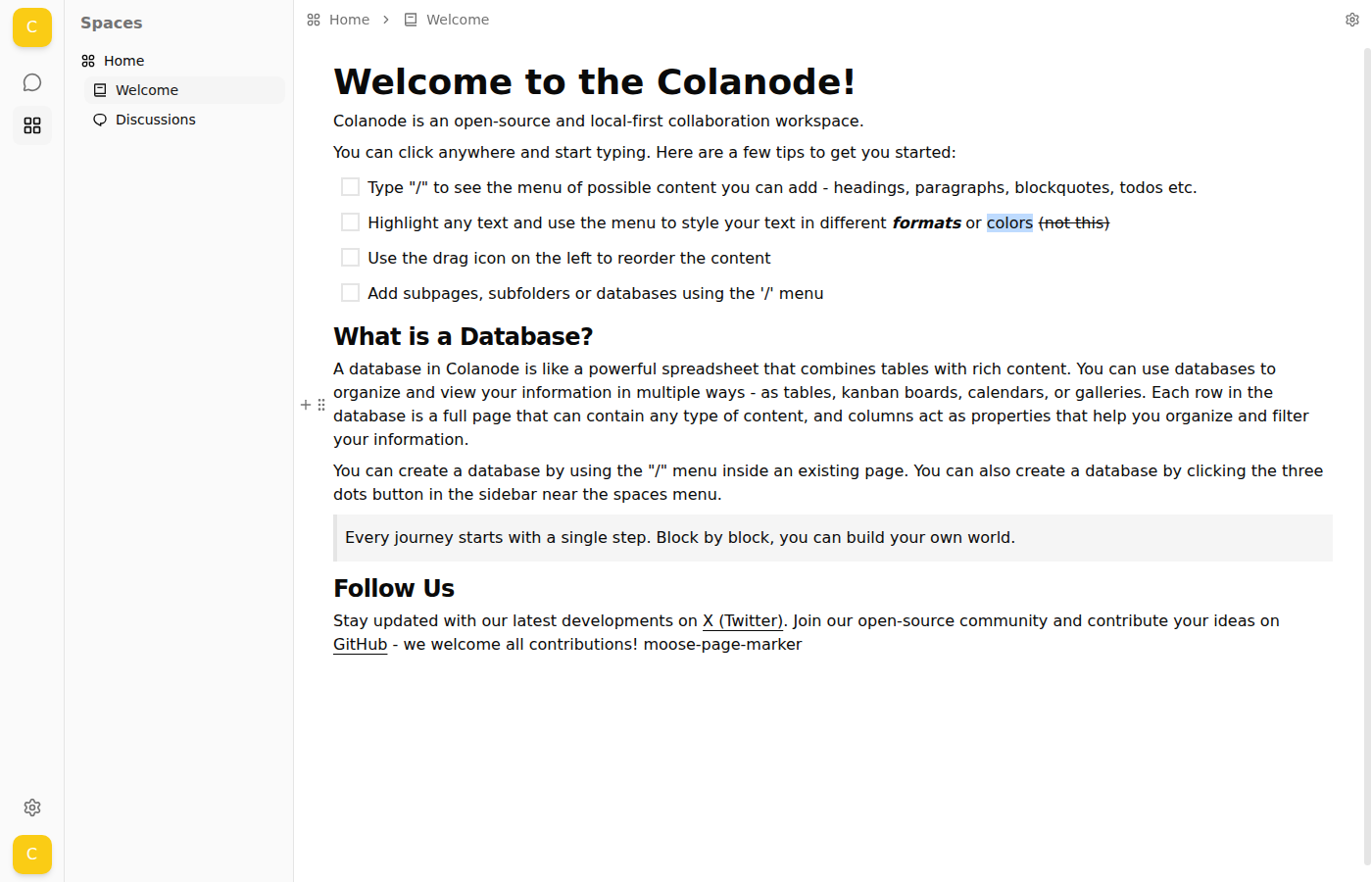
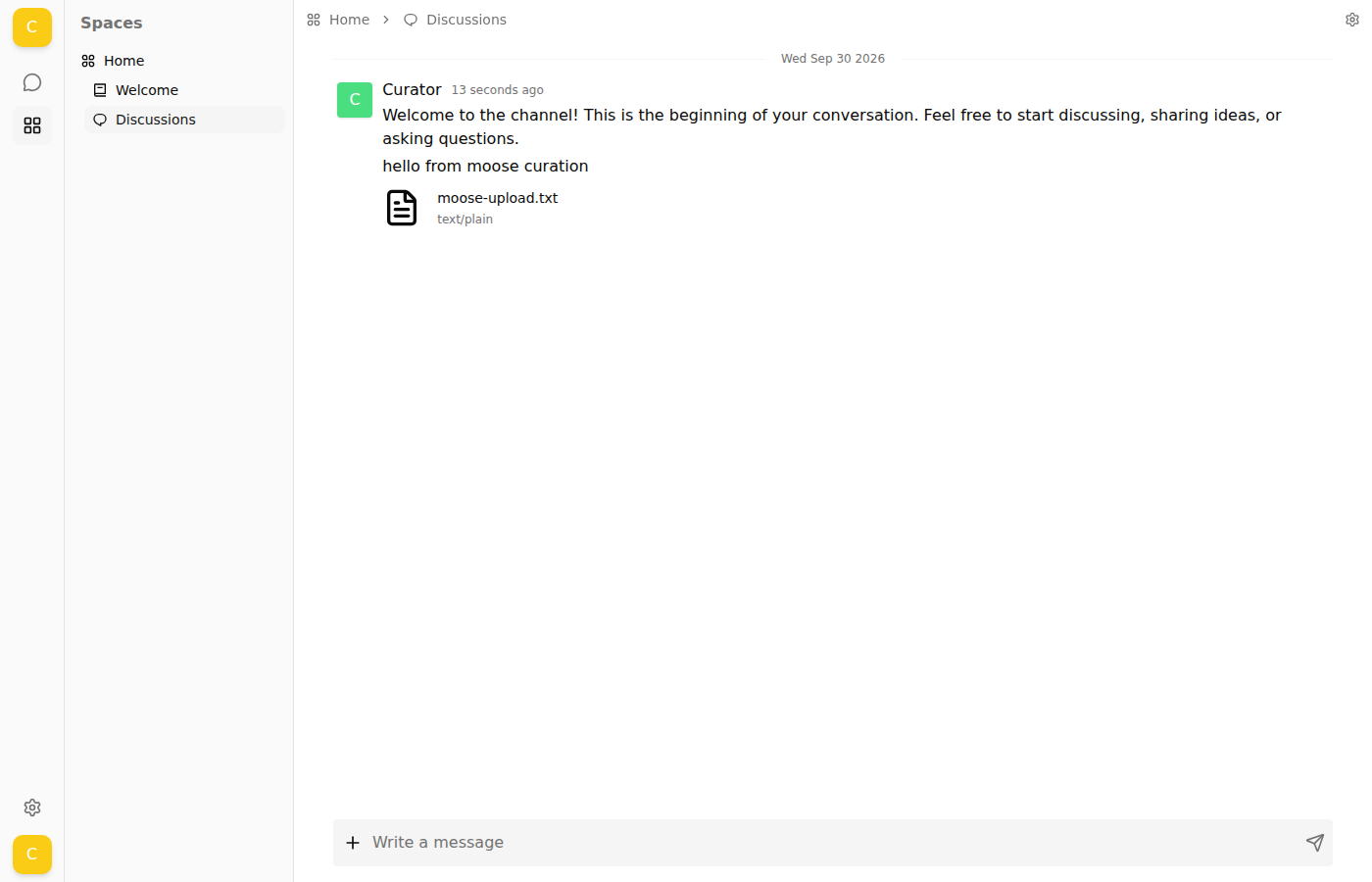
Colanode is an open-source workspace in the style of Notion and Slack. Your team writes pages, builds databases, shares files and talks in chat channels, all in one place. The web app keeps a copy of your workspace in the browser, so it stays fast and keeps working when the connection drops.
Features
- Pages with rich text, and databases with table, board and calendar views
- Chat channels and direct messages next to your documents
- File uploads kept on your box
- Several workspaces, with roles for each member
- Changes sync live between everyone, and merge cleanly after being offline
- Optional AI assistant and smart search when you add your own OpenAI key
Setting up
- Open the app and choose Add a new server.
- Type this app's own address followed by
/config, for examplehttps://colanode.your-box.example/config, and choose Create. - Select the server, register an account, and start working. A first workspace is made for you.
Accounts live on this server only. Anyone you want to invite needs an account here first.
Good to know
- Use a desktop browser. The web app keeps your workspace in a browser feature that needs a secure (HTTPS) address, and it does not support phones. For that reason this app is offered on hosted boxes only.
- Email is optional. With no outgoing email set up, invitation and password reset emails are not sent.
- The AI assistant is off until you paste an OpenAI key in this app's settings. It is billed by OpenAI, not by moose.
- Desktop and mobile apps are not tested with this server. They need the same address with
/config, and the address must be open to them.