
Overview
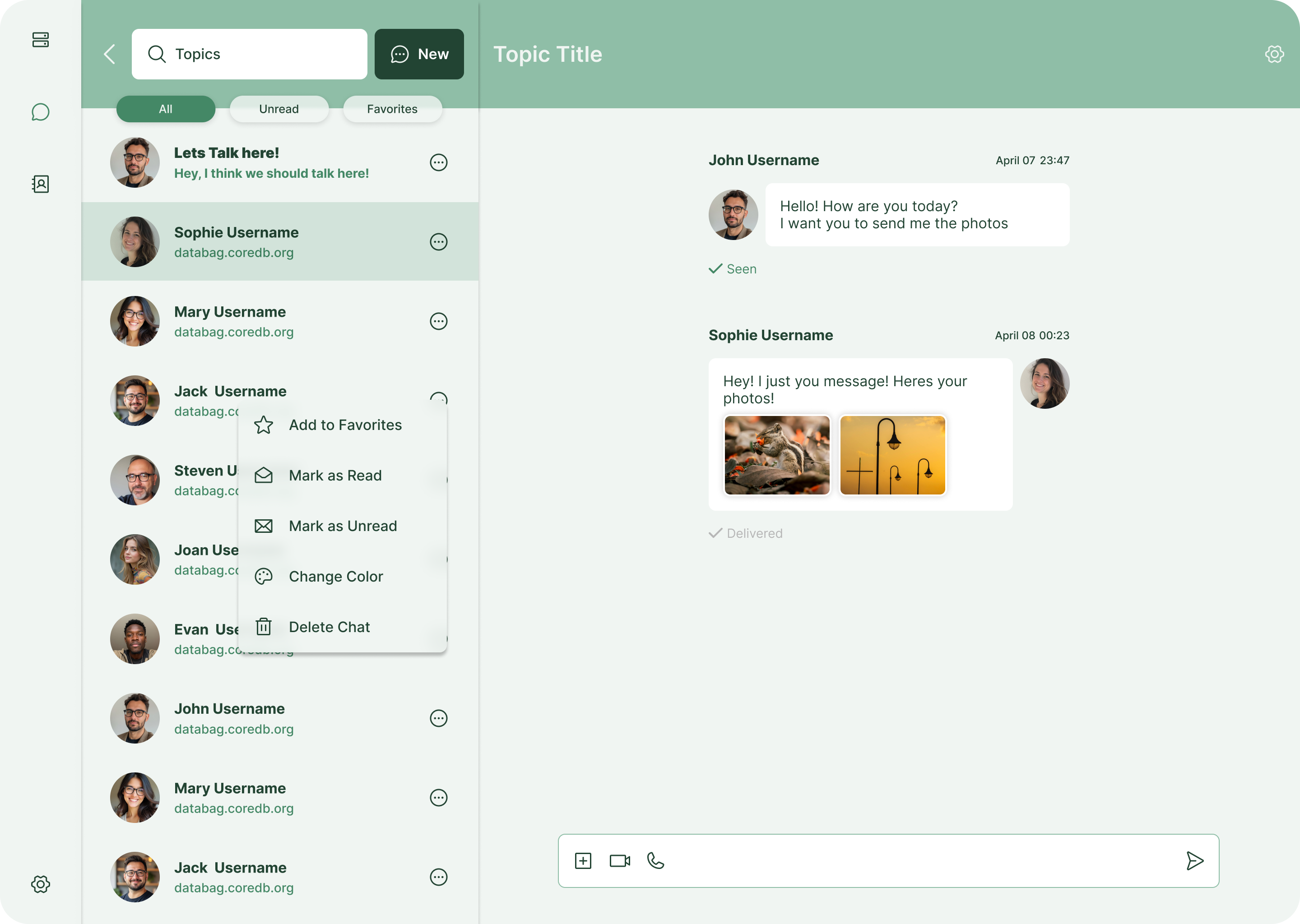
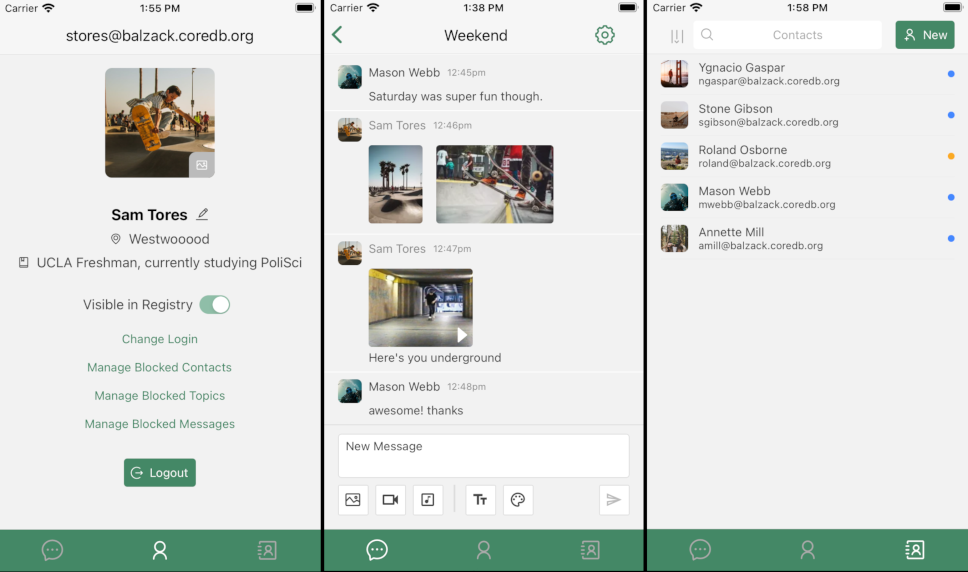
Databag is a small self-hosted messenger. One server holds as many accounts as you want, and accounts on different Databag servers can message each other. Conversations can be sealed, which means the text is encrypted in the browser and the person running the server cannot read it. There are apps for Android and iPhone as well as the web client.
Features
- Unlimited accounts on one server, enough for a family or a small team
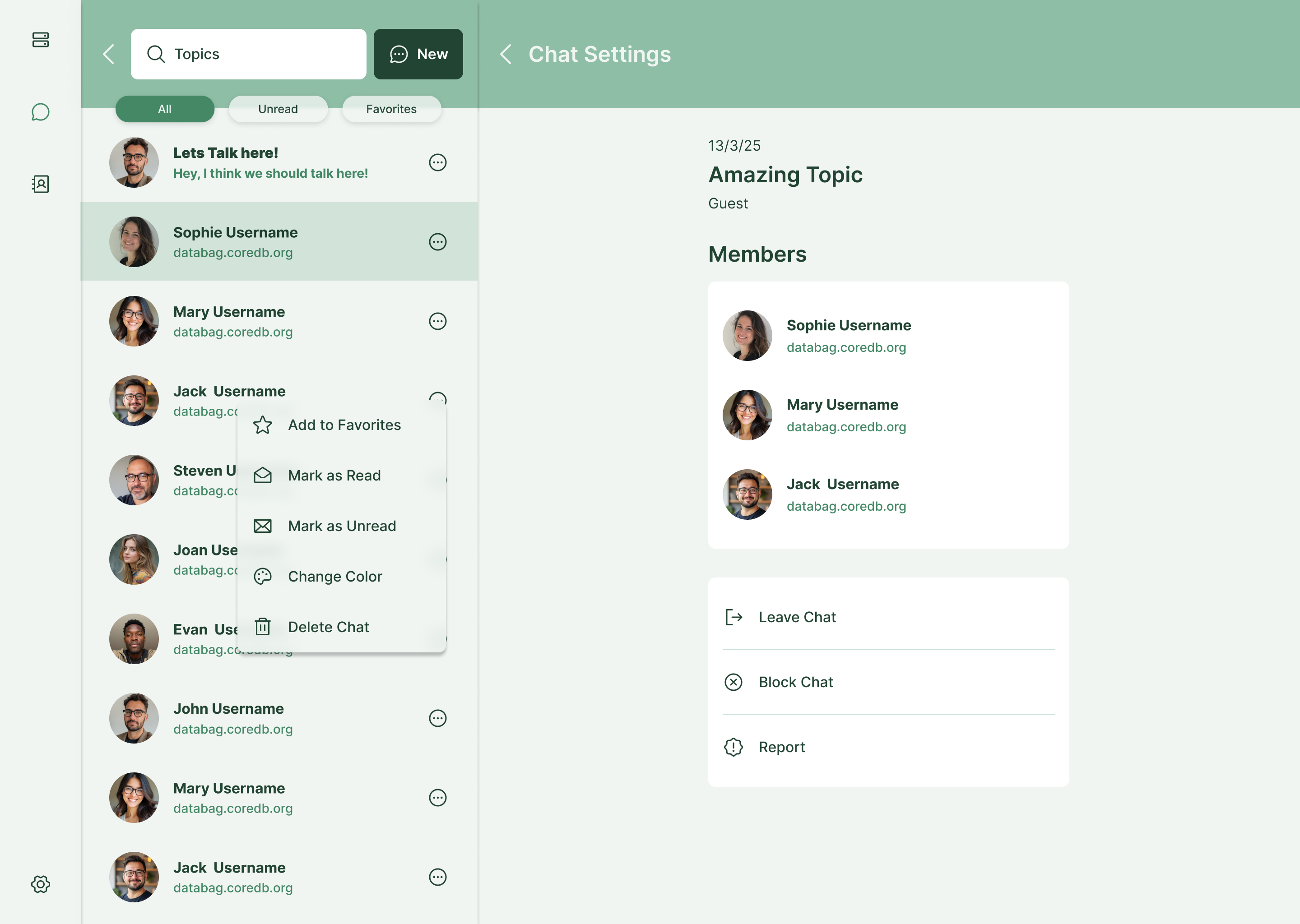
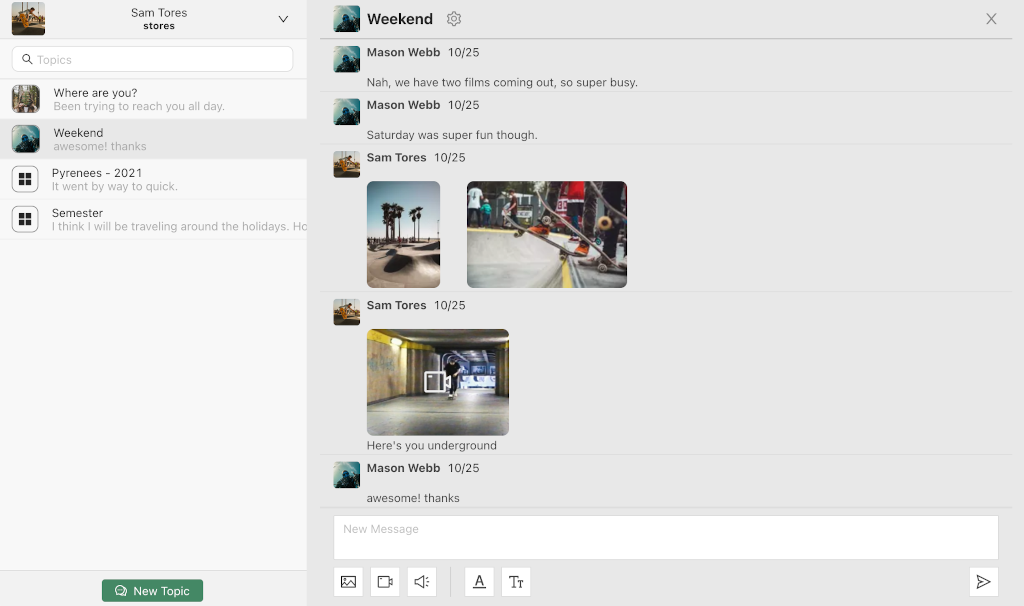
- Topic based threads, with no limit on how many people join one
- End to end encryption on sealed topics, so the server never sees the text
- Photos, video, audio and files, resized and transcoded on the server
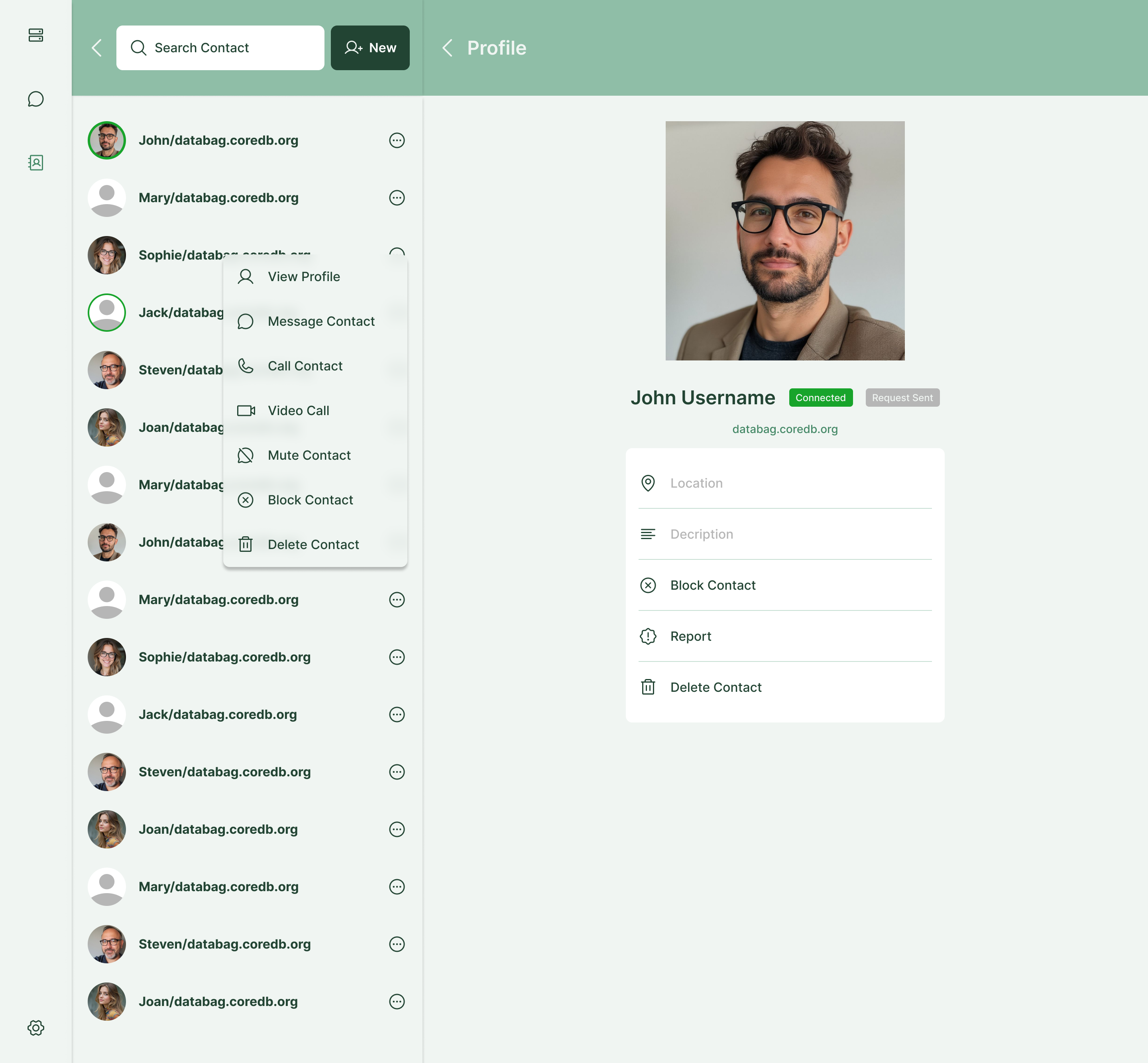
- Federation: add a contact on another Databag server by their handle
- Mobile apps on F-Droid, the App Store and Google Play
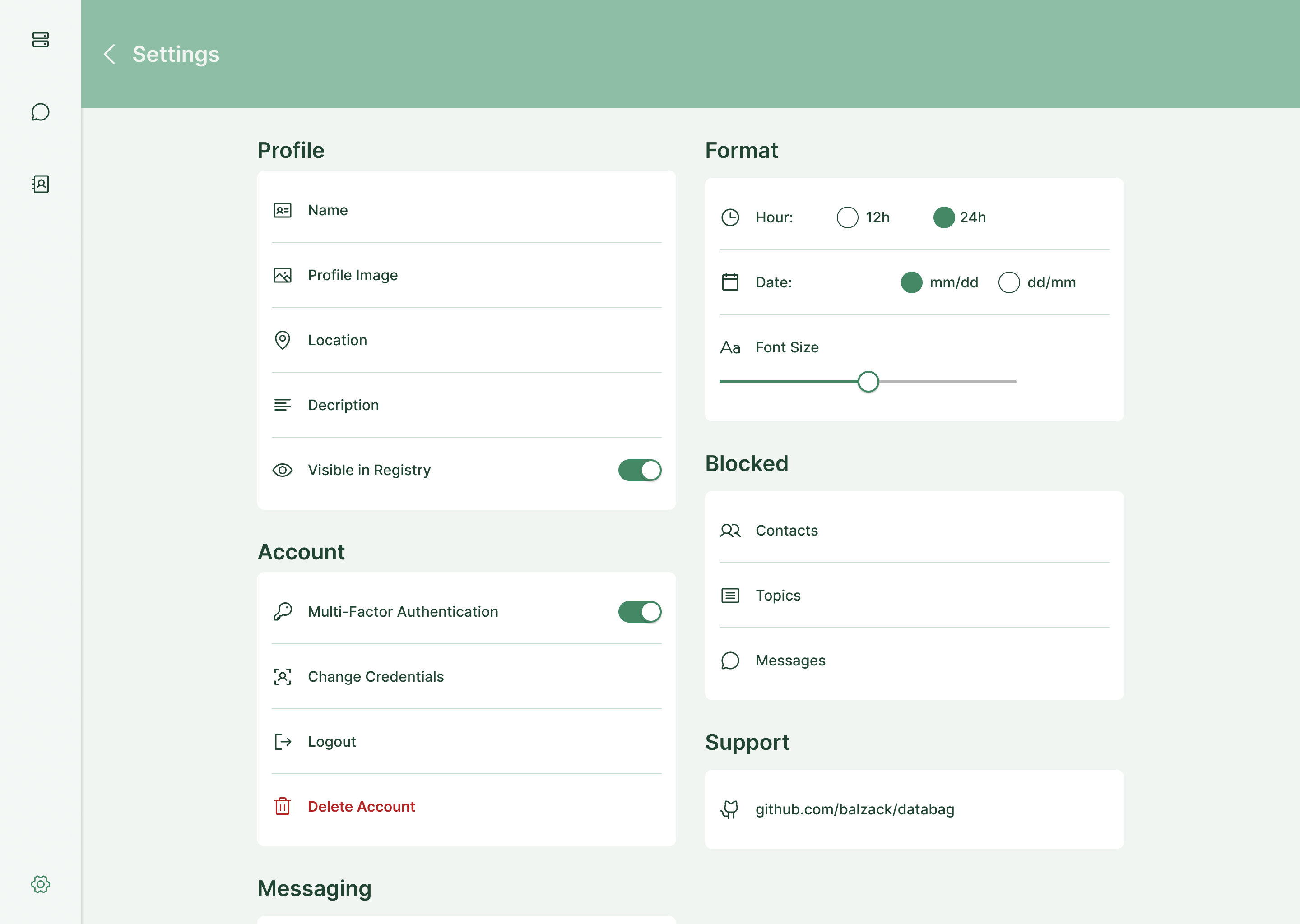
- Two step sign in with any TOTP app
- Audio and video calls, once you point it at a relay server
Setting up
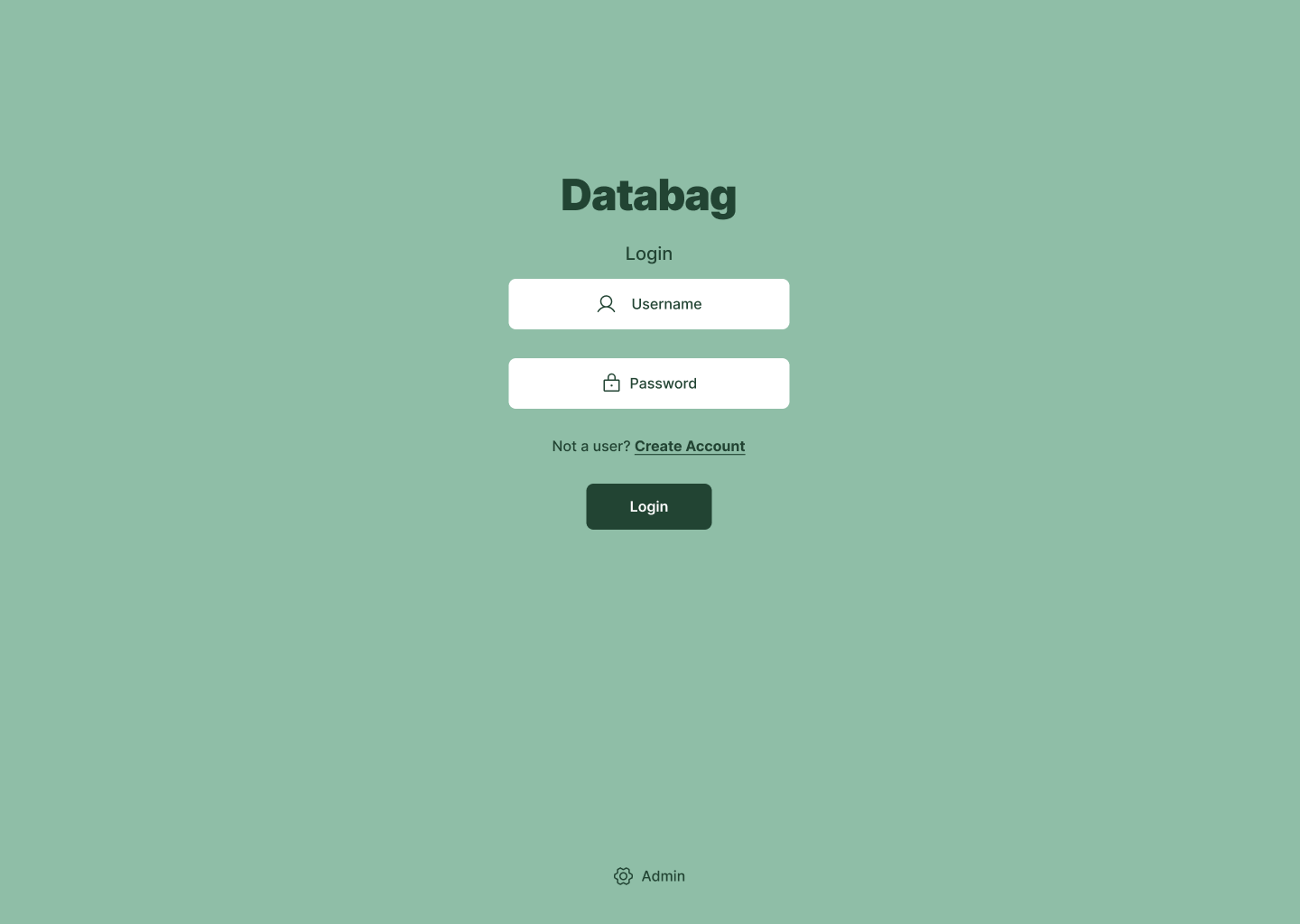
Databag keeps the admin console and the chat accounts apart. You choose the admin password when you install the app, and that password opens the console only. Nobody can chat with it.
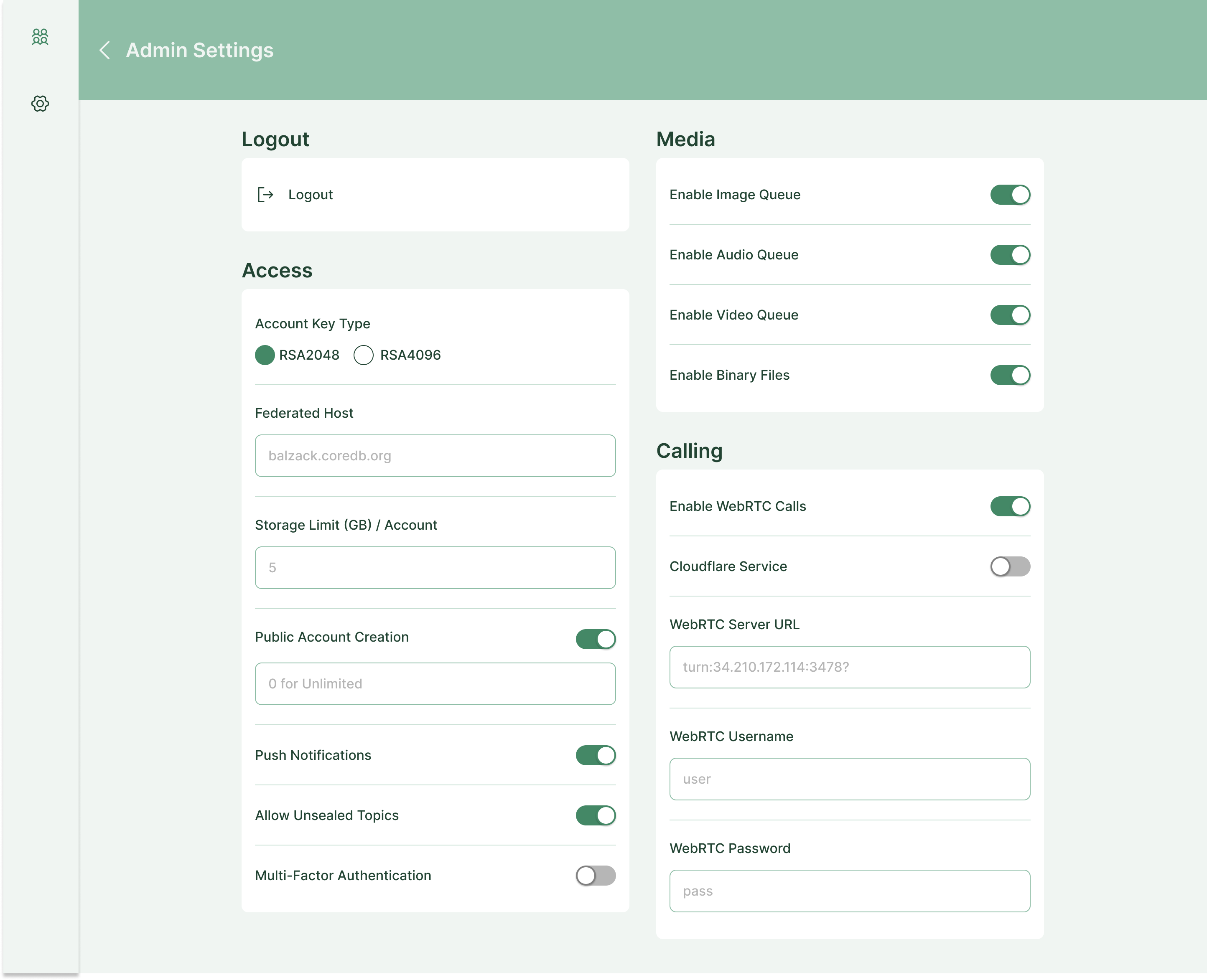
Open the app, click the cog icon in the top right, and enter the admin password. In the dashboard, click the user icon to make an account link. Open that link to create your first chat account.
On a hosted box, a new app starts as "Only me", and in that mode the mobile apps and other Databag servers cannot reach it. To let them in, open Settings, then Installed apps, then Databag, and switch access to Public. Databag then does its own sign in: every account still needs its username and password.
Good to know
Audio and video calls are off until you give Databag a relay server. Two people behind home routers cannot reach each other directly, so the call needs a STUN/TURN relay in the middle, and moose does not run one for you. You can run coturn on a server of your own, or use a hosted relay service. Then switch calls on in the admin console and enter the relay address, user name and password. Every other feature works without it.
The admin password is set at install time. To change it, edit the app's settings in moose, which restarts Databag with the new password. There is no way to change it from inside Databag.
Federation and the mobile apps need an address they can reach from the internet. On a hosted box that is the public address moose already gives the app. On a home appliance the app has a local network name, so those two features only work from inside your own network.