
Overview
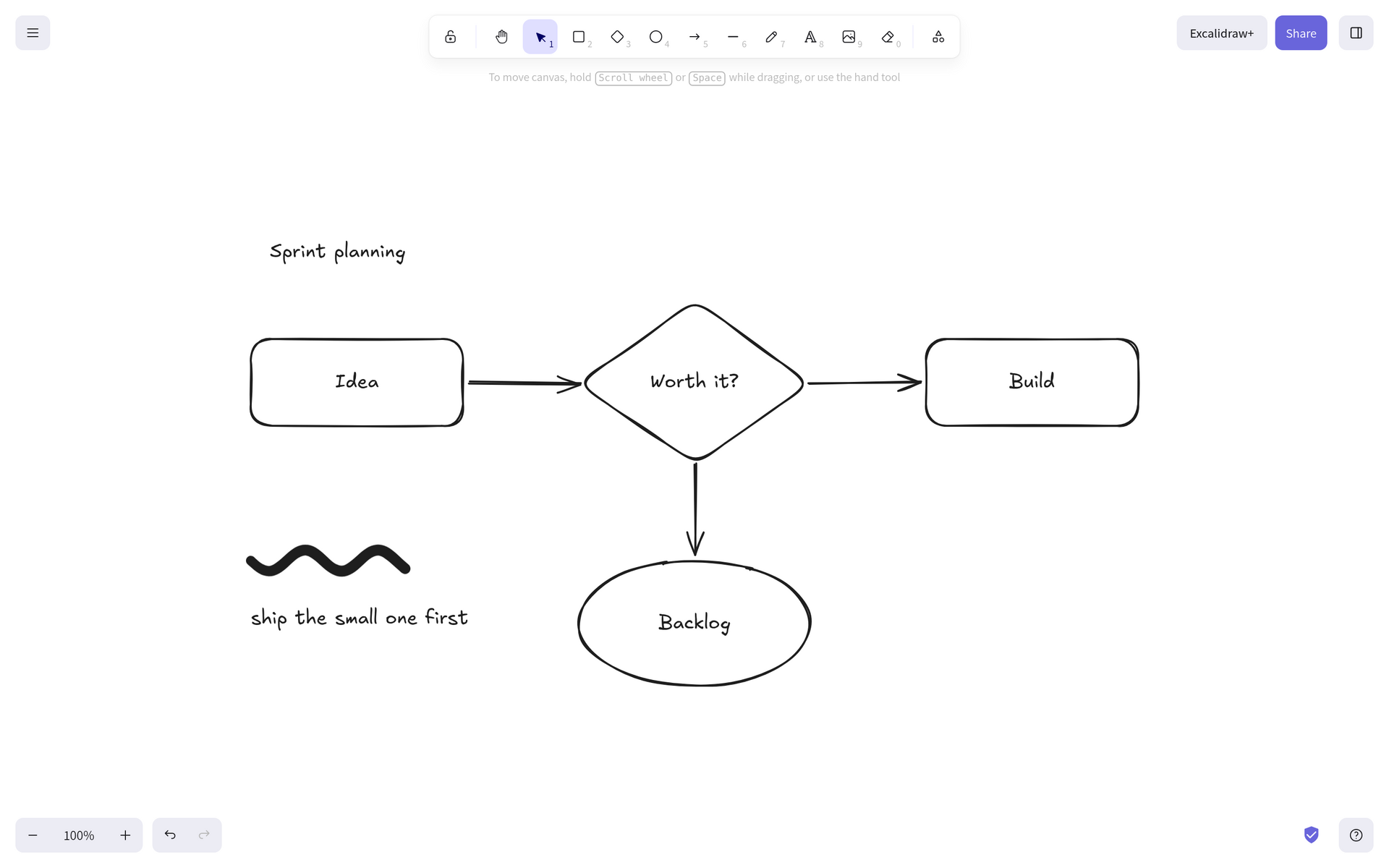
Excalidraw is a whiteboard for thinking out loud. You draw boxes, arrows, and freehand shapes, and they come out looking hand-sketched, which keeps a diagram feeling like a draft instead of a finished document. It runs entirely in your browser, so it is fast and works even with no network.
Features
- Shapes, arrows, text, and freehand drawing in a hand-drawn style
- Snapping, grouping, layers, and alignment tools for tidy diagrams
- Frames, an infinite canvas, and a laser pointer for presenting
- Diagram-as-code: paste Mermaid text and get an editable drawing
- Insert images, and pick from several handwriting and plain fonts
- Export to PNG, SVG, or an .excalidraw file you can open again later
Setting up
There is no account and no sign-in. Open it and start drawing.
Good to know
Your drawings are saved in your browser, on the device you draw on, not on your moose box. Clearing your browser data clears your drawings, and a drawing made on your laptop does not appear on your phone. Export the file if you want to keep it or move it.
Some features call Excalidraw's own public servers instead of your box: live collaboration, shareable links, the online shape library, and the AI diagram helpers. Those addresses are compiled into the app when it is built, so they cannot be pointed at your box.
The page also loads a small analytics script from a third party, so a visit is counted off your box. This is part of the app as its makers publish it, and there is no setting to turn it off. A content blocker in your browser stops it, and blocking it costs you nothing: drawing, saving, and export all keep working with no internet at all.