
Forgejo
A self-hosted software forge: your Git repositories, issues, and pull requests, on your own hardware.
by Forgejo
Overview
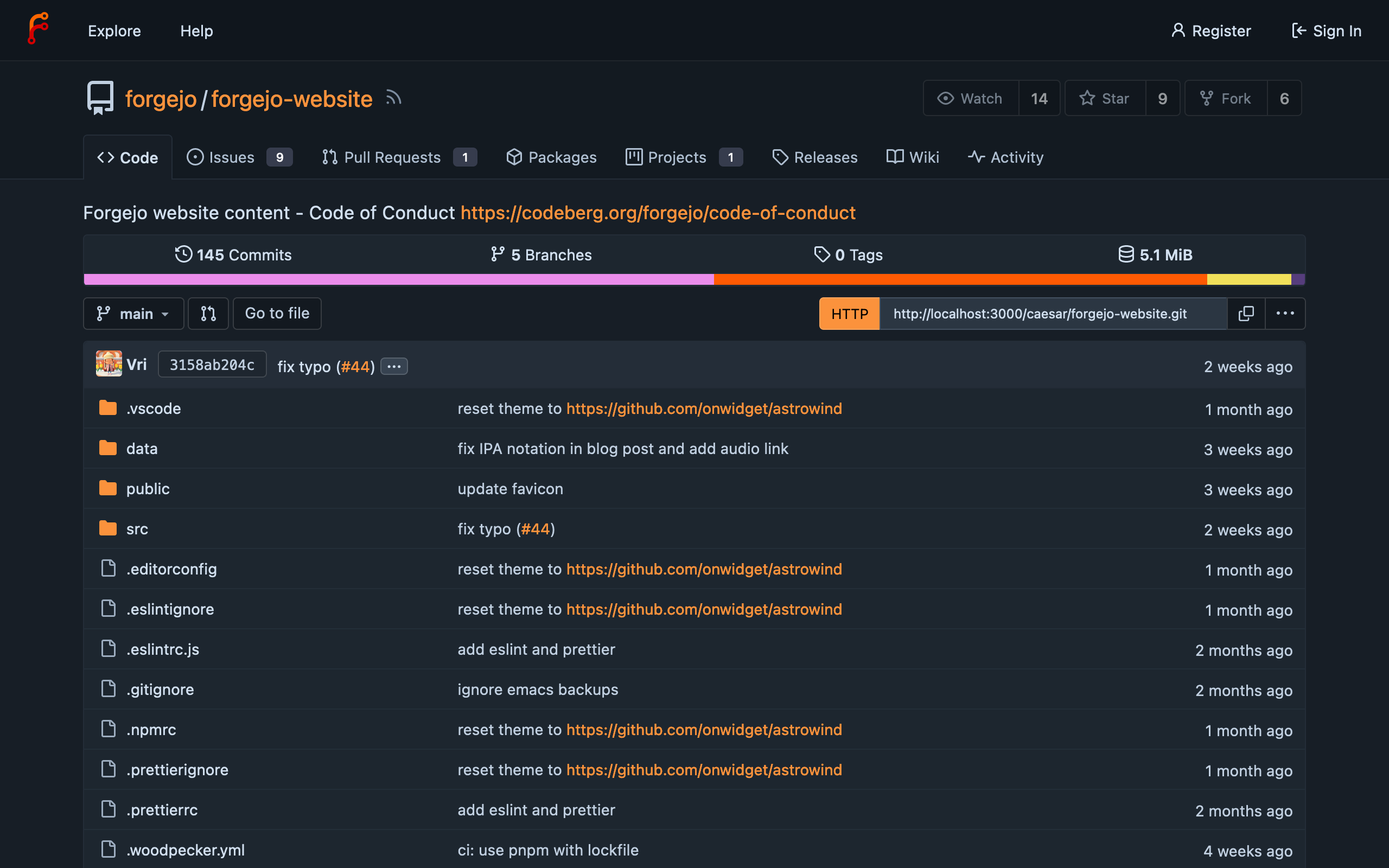
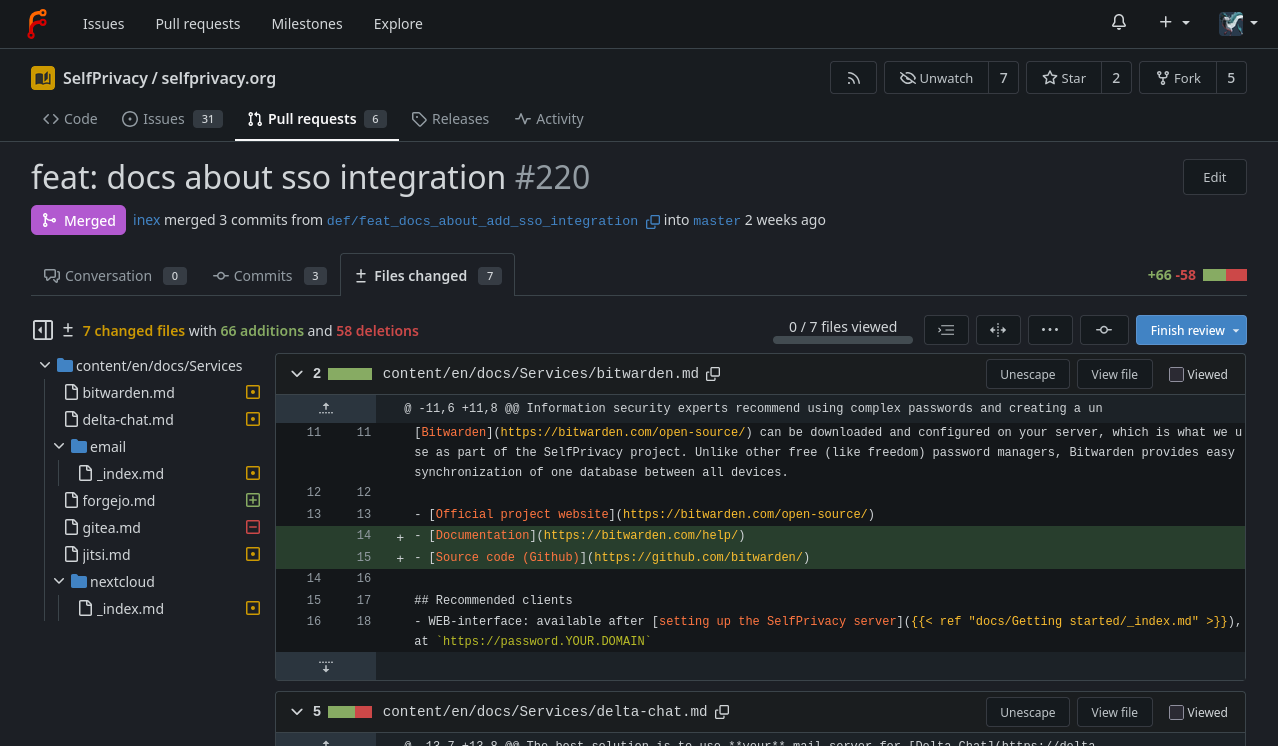
Forgejo gives you the full code-hosting experience at home: Git repositories with issues, pull requests, a wiki, and releases, served by a single small binary that stays fast on modest hardware. It is a community-run fork of Gitea, so it works the same way and reads the same data, and it is published by the people who maintain it rather than by a company.
Features
- Git repositories with issues, pull requests, a wiki, and releases
- Git LFS, so large files live in the repository like any other file
- Built-in migrator to bring existing repositories home from GitHub, GitLab, Codeberg, and other providers
- Repository mirrors that keep a copy of an upstream project in sync
- API tokens for scripting and automation
- Fast, small footprint that stays responsive on modest hardware
Setting up
On first visit Forgejo shows its install screen with every setting already filled in: just create your administrator account and finish. That account becomes the administrator. If your box is reachable from the internet, open the install screen's optional settings and tick "Disable self-registration" first, otherwise anyone who finds the address can sign up.
Good to know
Cloning and pushing work over HTTP at the app's moose address. Git over SSH is switched off because moose routes web traffic only, so use the HTTP clone URLs the app shows. Email (password resets, issue mentions) works once an administrator adds an outgoing email account in moose and binds Forgejo to it. Until then email is silently dropped, and an administrator can still reset any account's password from Forgejo's own admin panel.