
Hermes Agent
Your own self-improving AI agent with chat, tools, memory, and messaging-app channels, running on your hardware.
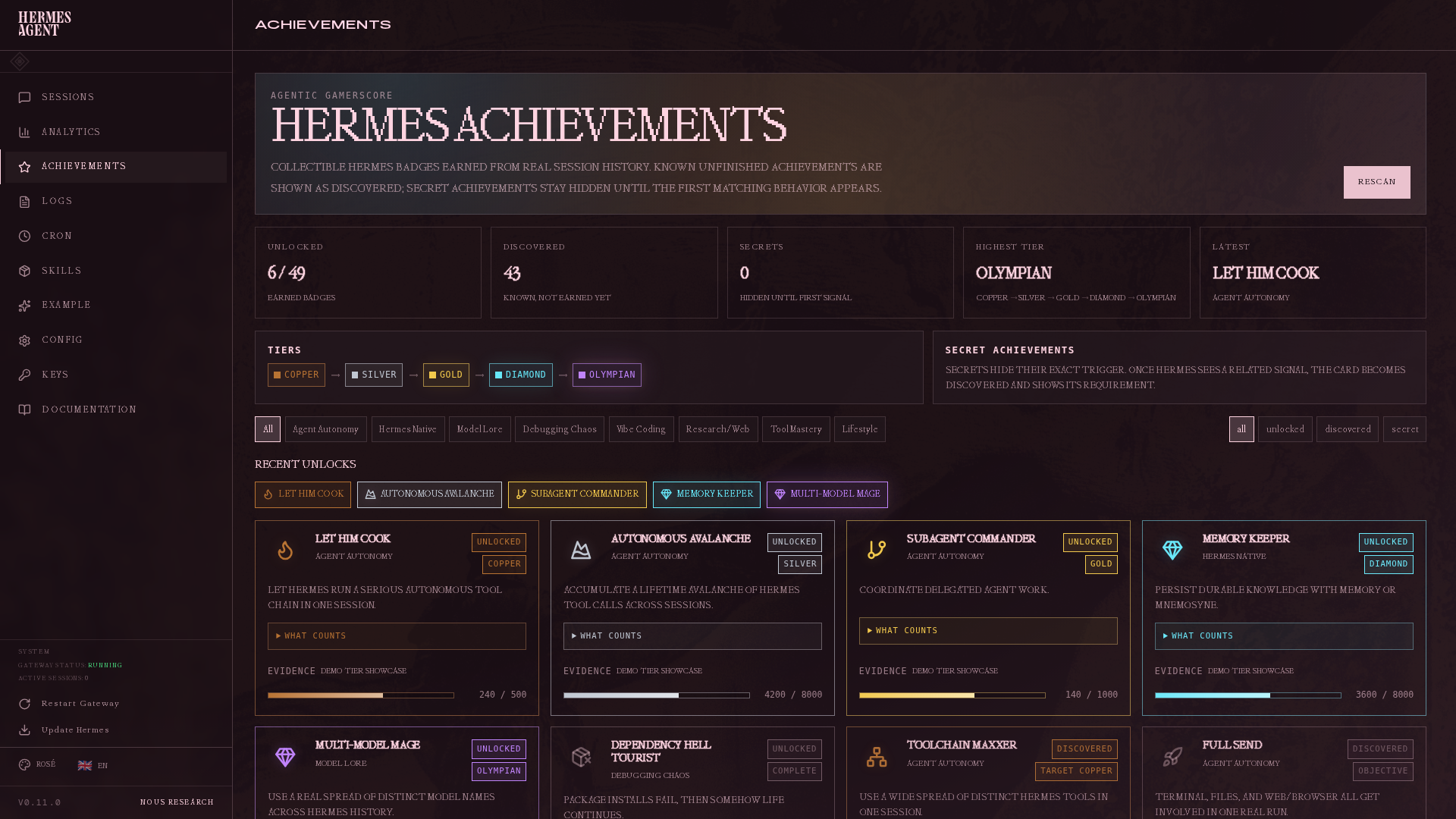
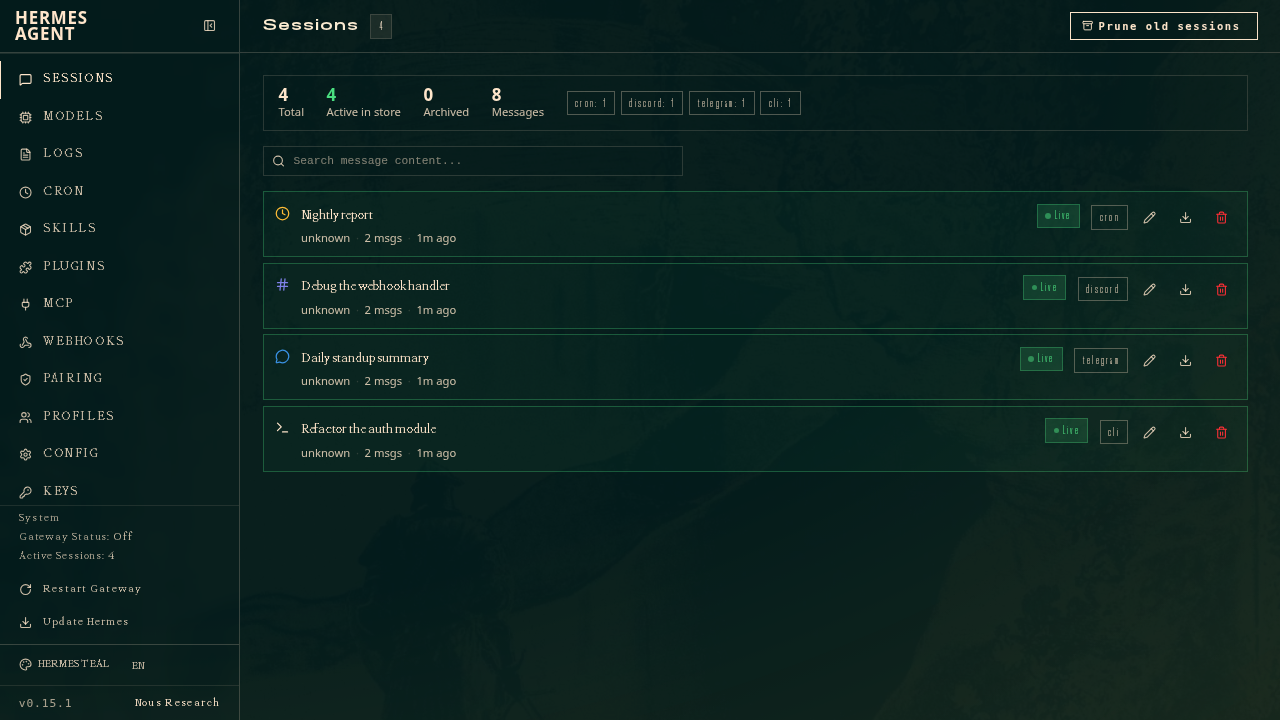
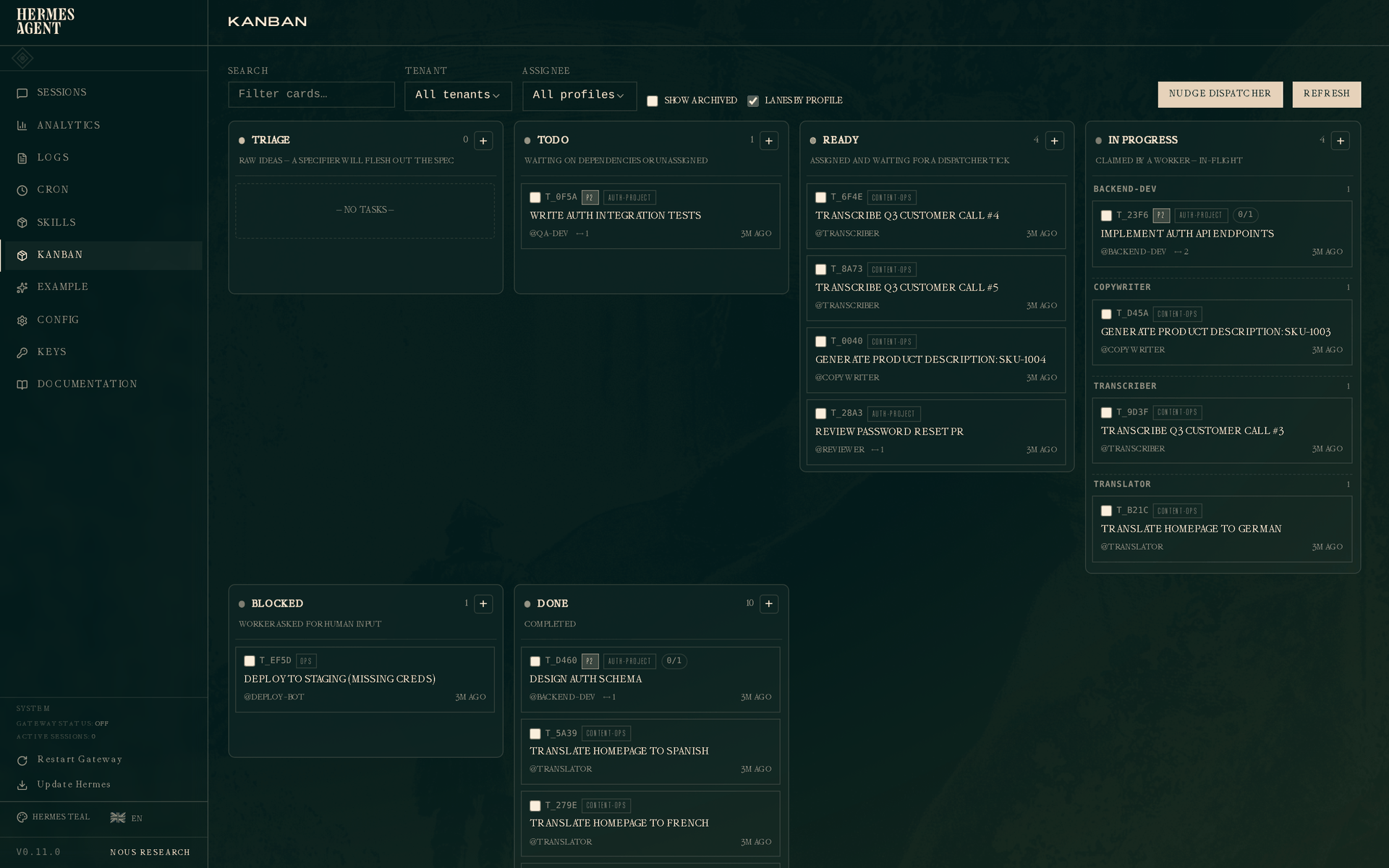
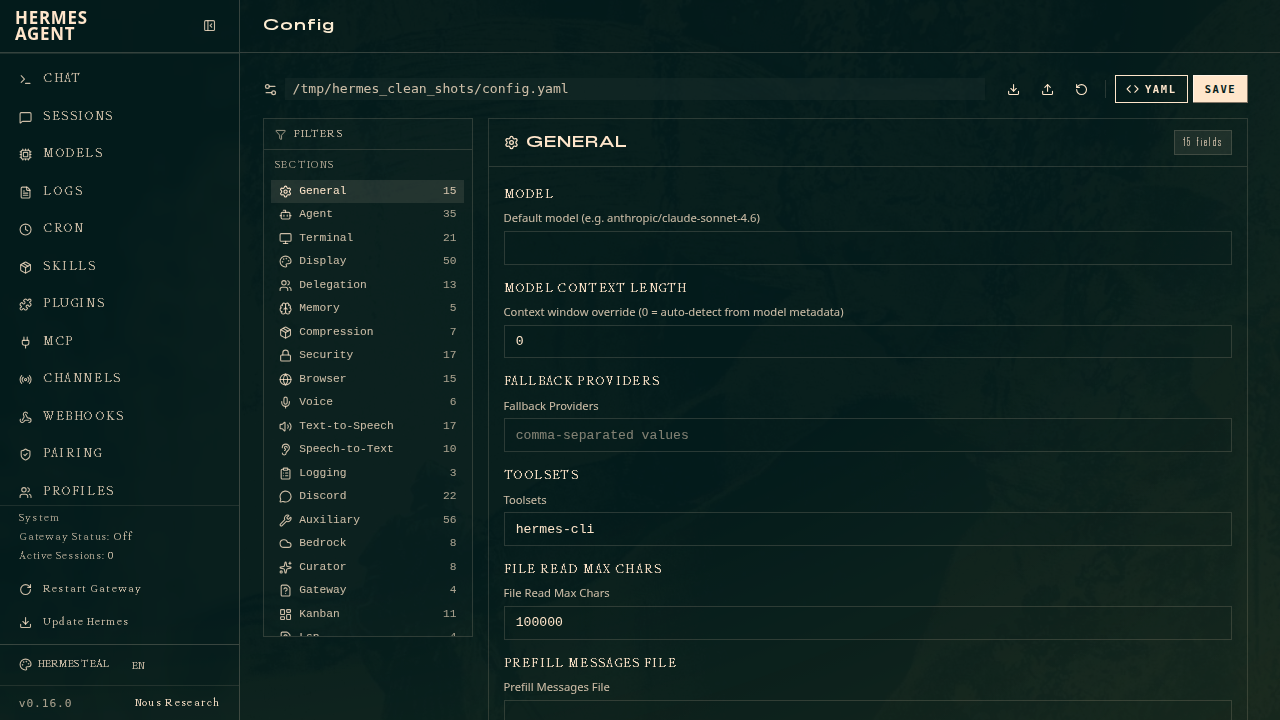
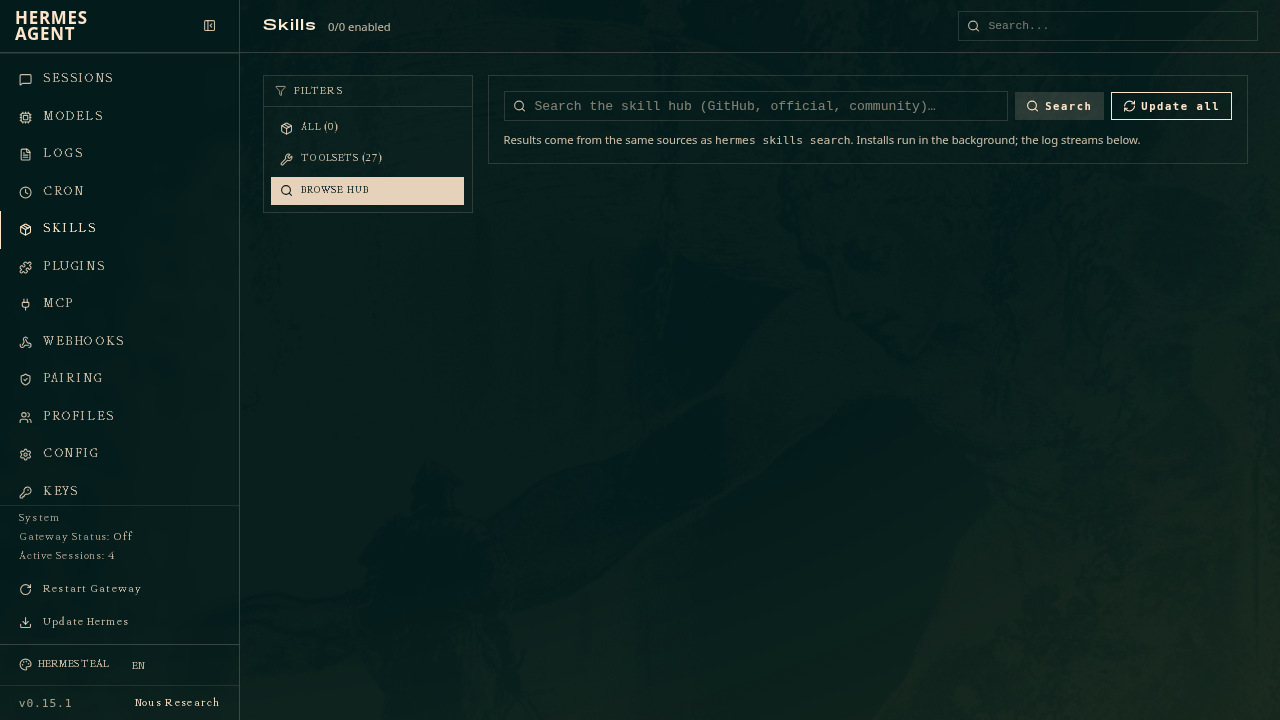
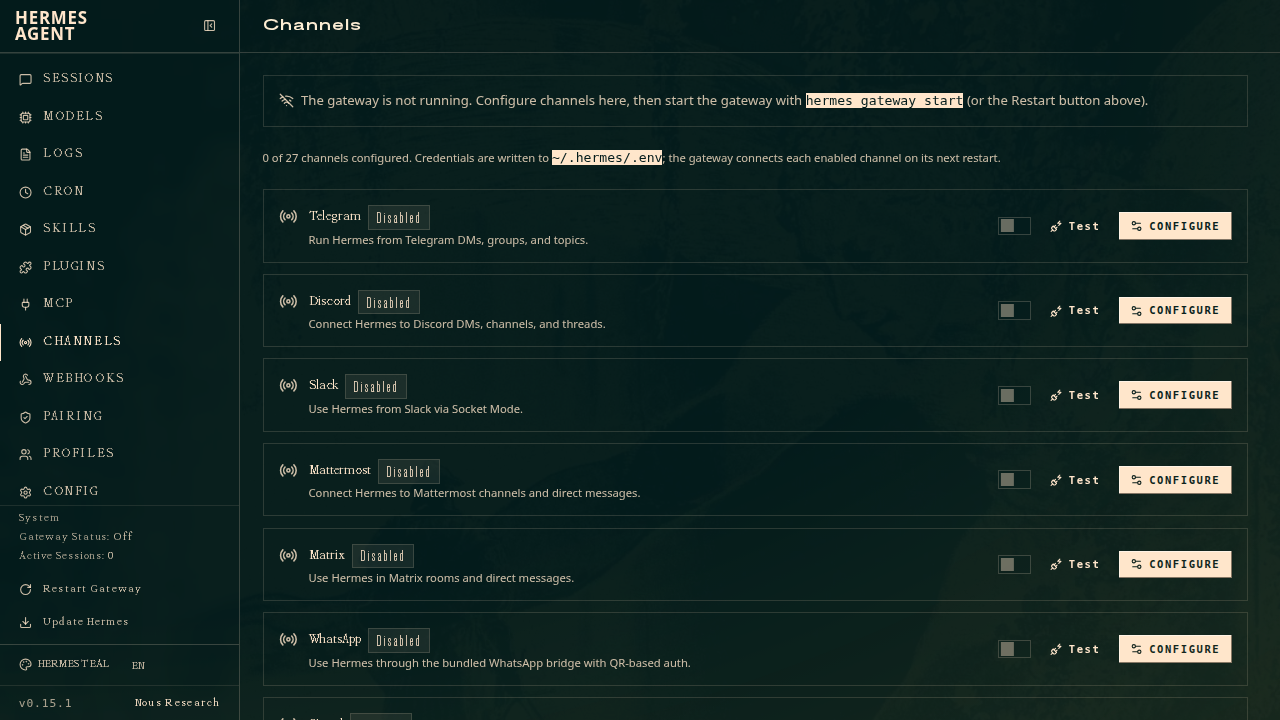
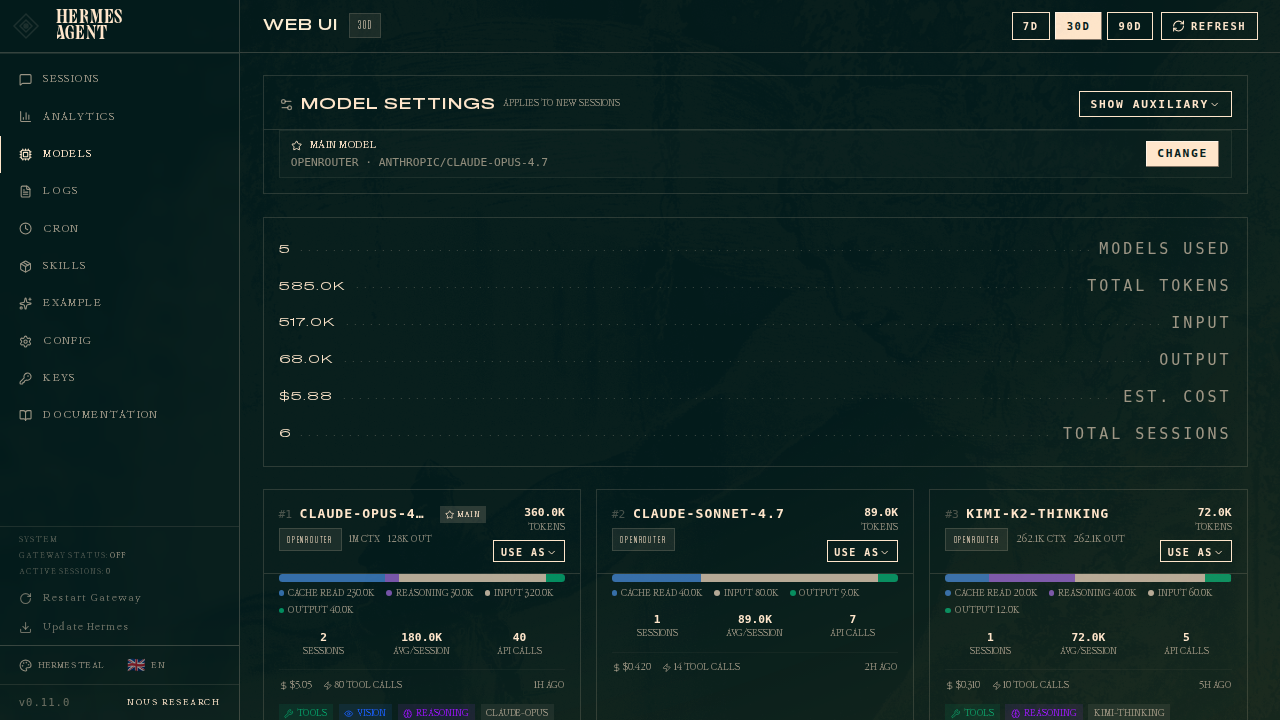
Overview
Hermes is a self-hosted personal AI agent from Nous Research with a built-in learning loop: it turns experience into reusable skills, searches its own past conversations, and builds a persistent model of you across sessions. It runs a gateway that connects to the model providers you choose and gives the agent real tools, all from a single web dashboard. Your conversations, memory, and workspace files stay on your machine rather than in someone else's cloud.
Features
- Chat with an agent that has real tools: web search, browser automation, files, and multi-step workflows
- A learning loop that turns experience into reusable skills and remembers you across sessions
- Bring your own model provider: Anthropic, OpenAI, Gemini, OpenRouter, or any OpenAI-compatible endpoint (self-hosted vLLM, llama.cpp, Ollama, Groq, Together, and more)
- Reach the same agent from the messaging apps you already use: Telegram, Discord, Slack, and WhatsApp
- All conversations, memory, and workspace files stay on your own server
Setting up
There is no sign-up or account to create. Hermes ships a single administrator account, and moose generates its dashboard password for you at install. Sign in on the login screen with:
- Username:
admin - Password: generated at install, shown on this app's detail page under its credentials
Pick at least one model provider at install so the agent can answer: Anthropic, OpenAI, Gemini, OpenRouter, or any OpenAI-compatible endpoint. You can add more later in the dashboard's settings. Then start chatting.
Good to know
- The agent needs internet access and your own provider API key to answer.
- Messaging channels that connect outbound (Telegram, Discord, Slack, WhatsApp) work fully. Channels that instead need to receive calls at their own public address (Microsoft Teams, phone or SMS-style webhooks) are not available in this hosted form, because moose routes one address to the dashboard.
- Tools and skills that download extra operating-system packages at runtime will not work. Anything built into the image, including the browser tool's bundled Chromium, does work.
- This build runs a single agent profile. The multi-profile gateway manager from upstream's own image is not exposed, and a crashed gateway is not auto-restarted inside the container (moose restarts the whole app if its health check fails).