
Navidrome
Your own music streaming service, playing the albums on this box to any browser or phone.
by Navidrome
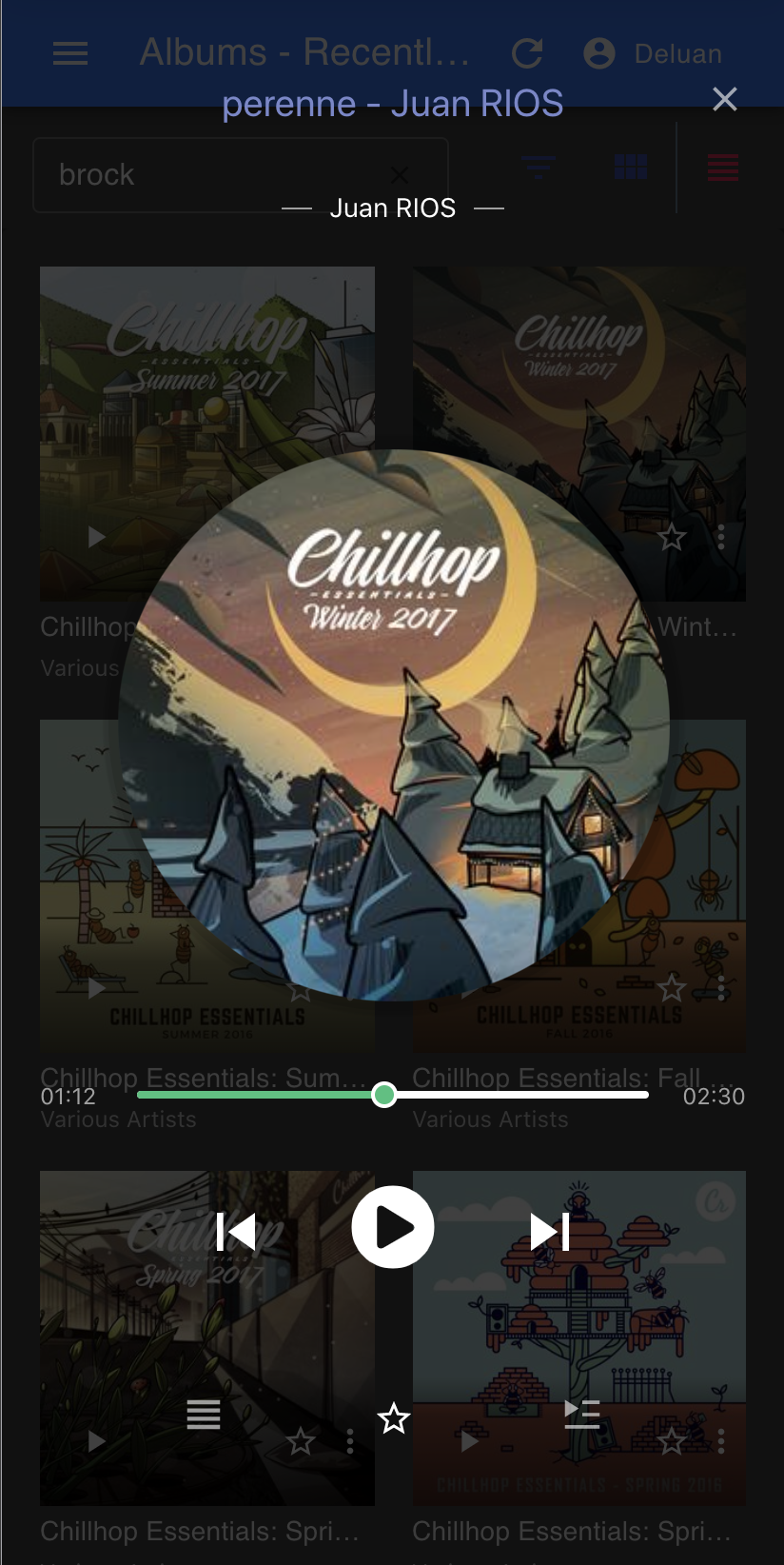
Overview
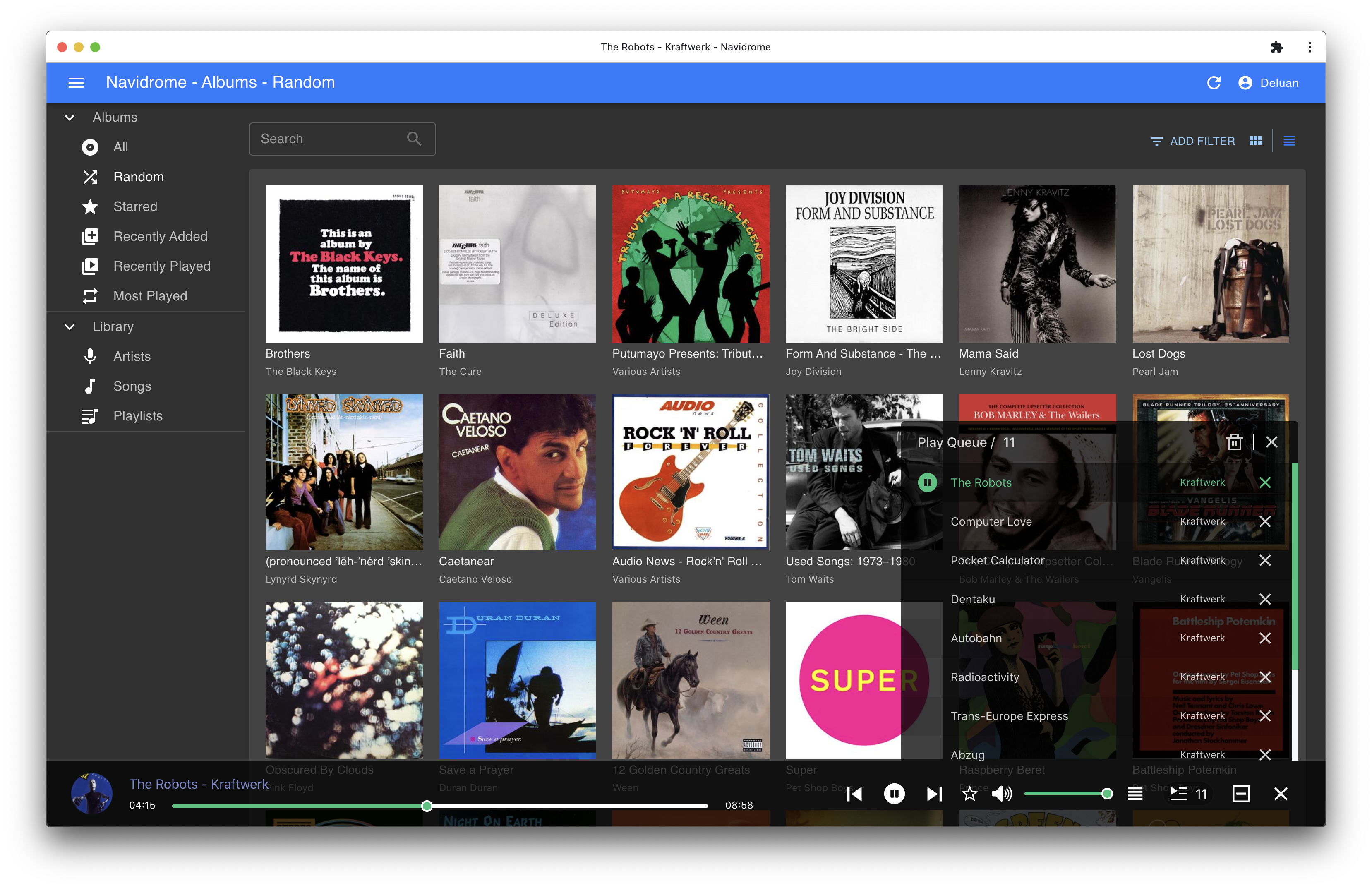
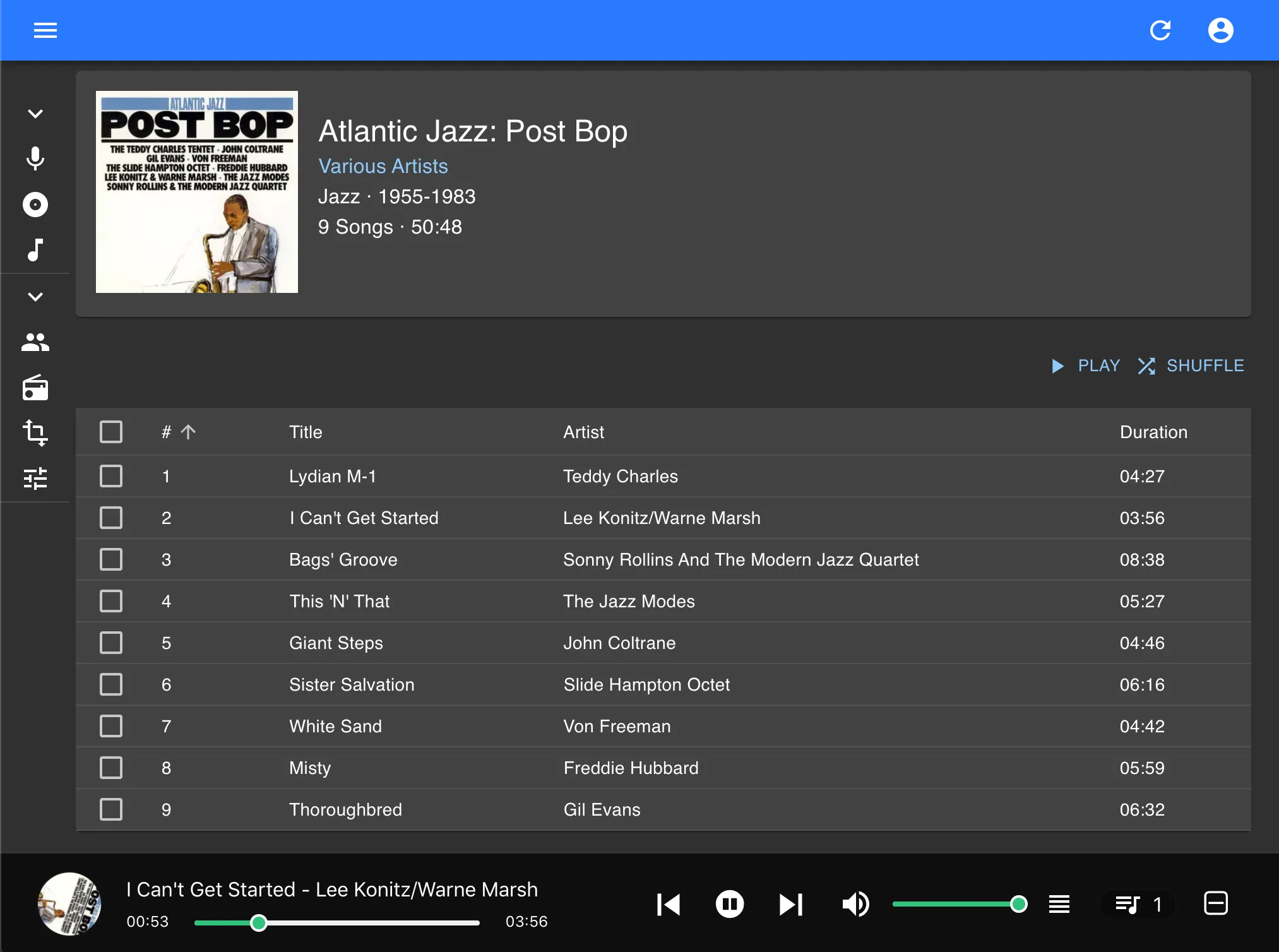
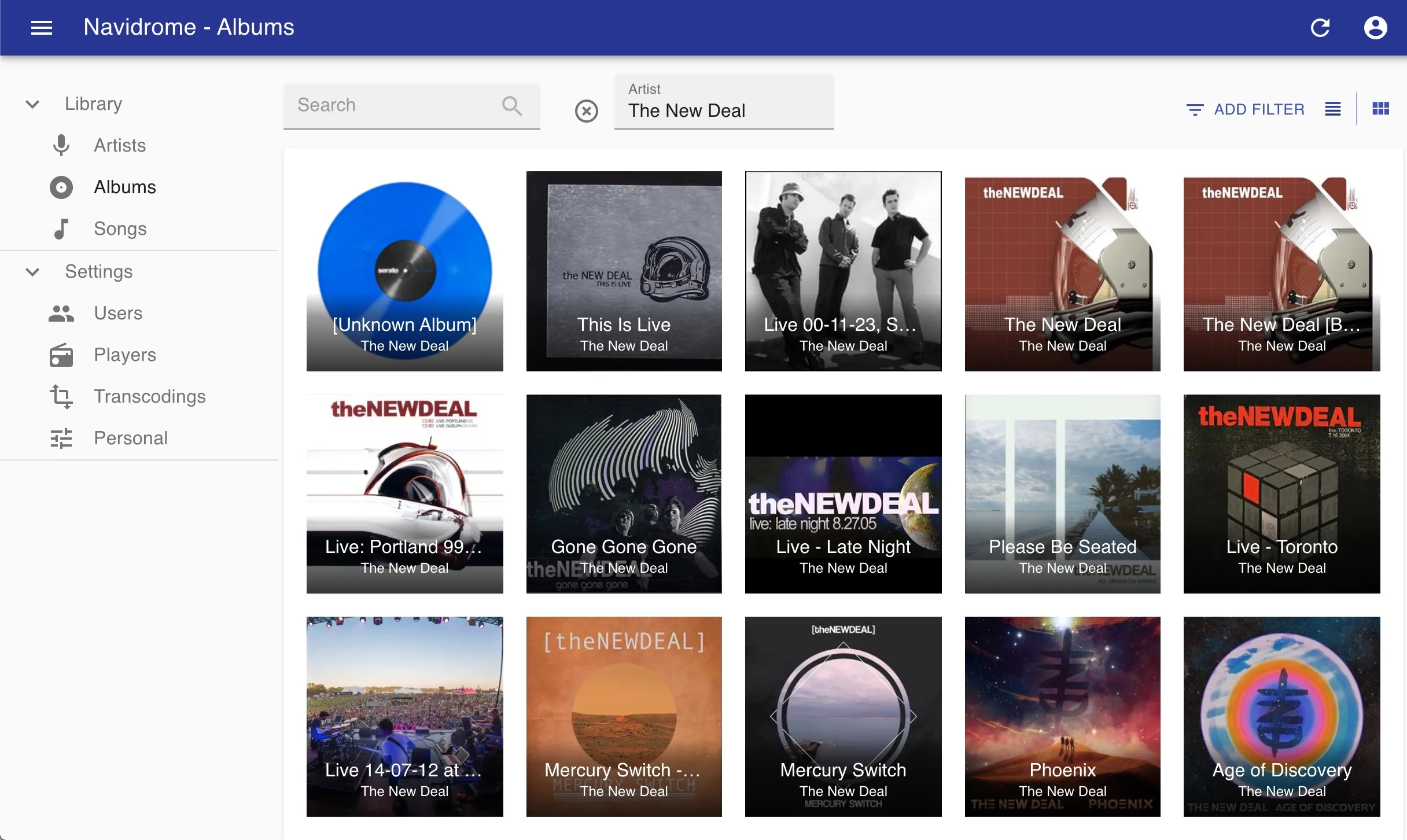
Navidrome reads the music folder on this box and turns it into a real streaming service: albums with cover art, artists, playlists, star ratings, and play counts, from a browser or from any Subsonic app on your phone. It is fast and light, it never touches the files it reads, and nothing about your library leaves the box.
Features
- Browse by album, artist, genre, or year, with cover art and full-text search
- Playlists, favourites, star ratings, and play counts, kept per person
- Works with the Subsonic music apps for phone and desktop, such as DSub, play:Sub, and Symfonium
- Transcodes on the fly when a track is too big for a slow connection
- Share a track, album, or playlist through a link, with an expiry date
- Accounts for the whole household, each with their own library view
Setting up
Your files stay exactly where they are. Navidrome reads your Music folder in place and never moves or rewrites it, so uninstalling leaves every file untouched. The folder you grant at install is already wired up as the library, so there is no path to type: open the app and the first scan starts by itself.
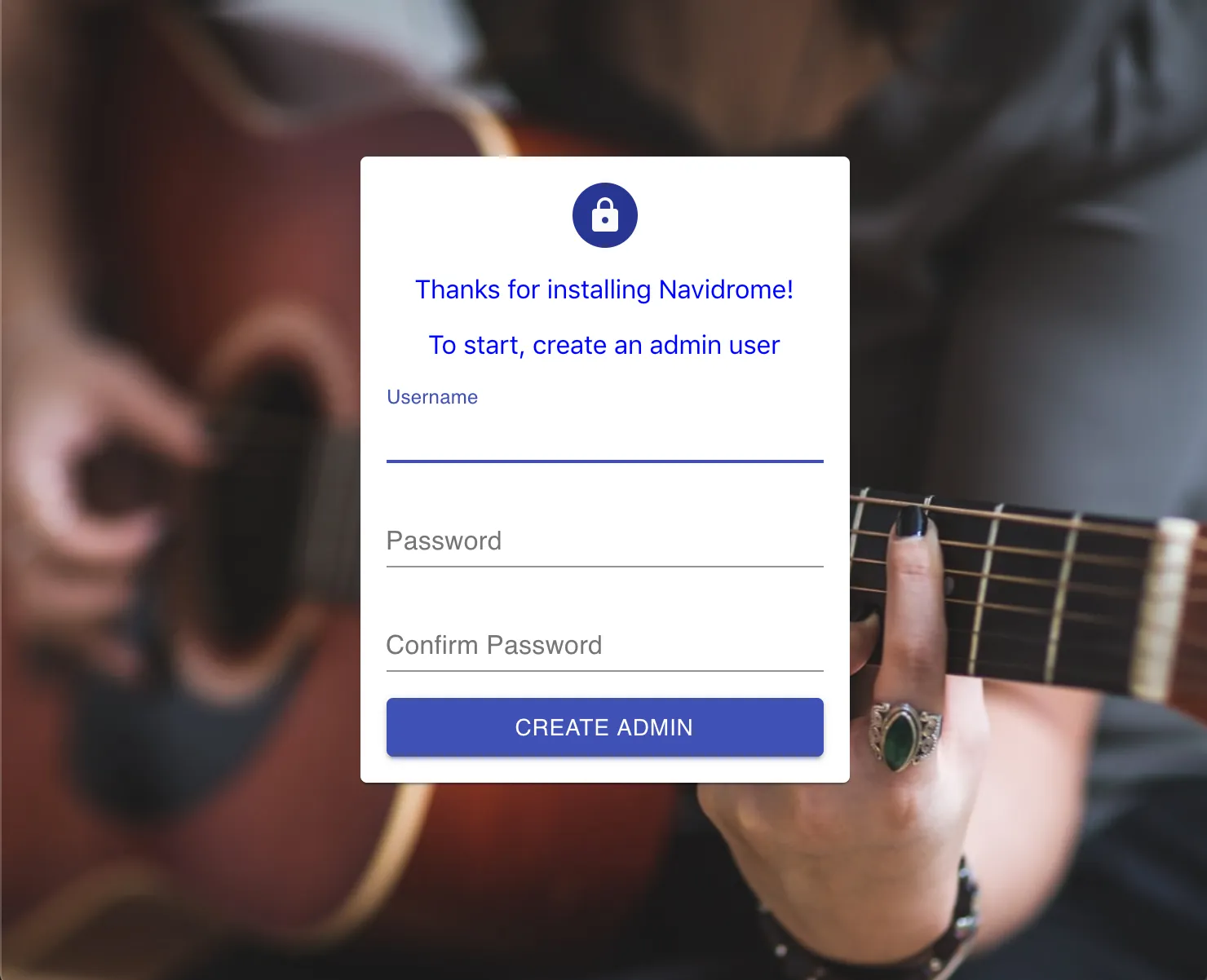
The first account you register after install becomes the administrator.
Good to know
The first scan of a big library takes a while, and albums appear as it goes.
Playlists you make in the app are kept inside Navidrome, not written back
into your music folder; .m3u playlist files already sitting in the folder
are imported and played as normal.
Artist photos and biographies are fetched from music databases on the internet, and a few of those sources need your own free API key before they turn on. Everything else runs on the box, and your library is never uploaded anywhere.