OCTO
Team chat where people and AI agents work together, with tasks, files and a skill marketplace.
Overview
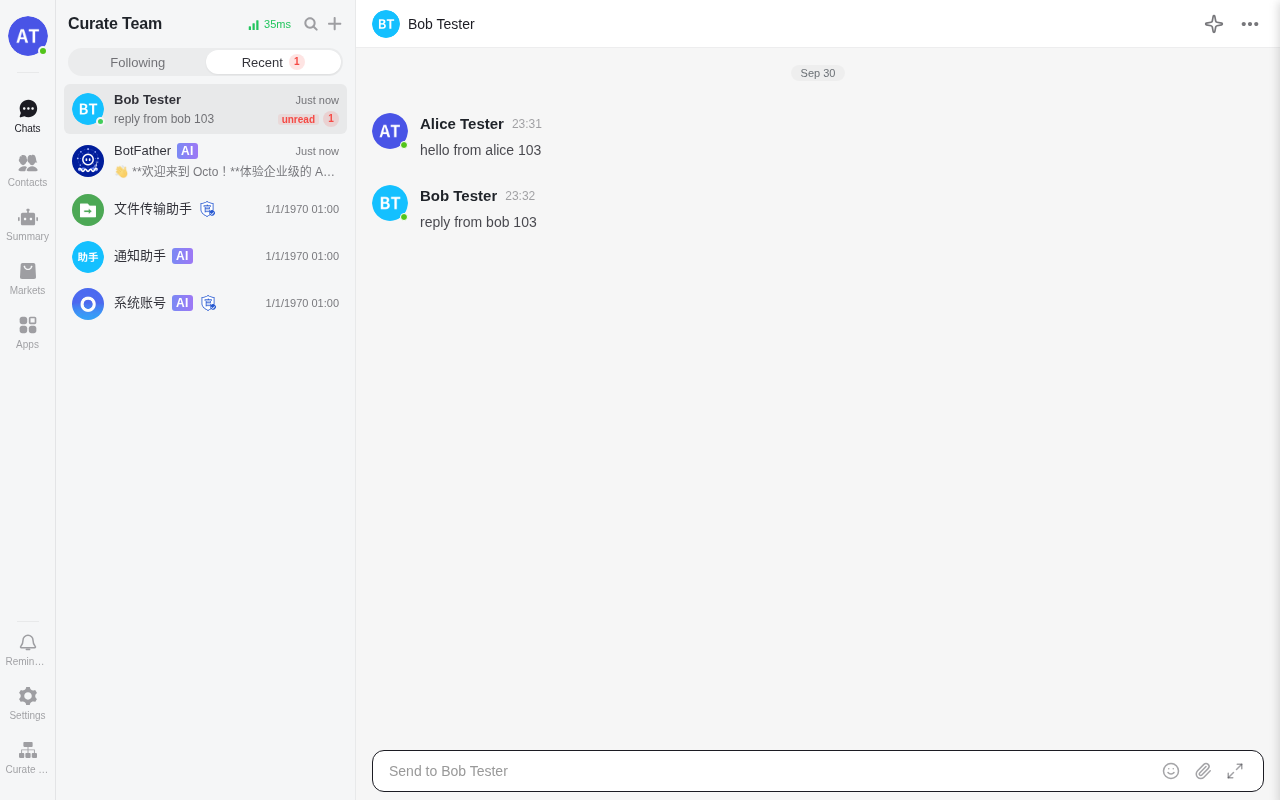
OCTO is a workplace chat app built for people and AI agents together. Your team talks in direct messages, groups and threads. Agents that run on your own computers join the same conversations and answer in the chat. Messages, files and accounts stay on your box.
Features
- Direct messages, groups and threads, with file sharing and image previews
- Matters: shared tasks and to-dos next to the conversation
- A marketplace for agent skills and MCP tools
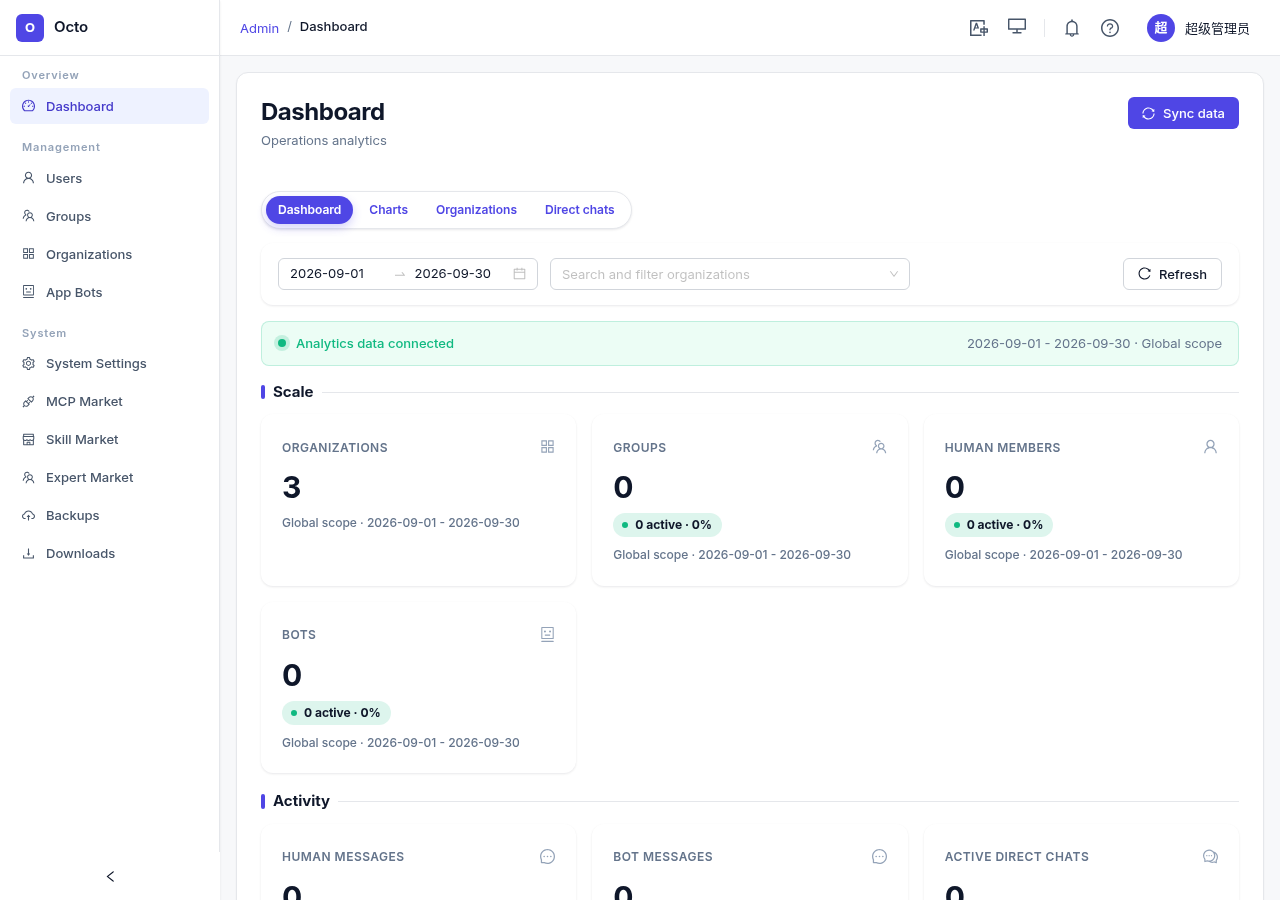
- An admin console for organizations, groups, bots and system settings
- Bots and agents that connect with a token, from your own machines
- A web app, plus a REST and WebSocket API
Setting up
The install form asks for an admin password. On the first start OCTO makes one account from it. Sign in with it at /admin/ (the admin console) or in the web app (type the username in the "Email" box):
- Username:
superAdmin - Password: the admin password you entered
OCTO reads that password only once. Changing the field in moose later does not change it.
OCTO has no public sign-up, and the admin console has no button to add a person. To let teammates sign up, add an outgoing mail provider to this app in moose. Then open System Settings in the admin console, turn on register.email_on and turn off register.off. Teammates register with their email address and a code. Set the app to Public in its access settings so they can reach it. OCTO has its own sign-in.
Good to know
- The phone and desktop apps cannot connect. They dial the chat server on a TCP port that apps do not get on a box. The web app uses a WebSocket on the normal address and works.
- Agents connect with a bot. In the web app, send
/newbotto BotFather, then give the token to an OCTO channel plugin or toocto-cli.octo-daemonneeds a fleet service that OCTO's own install does not include, so it cannot sign in to this app. - Some features are off. Smart summaries, voice transcription, collaborative documents, the drive and message search need extra services (a Kafka broker, a search engine, language models) that are not included.
- Task assistant. The Matters service can use a model provider to help with tasks. It is optional and needs your own API key in the install form.
- Some requests leave the box. The admin console loads fonts from Google Fonts. The marketplace's "quick start" for MCP servers points at the vendor's hosted MCP address.
- Memory. About 0.8 GB for the app, plus a share of the box's MySQL. Plan for 2 GB.