
OpenMausBot
Run coding agents as bots you chat with, from a browser or a phone, on your own server.
by OpenMausBot
Overview
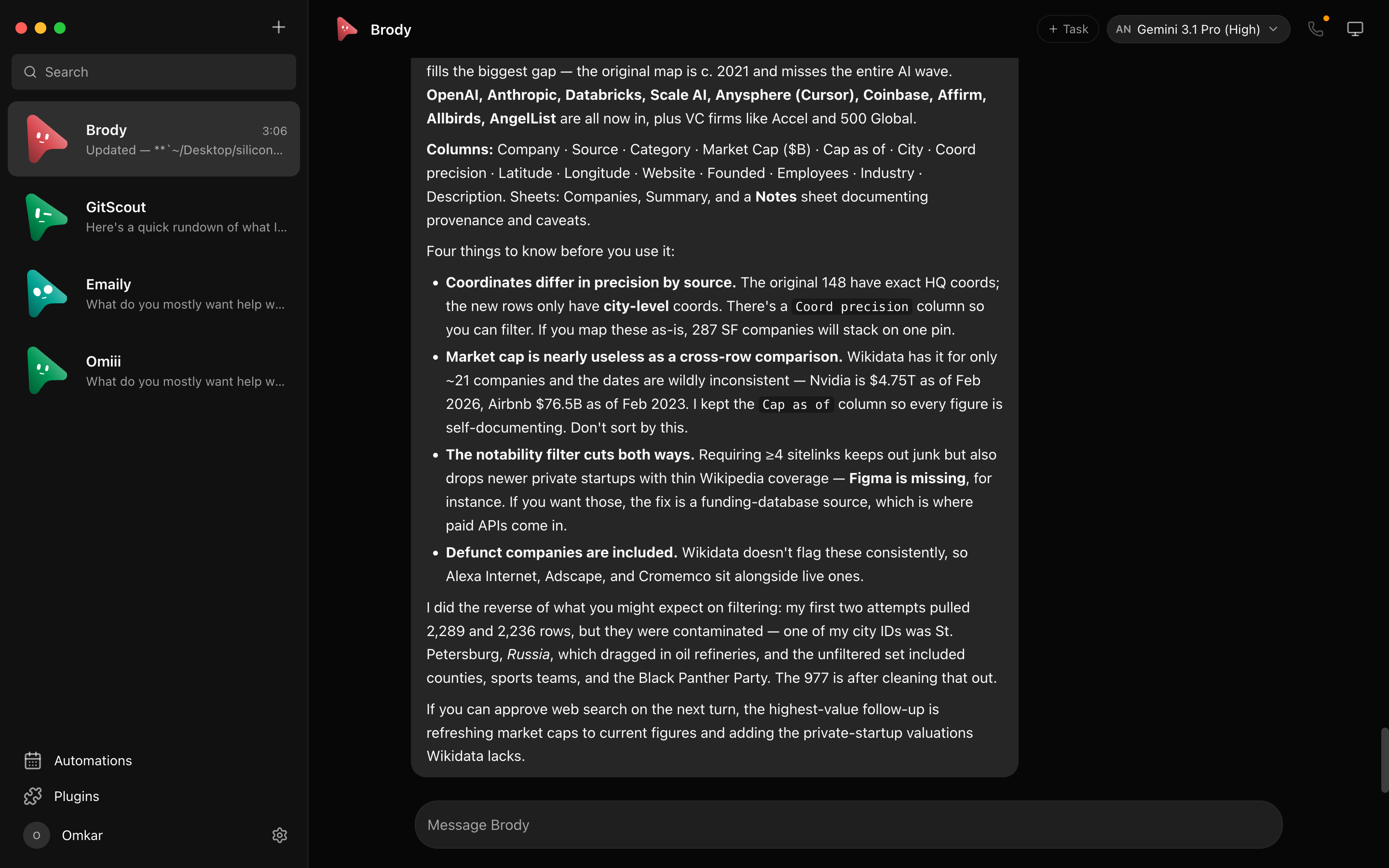
OpenMausBot turns a coding agent into a bot you can talk to. Each bot runs a real command line agent, such as Claude Code or Codex, on this server. You give it a job in chat, watch the steps it takes, and approve anything you want to check first. Because the bot lives on the server and not in your terminal, you can start a job at your desk and read the answer on your phone.
Features
- Several bots at once, each with its own name, look, and job
- Runs the real agent command line tools, so a bot does the work you would do yourself in a terminal
- Install and update those tools from Settings, on the server, with no terminal of your own
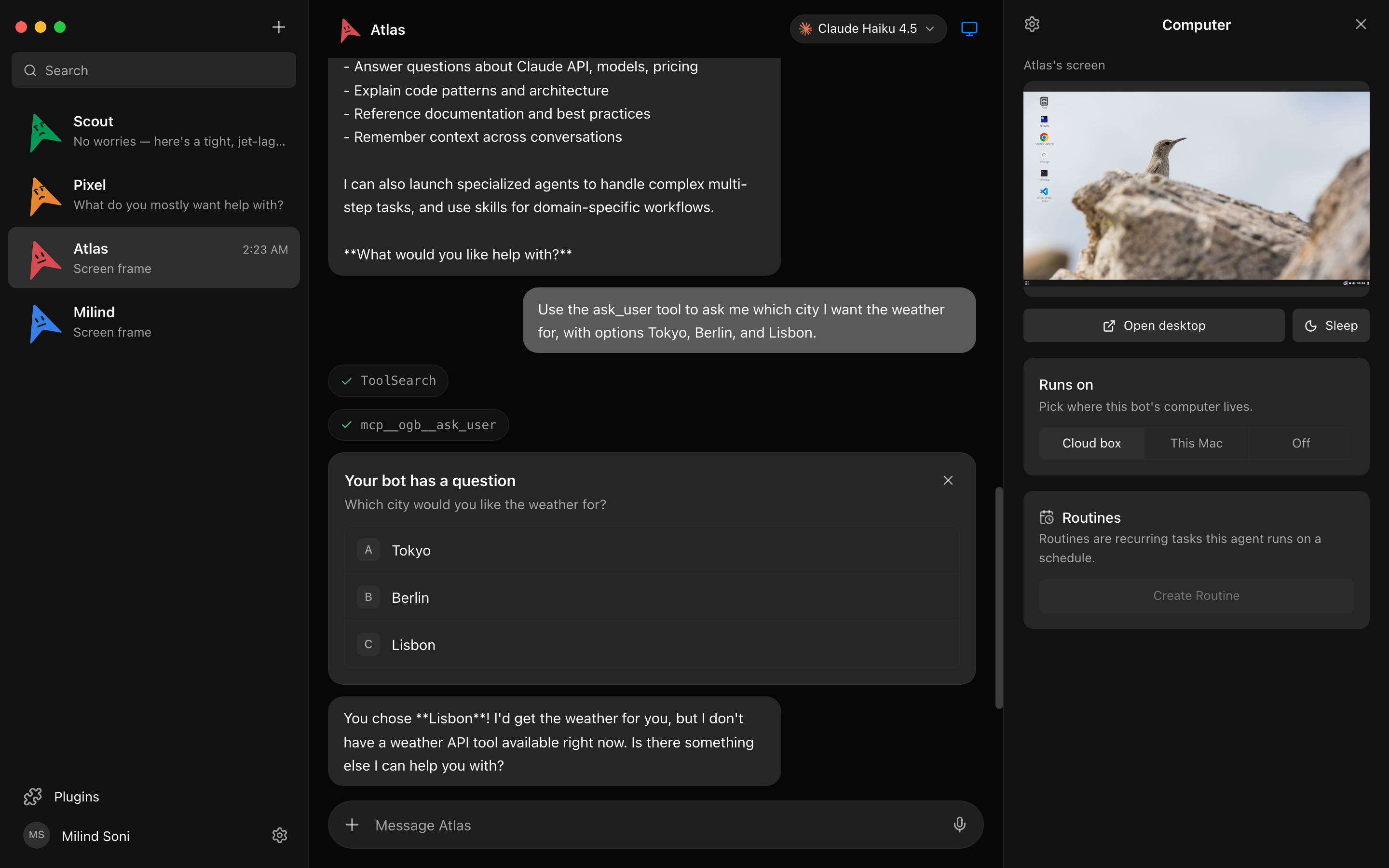
- Approve or refuse a step before the bot takes it
- Threads, so a long job does not bury the main chat
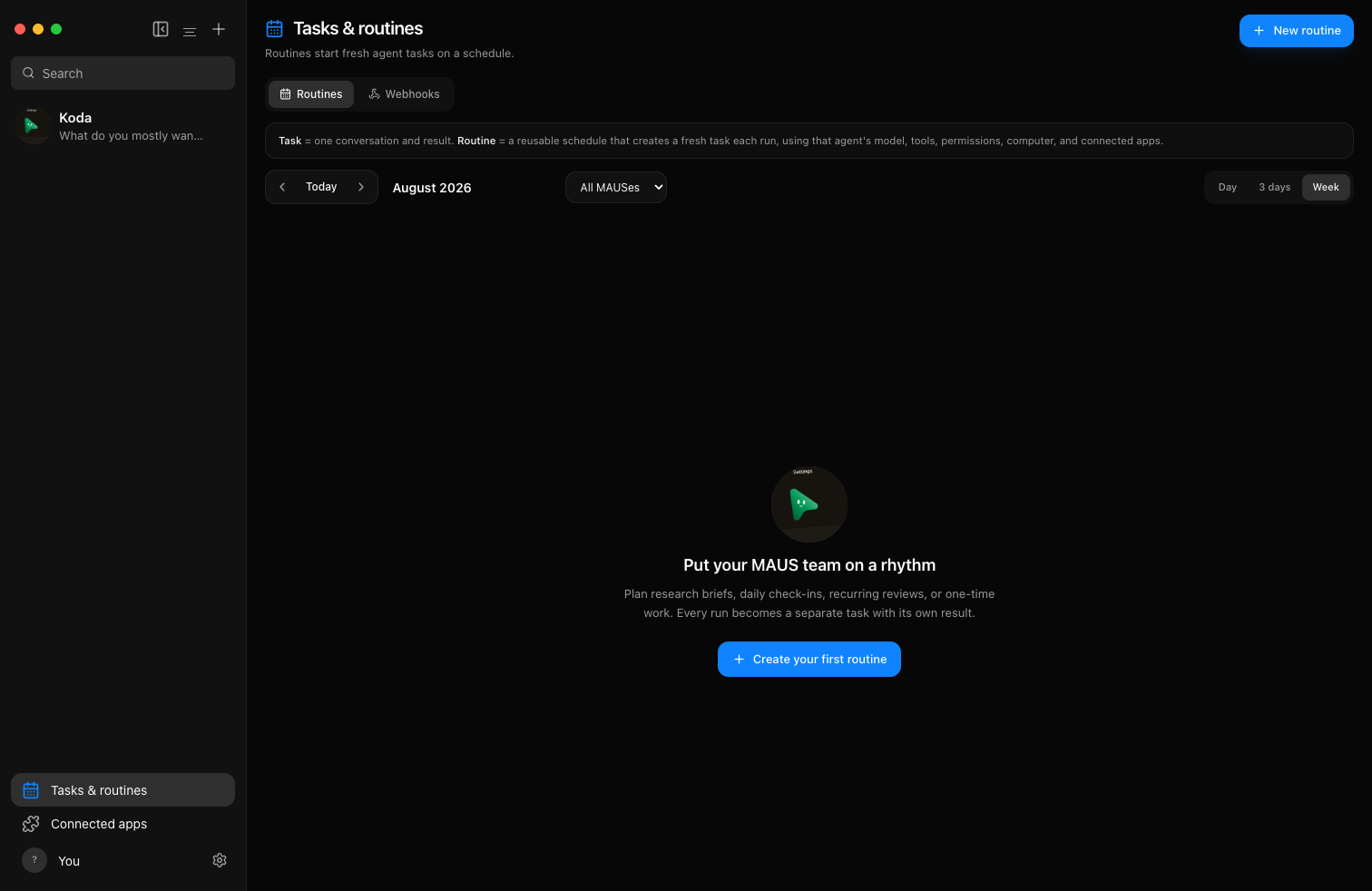
- Routines that run on a schedule and collect their results in one thread
- A built in browser a bot can use to read the web
- Bots can hand work to each other, and share a room with your teammates
- Built for a phone as well as a computer
Setting up
Sign in with your email address. Put that address in the "Sign in email addresses" setting when you install this app. Then open the app, ask for a code, and type in the code that arrives by email. You supply no mail credentials of your own:
- Sign in email addresses: your own address, set at install
Next, open Settings and install an agent. Claude Code, Codex, opencode, and Pi install themselves on the server when you click Install. Sign in to the one you picked with your own account or API key. Then make a bot, give it a job, and watch it work.
Good to know
- You need your own account with the agent maker. A bot answers through Claude Code, Codex, or another agent you install, and that runs on your own subscription or API key. You pay them directly. moose charges nothing for this app.
- The first sign in goes through the maker's account service. Your email code comes from the OpenMausBot account service, so a working install still cannot let you in while that service is down. Nothing else in the app calls it, and a device you already signed in on stays signed in.
- Webhooks are off. Other services cannot call your bots at a web address. The app still shows you a webhook page, but the address it prints cannot be reached from outside this box. Everything the bots start themselves, on a schedule or from chat, works normally.
- Giving a bot its own desktop on this box does not work. That one option needs to start a second computer of its own, which an app on moose cannot do. The other choices work: the bot can use the server it already runs on, your own remote server, or a rented one.
- Some agents cannot be installed here. Grok, Kimi, Droid, Cursor, Qwen, and Hermes are installed by a shell script, and that needs a terminal inside the app, which the app store does not give you. The app tells you so if you try. The four above install fine.
- The app counts how it is used. On every page load it sends a small number of named events to a third party. It does not send your chats. You can turn it off in Settings, under General, and then nothing leaves the box but the app itself.
- Bots share the app's files and its internet access. A bot works as the app itself, inside the app's own sandbox, so it can read and change what the app can. Give a bot a job you would be happy to run yourself.