
Penpot
Open-source design and prototyping tool your whole team works in together.
Overview
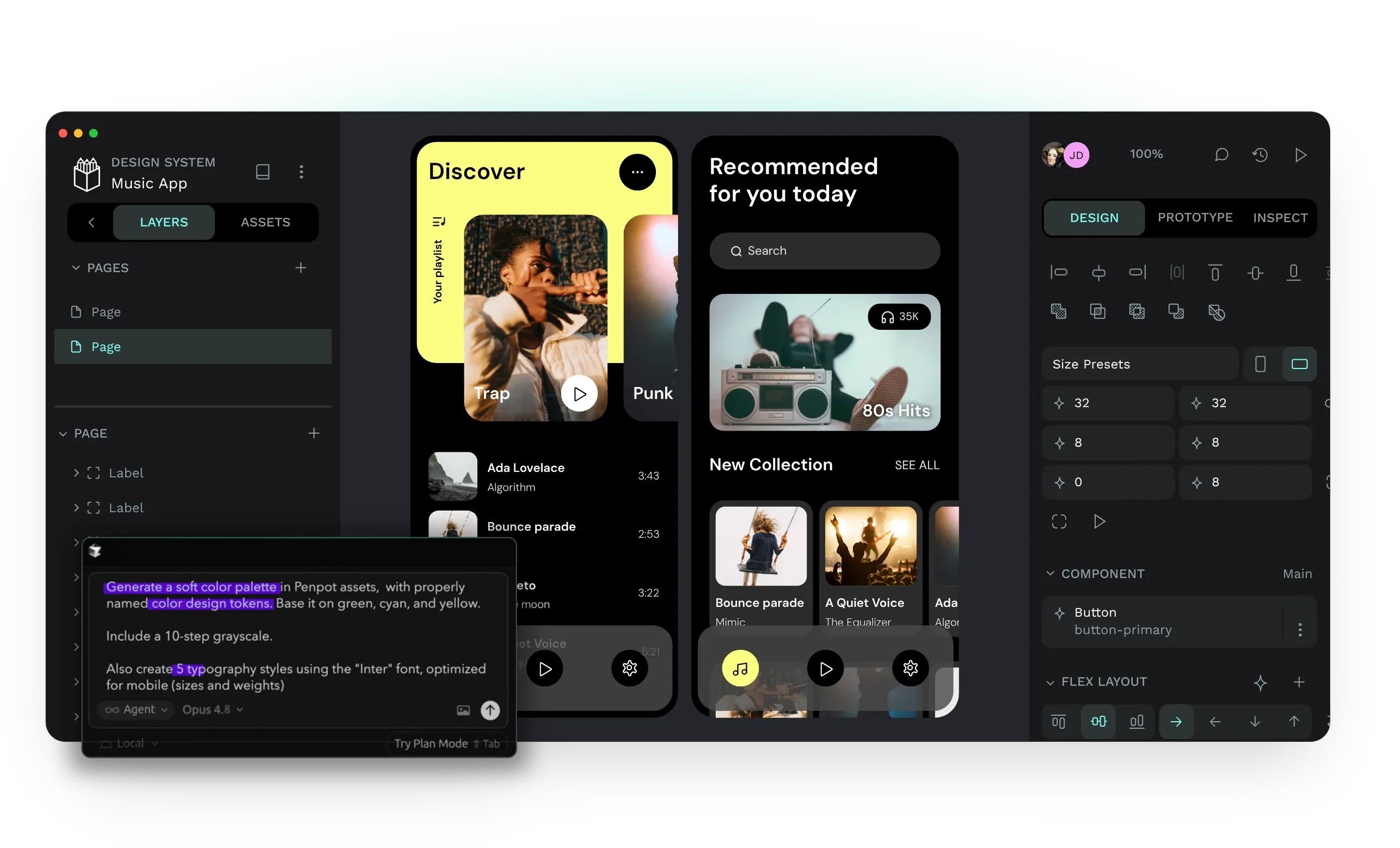
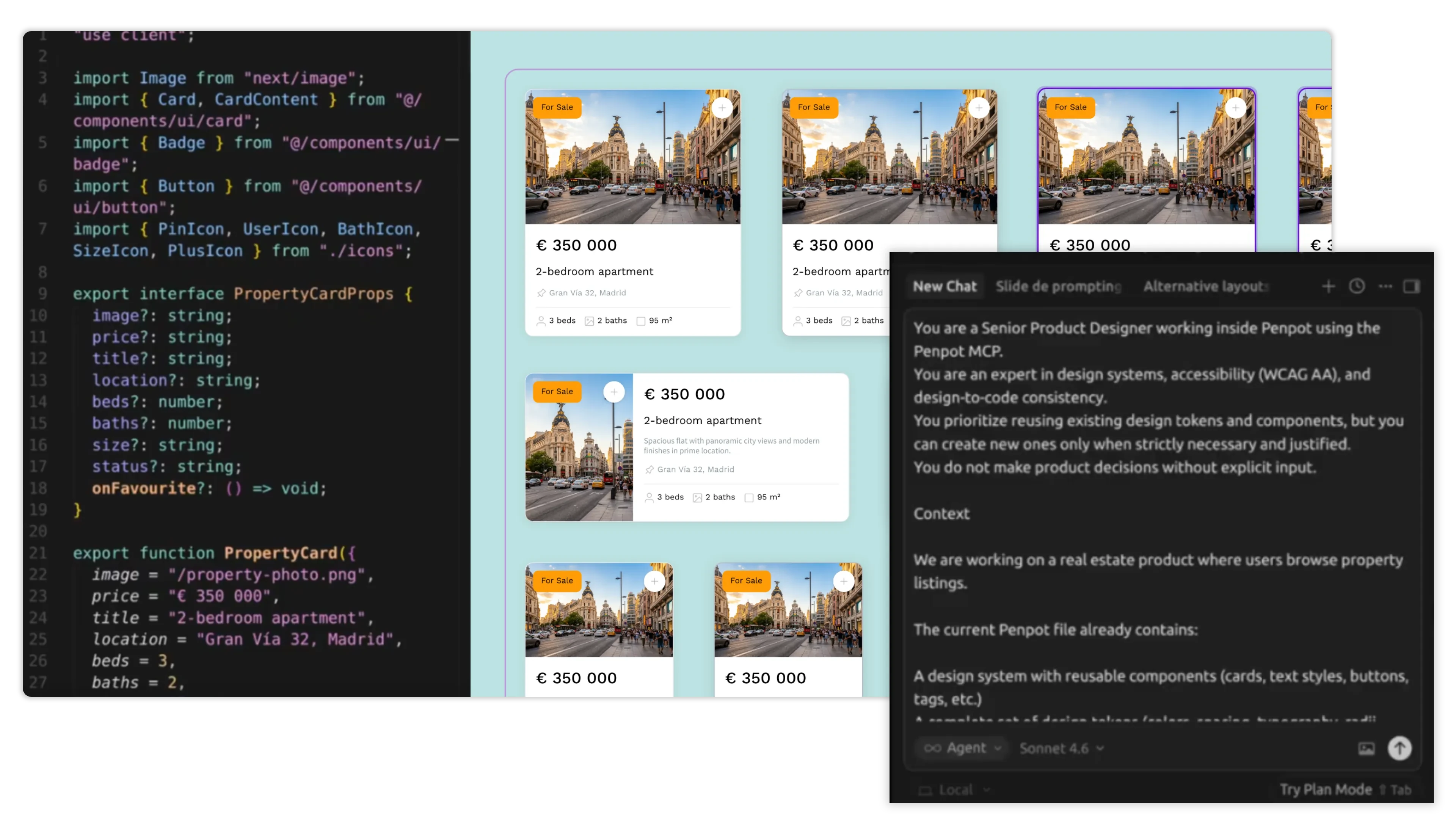
Penpot is a design tool that runs in the browser, an open-source alternative to Figma. Designers draw screens, build reusable components, and wire them into clickable prototypes, while developers open the same file and read off the sizes, colours, and code they need. Everything you draw is stored on your own server.
Features
- Boards, vector drawing, and a full layout system with flex and grid
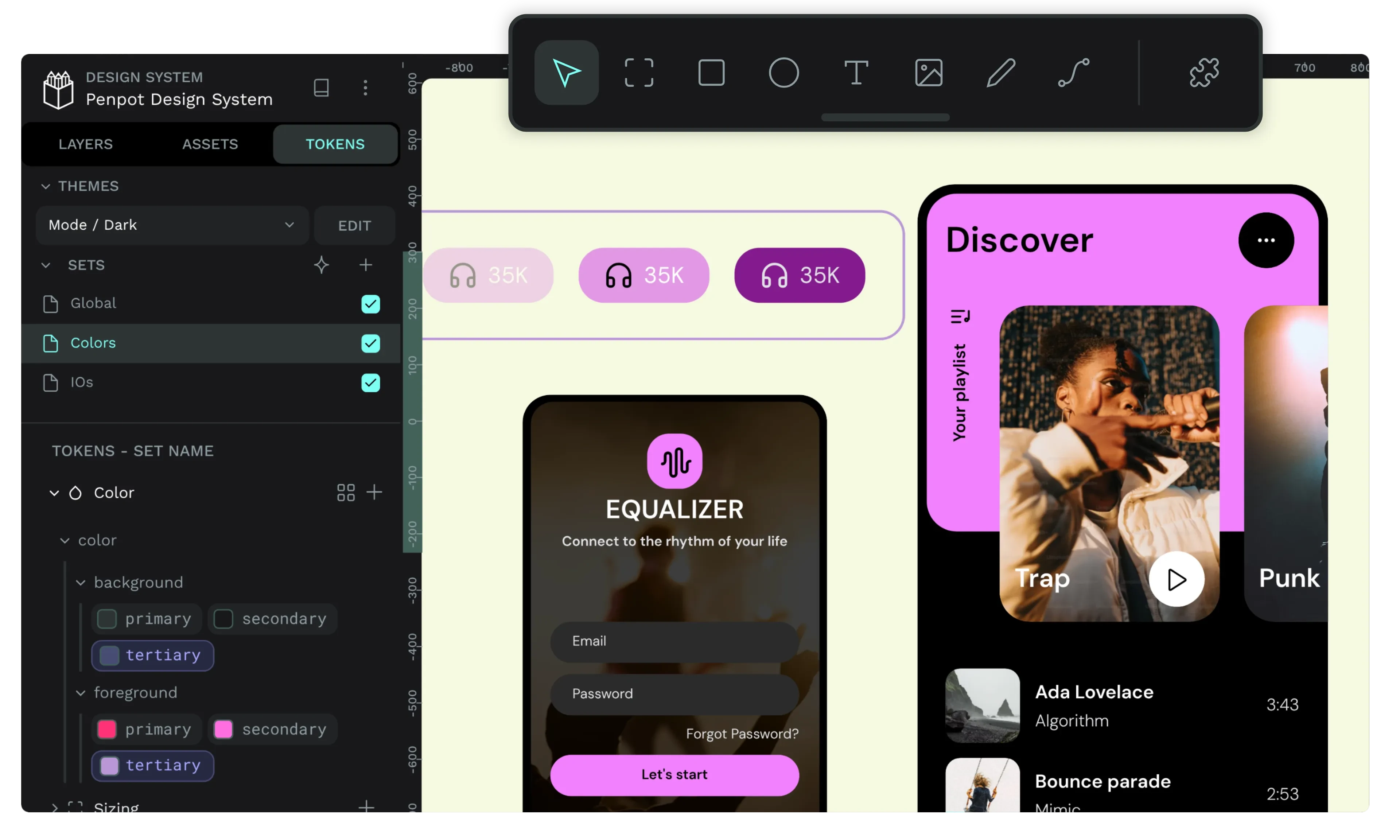
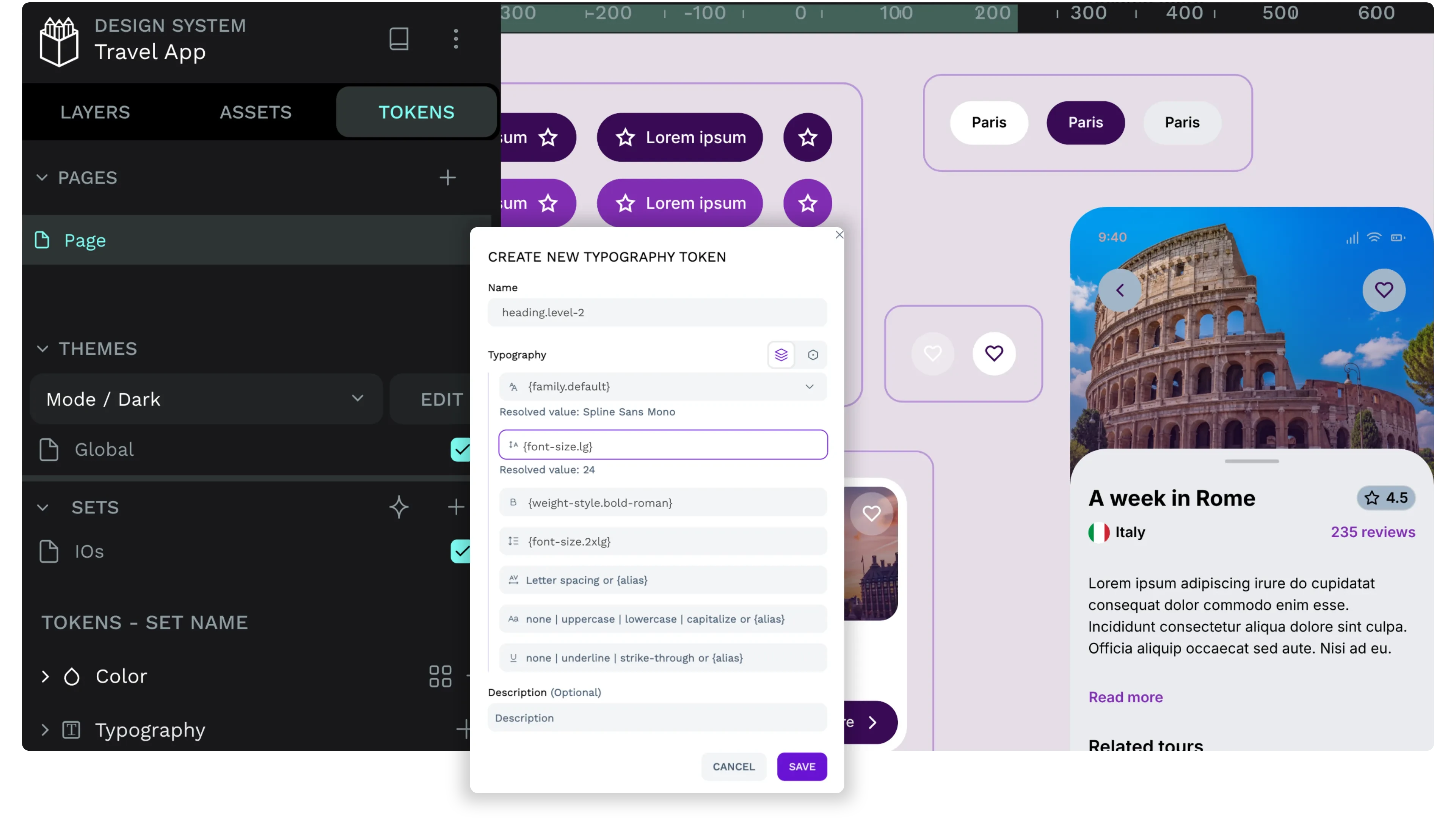
- Shared component libraries and design tokens you reuse across files
- Clickable prototypes with flows, interactions, and a viewer mode
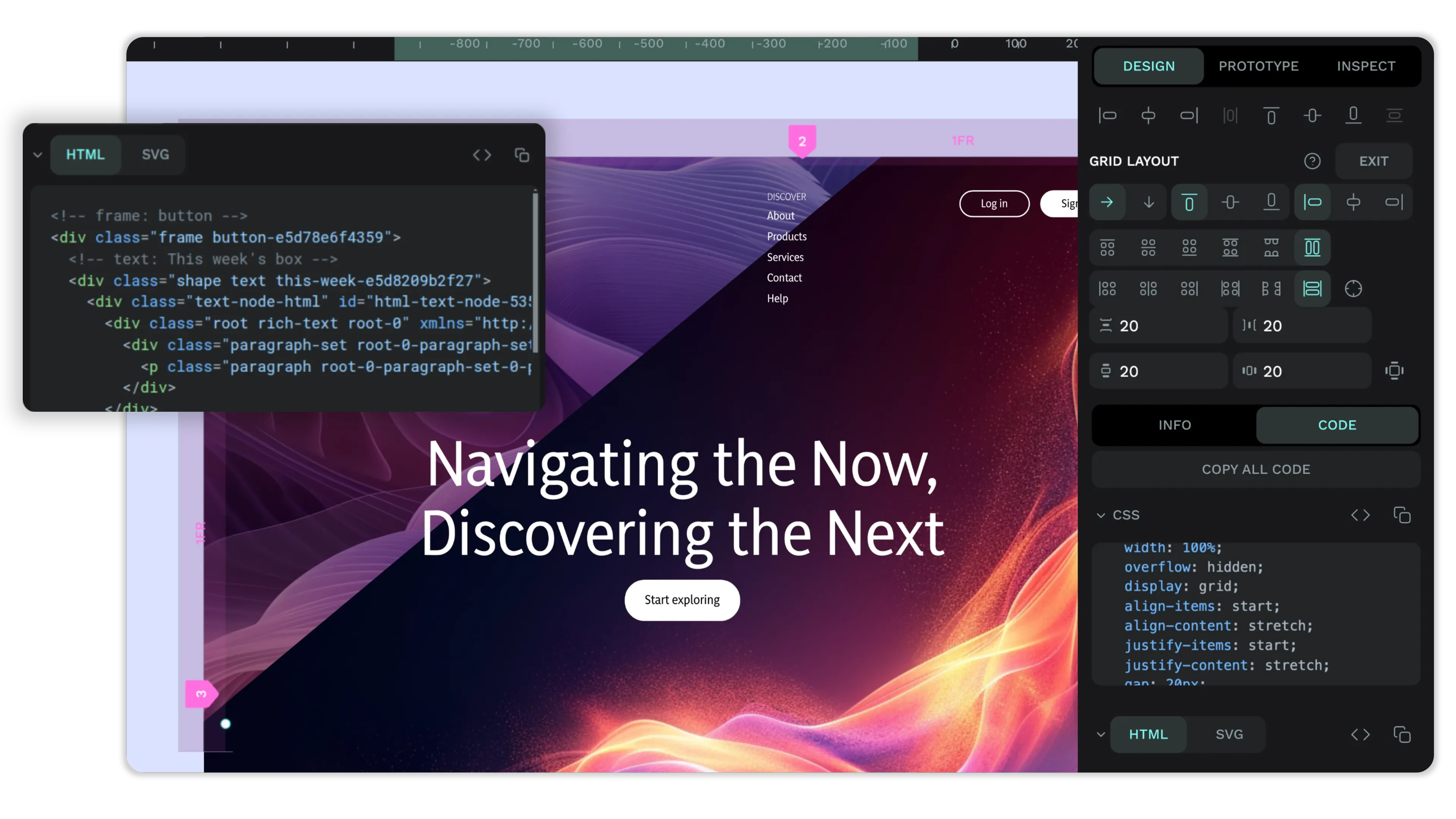
- Inspect mode that hands developers the measurements, styles, and code
- Real-time editing, so several people can work in one file at once
- Export to PNG, SVG, and PDF, and import and export in Penpot's own format
- moose runs the database and cache Penpot needs, so there is nothing to set up
Setting up
The first account you register after install becomes the owner of the first team. Open the app, choose "Create an account", and you are in.
Anyone who can reach this app's address can also create an account. Penpot has no switch to close sign-up once your team is in, so on a box that is open to the internet, invite your team early and keep an eye on the member list.
Inviting people by email only works once an administrator adds an outgoing email account under moose's Settings, Outgoing email, and binds Penpot to it. Until then the invitation is created but no email goes out. Use the "copy invitation link" button next to the pending invitation under Team, Invitations, and send that link to the person yourself.
Good to know
Two features reach out to the internet: the font picker loads Google Fonts, and the dashboard's template gallery downloads sample files from GitHub. Your own designs never leave the server. Everything else works with no internet at all.
Copy and paste between Penpot files uses the browser clipboard, which browsers only allow on an address served over HTTPS. On a home appliance reached over plain HTTP this does not work, and you move things with duplicate and drag instead. On a hosted box the address is HTTPS, so copy and paste works normally.