← App store
 Get your box
Poznote
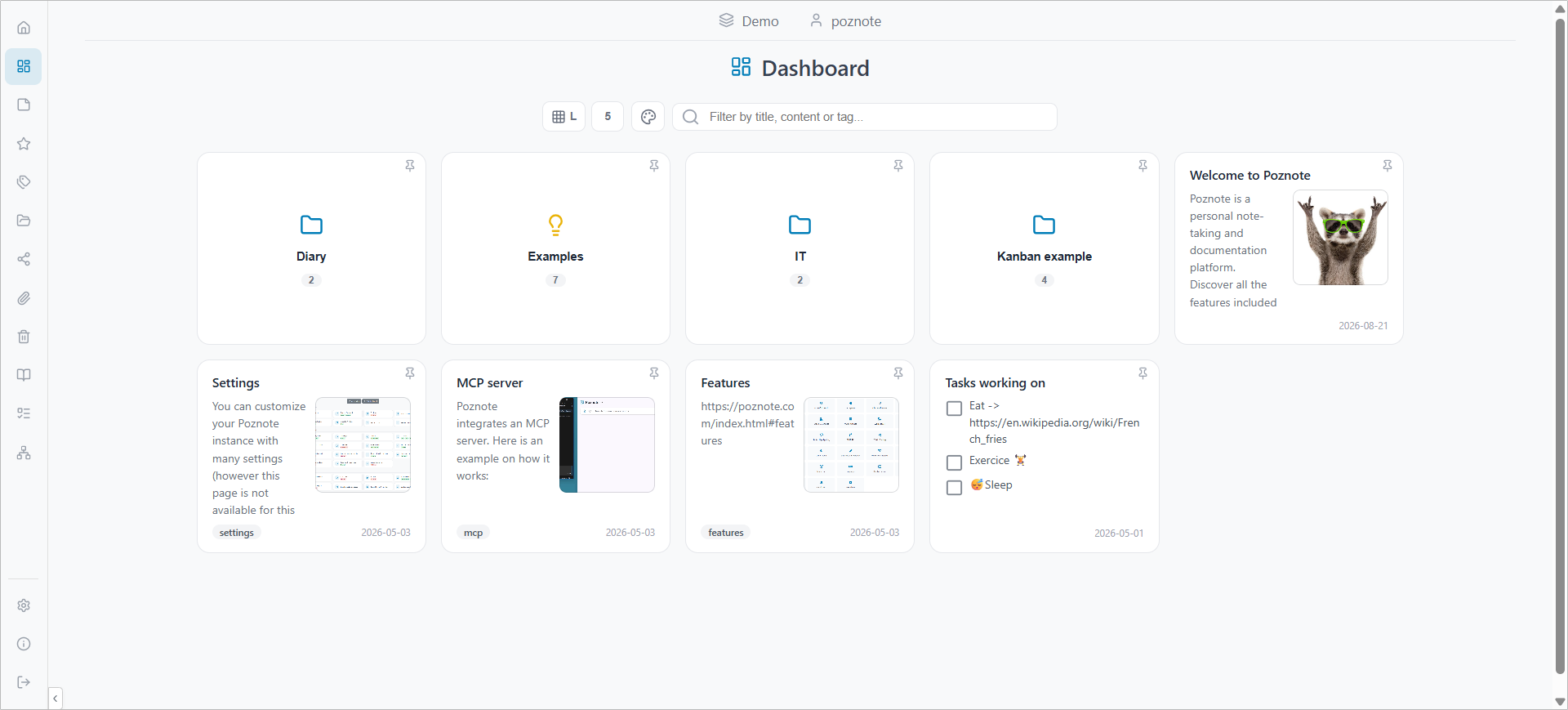
Personal note-taking and documentation with folders, tags, tasks, reminders and a graph of linked notes.
Overview
Poznote is a place to write notes and keep your documentation. Notes live in workspaces and folders, and you find them again with tags and search. Everything is stored on your box in a small database and plain files.
Features
- Rich text, Markdown, code, math and Mermaid diagrams in a note
- Workspaces, folders and tags, with full-text search
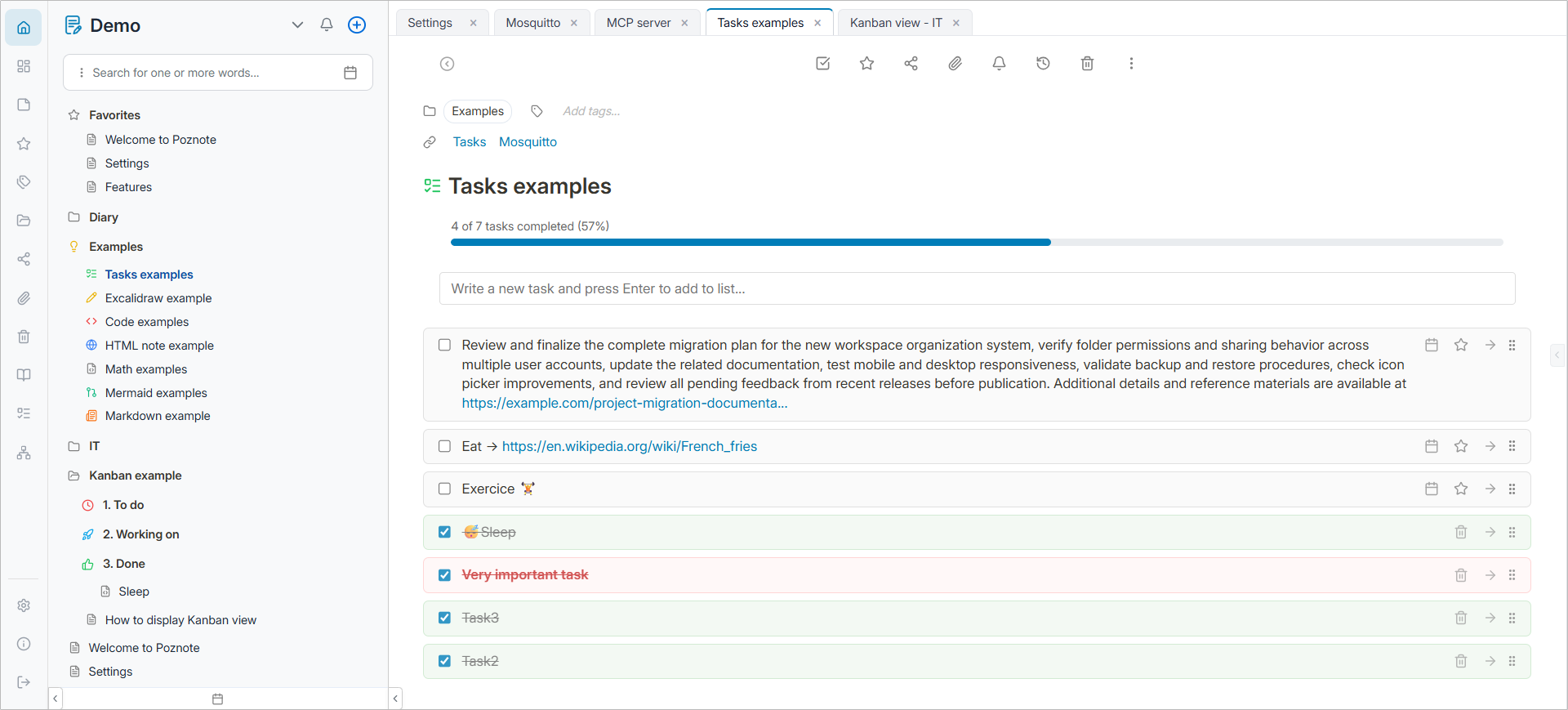
- Task lists and a kanban board
- Reminders by email or webhook
- Excalidraw drawings inside a note
- A graph of links between notes
- Attachments, backups and export
- Several users, optional two-factor sign-in and single sign-on
- A light and a dark theme
Setting up
Sign in with the default account, then change the password and the user name from Settings:
- Username:
admin_change_me - Password:
admin
Good to know
- Change the default password first. Anyone who can reach the app can try the default account.
- Email reminders need a mail account. Poznote keeps its mail settings in the app. Open Settings, then Admin Tools, then SMTP and enter your own mail server. Webhook reminders need no mail account.
- The AI assistant (MCP) integration is not included. It needs its own port, and apps get one.
- Some features call other sites, and only when you use them. Git sync, S3 backup, single sign-on and webhooks reach the services you set up. The drawing editor's share links and public library use Excalidraw's own servers.