← App store
 Get your box
Relaticle
A CRM for your companies, people, deals, tasks and notes, with a REST API and an MCP server for AI agents.
by Relaticle
Overview
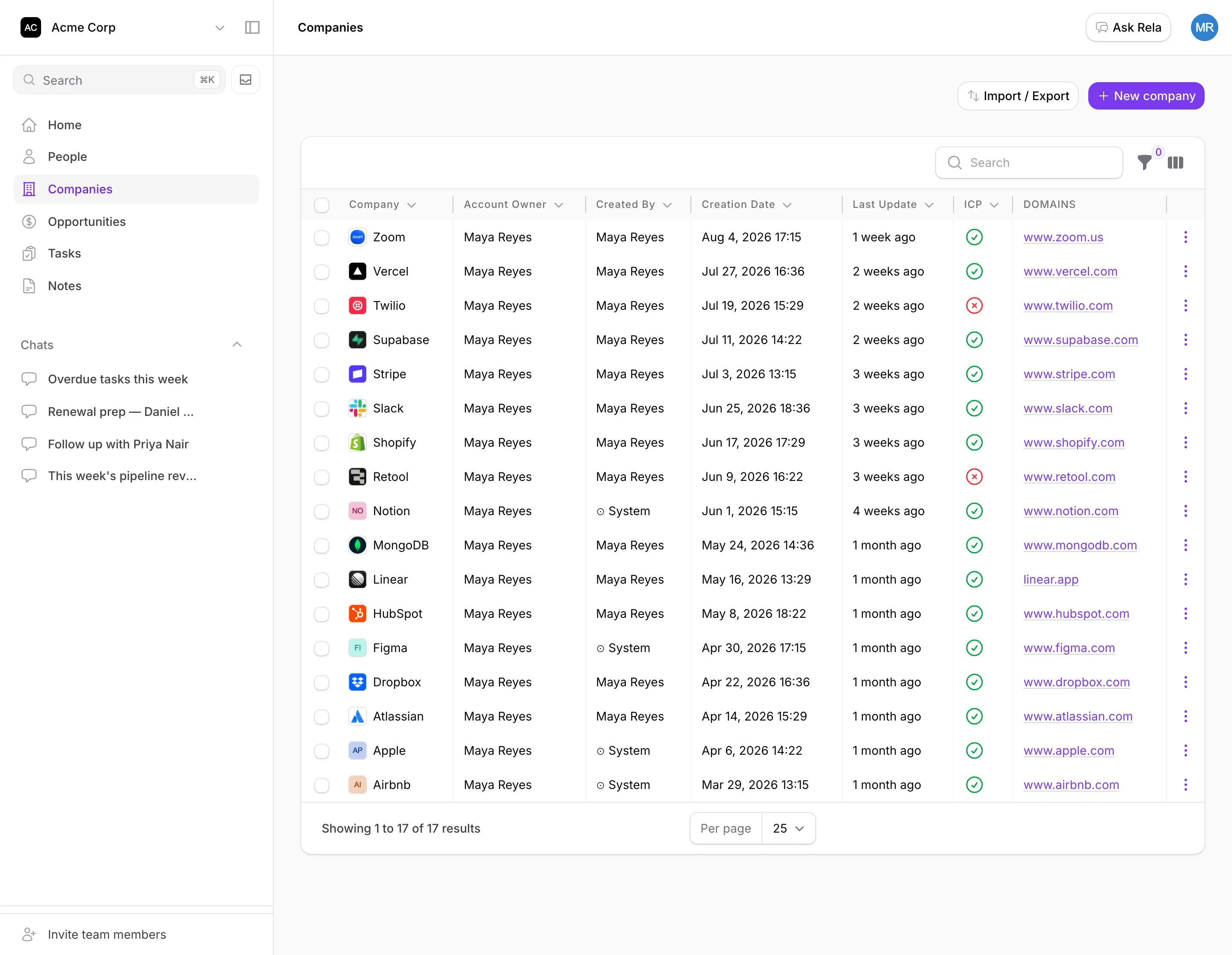
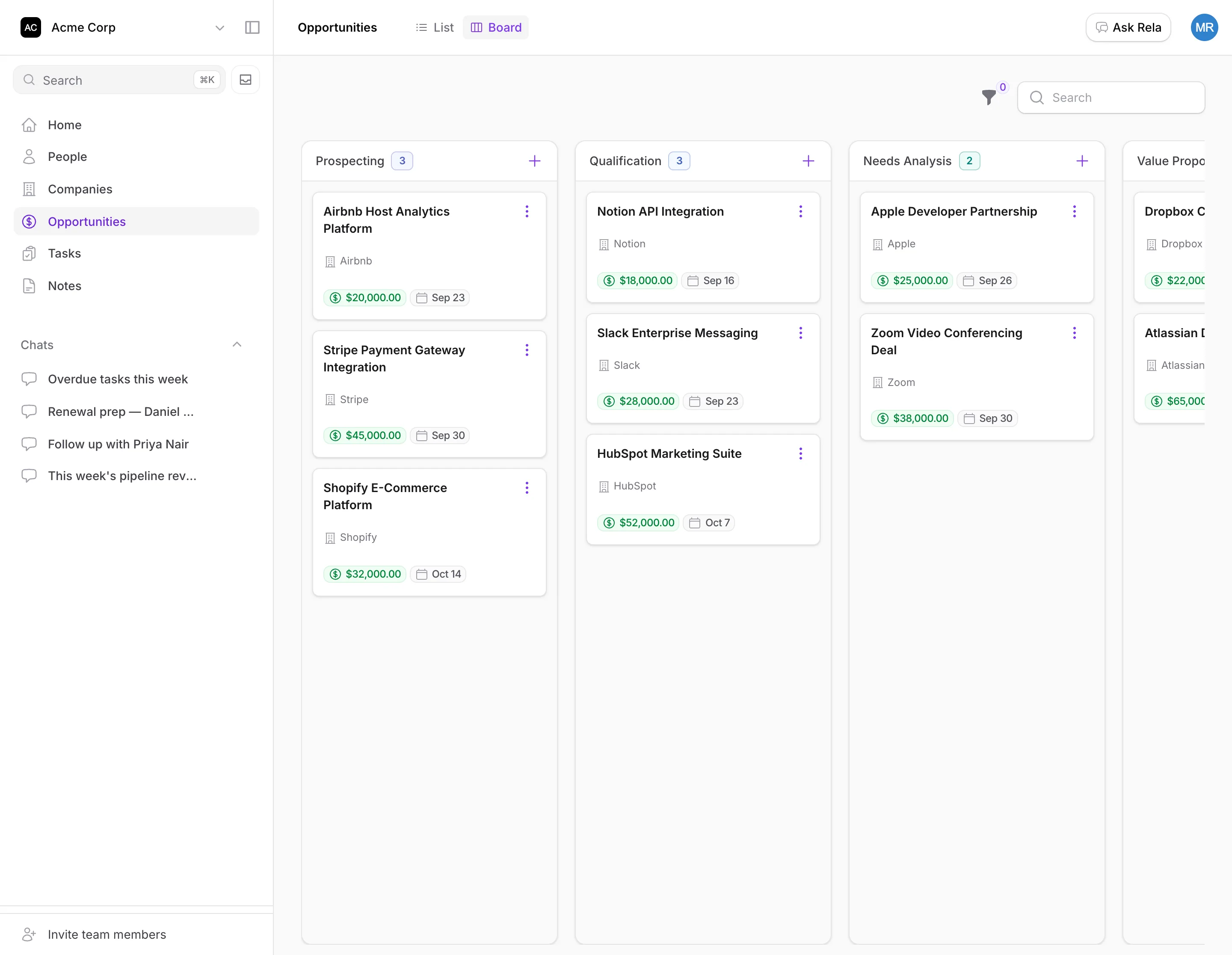
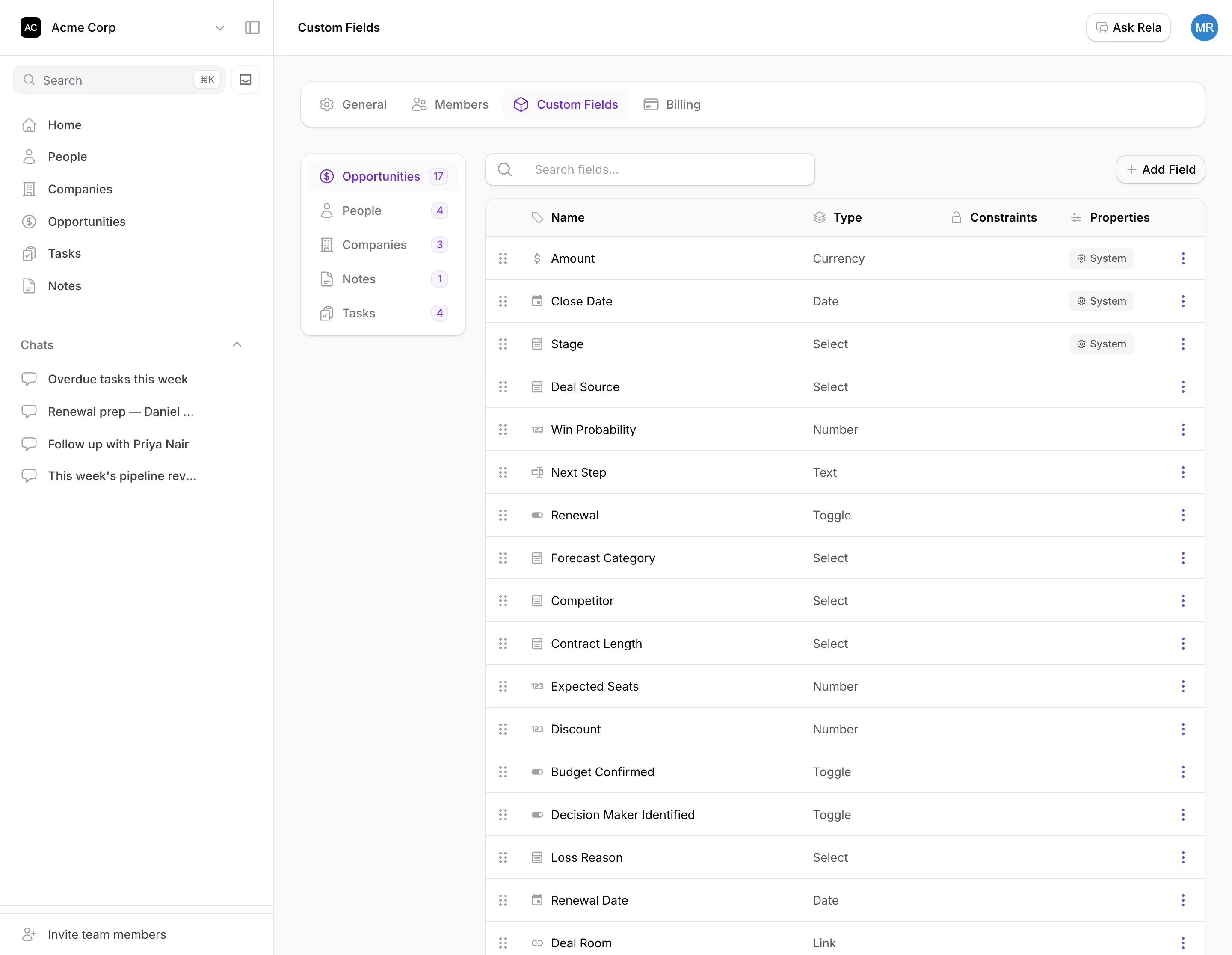
Relaticle is an open-source CRM. It keeps your companies, people, deals, tasks and notes in one workspace, with a deal board and custom fields you can shape to your own data. Your records stay on your box. It also has a REST API and an MCP server, so scripts and AI agents can read and change your data.
Features
- Companies, people, deals (opportunities), tasks and notes
- A deal board and list views, with search and filters
- Custom fields in 22 types, with no migration step
- Workspaces with their own members, so teams can work apart
- CSV import
- A REST API and an MCP server, both using access tokens you make in the app
- An optional AI assistant that uses your own model provider
Setting up
There is no install form for the account. Open the app and use Sign up on the login page. Anyone can do this, so make your own account first. Each new account gets its own workspace, and you can invite people into it from Relaticle.
Good to know
- Anyone who can open the app's address can make an account. Relaticle has no setting to turn sign-up off. On a hosted box the box login protects the app address. On an appliance, everyone on your network can reach it.
- Email is not checked. Relaticle would normally ask new users to confirm their email. Without a mail account that would lock everyone out, so this app turns the check off.
- Sign-up looks up the email domain on the internet, and refuses throwaway email providers. The app needs internet access for that.
- Email is optional. Without an outgoing mail account, Relaticle cannot send invites or password resets. Invite links still work when you copy and send them yourself.
- The AI assistant needs your own key. Add an OpenAI or Anthropic key in the app's settings. The provider bills you directly. The assistant shows its replies through a live connection that this app does not run, so it may not work.
- API and MCP clients use access tokens. The API at
/api/v1and the MCP server at/mcpare open to clients outside your box, but only with a token from Relaticle. The OAuth sign-in for MCP clients is not open to outside clients on a hosted box. - Passkeys need HTTPS. They work only on a hosted box.