
SearXNG
A private metasearch engine that asks many search engines for you and keeps no profile.
by SearXNG
Overview
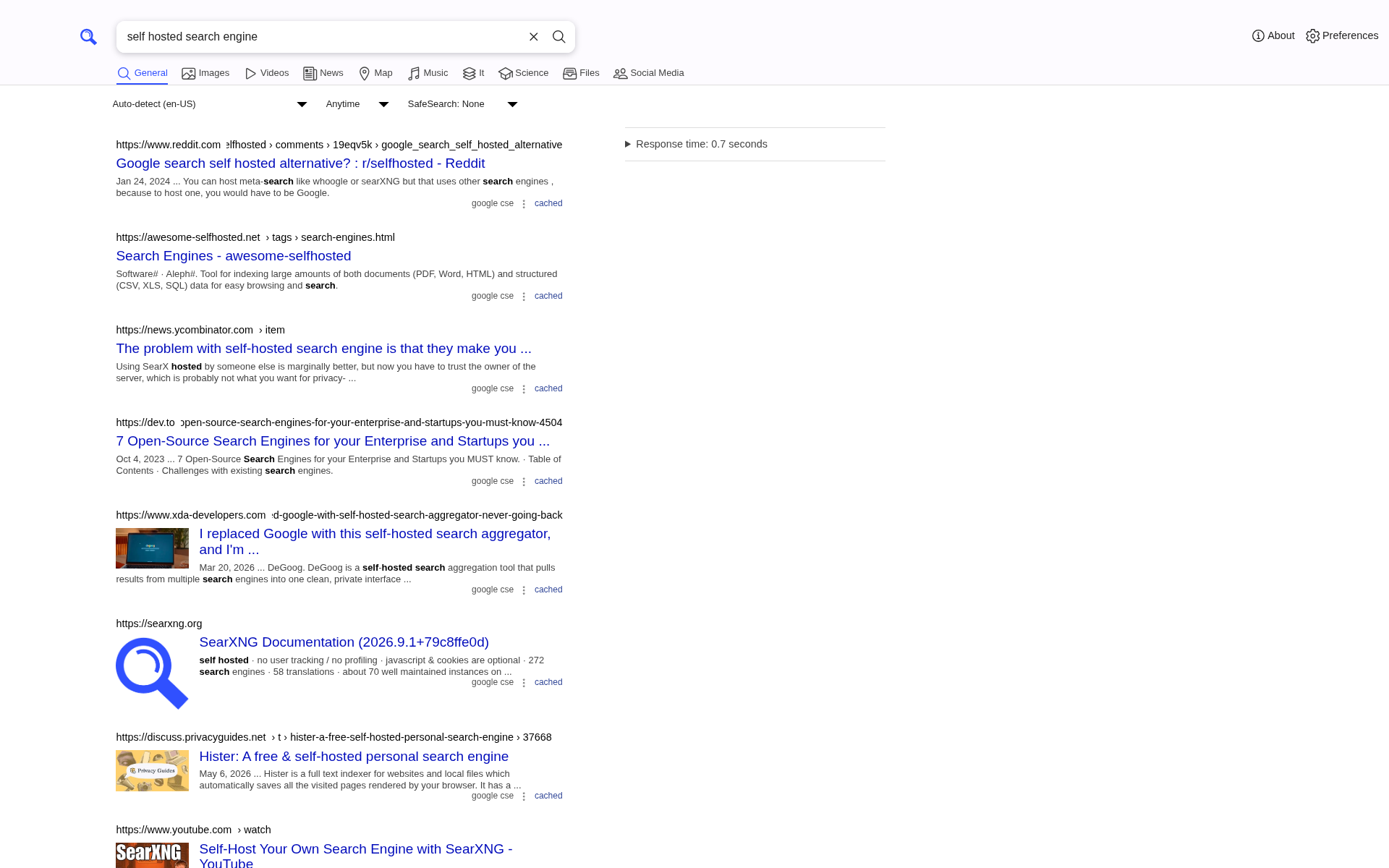
SearXNG runs your search on your own box. It sends the query out to many public search engines, merges what comes back into one ranked list, and hands it to you. The engines see the request from your box, not from you, and SearXNG keeps no search history, no cookies for tracking, and no profile.
Features
- One search, many engines, merged into a single list of results
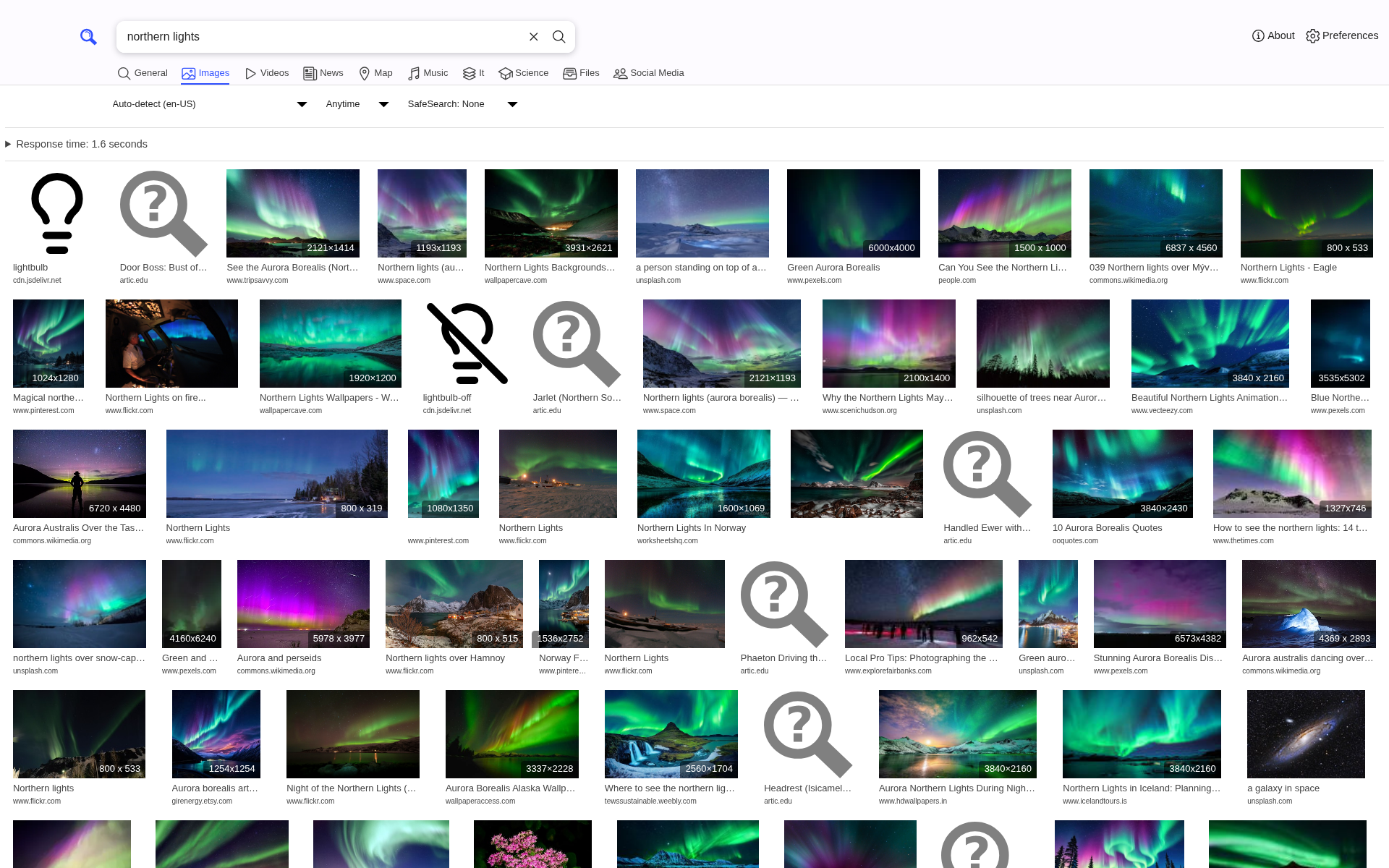
- Categories for web, images, videos, news, maps, music, files, and science
- No ads, no tracking, and no search history kept on the box
- Image results can load through your box, so the image host never sees you
- A Preferences page to pick engines, language, safe search, and the theme
- Works as your browser's default search engine
Setting up
There is no account and no sign-in. Open it and search.
To make it your browser's default search engine, open Preferences and use the "add to browser" link at the bottom of the page.
Good to know
This app needs internet access. That is the whole point: it passes your query on to the public search engines and brings the answers back.
Some engines block requests they think come from a robot, and a few do it to any server that is not a home computer. Which engines answer depends on your box's address and changes over time. When one engine is blocked the others still answer, so you still get results, and SearXNG names the engines that failed at the top of the results page.
Your preferences are saved in your browser, not on the box. Settings you change on your laptop do not follow you to your phone, and clearing your browser data resets them.
The admin settings file, settings.yml, sits in the app's data folder on the
box and moose has no editor for it yet. Everything most people change is on
the Preferences page instead.