
Overview
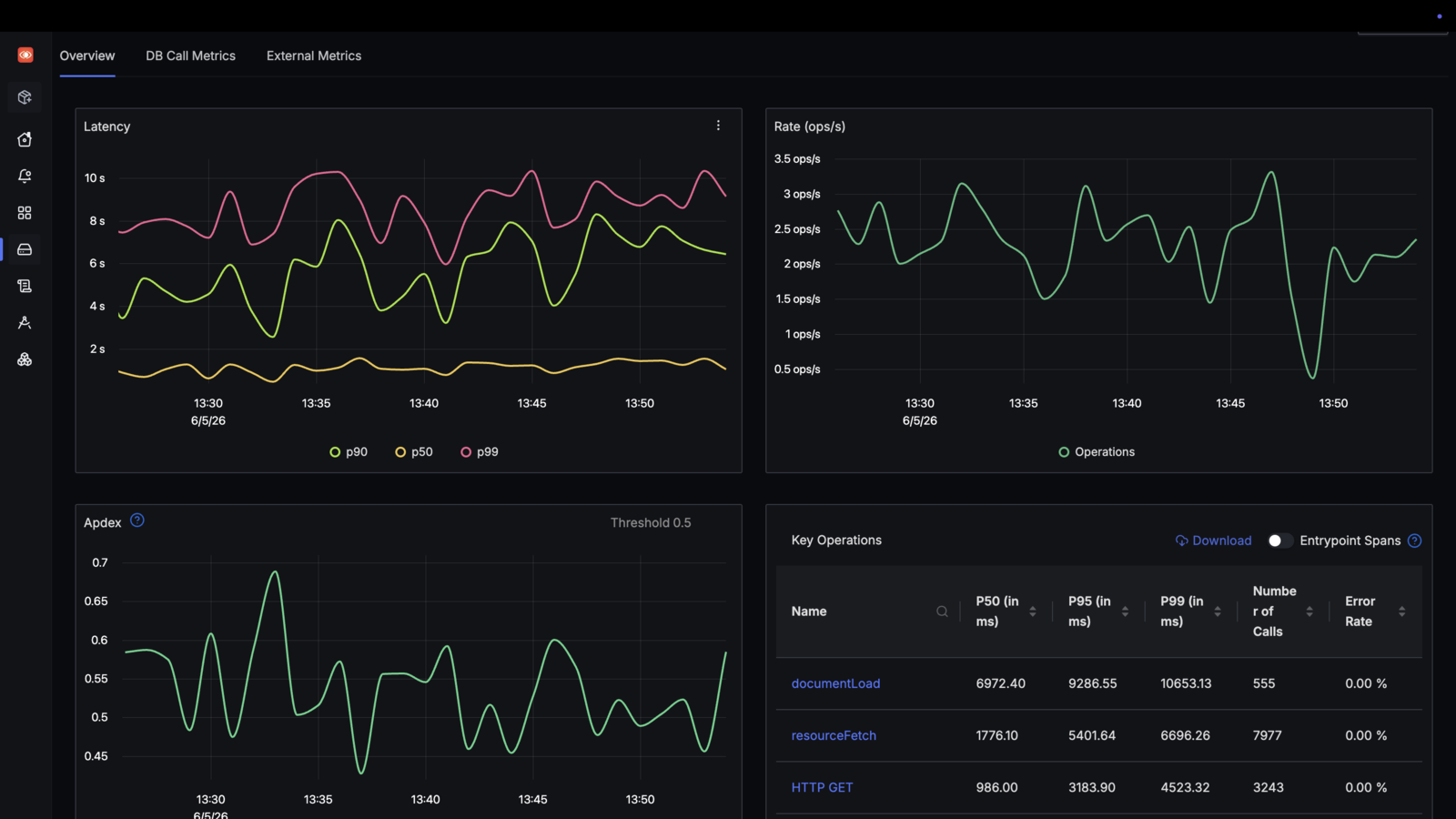
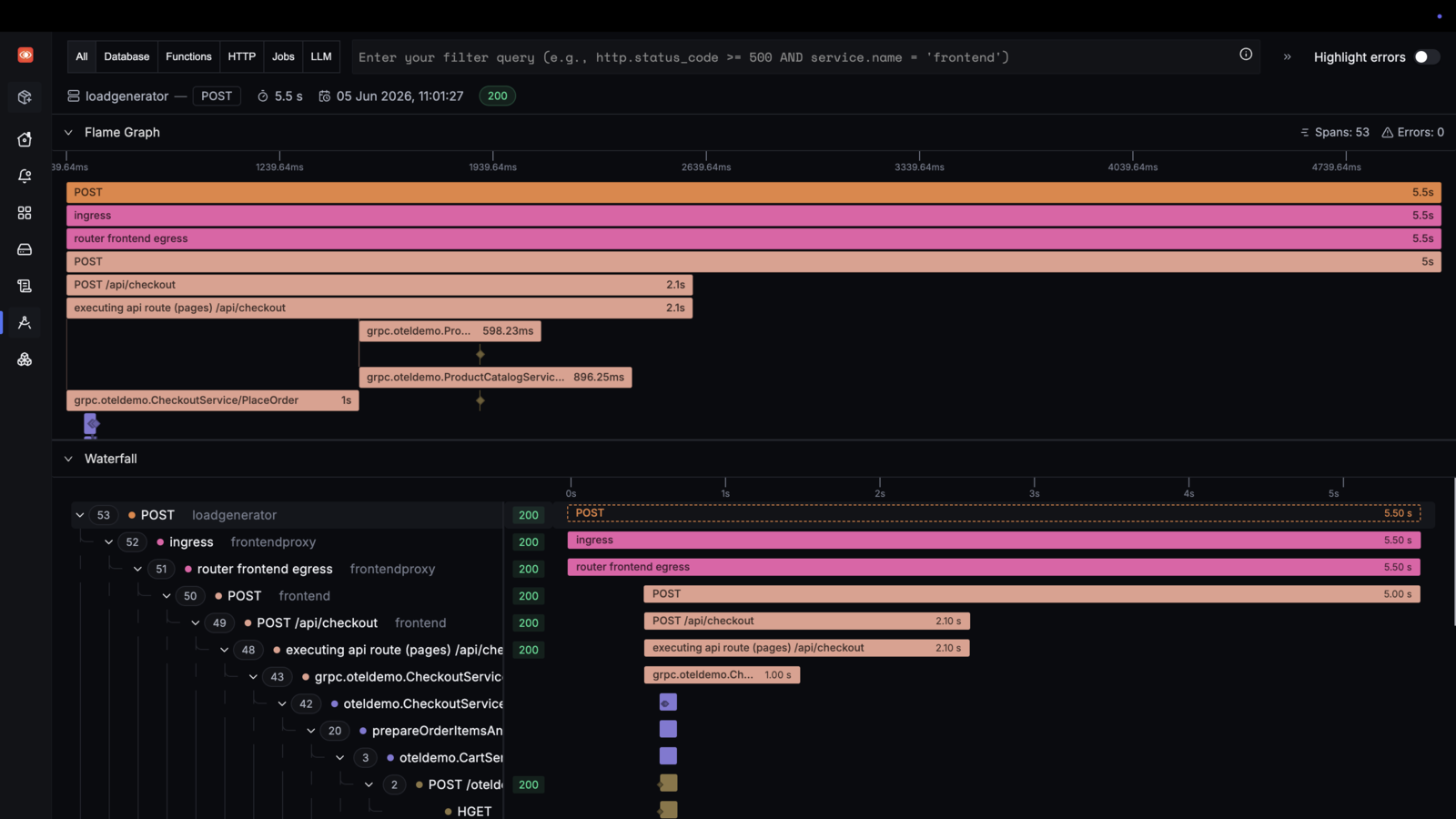
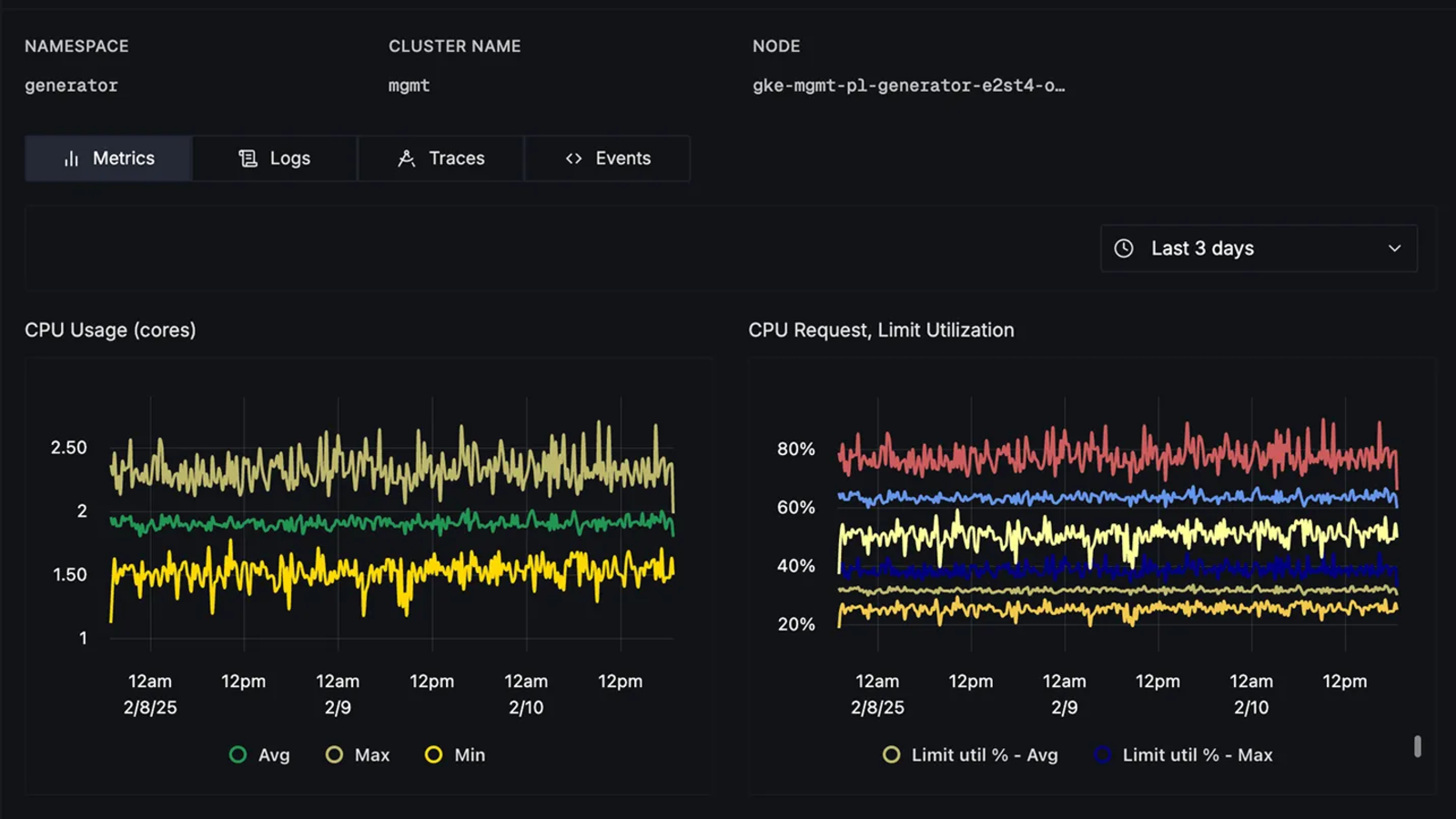
SigNoz collects what your software reports about itself and makes it easy to search. Traces show each request as it moves through your services, metrics show how things change over time, and logs sit next to both, so you can go from a slow page to the exact line that caused it. It speaks OpenTelemetry, the open standard most languages and frameworks already support.
Features
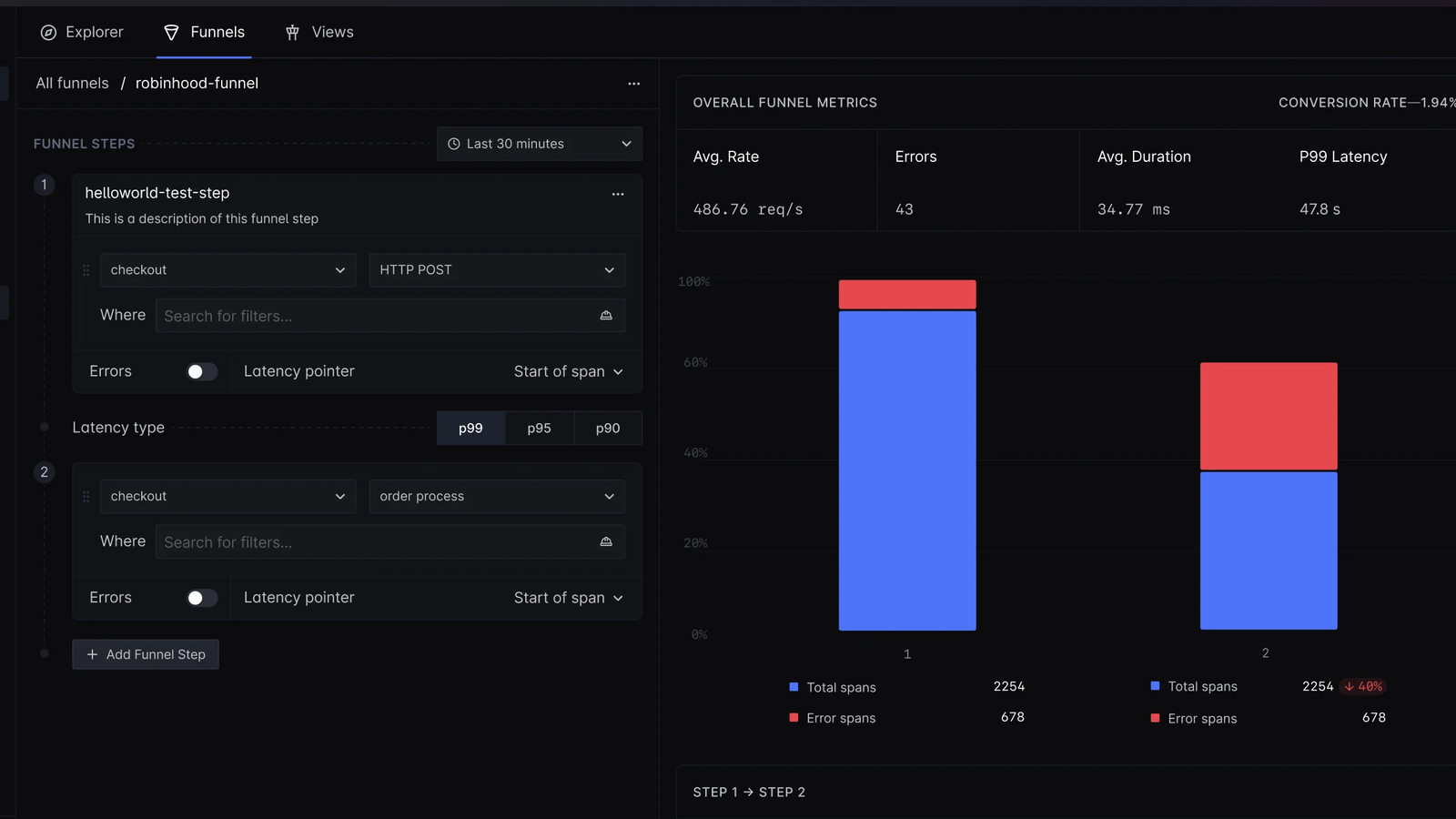
- Distributed traces with flame graphs and a step by step timeline
- Service overview with latency, error rate, and request rate
- Log search with filters, saved views, and live tail
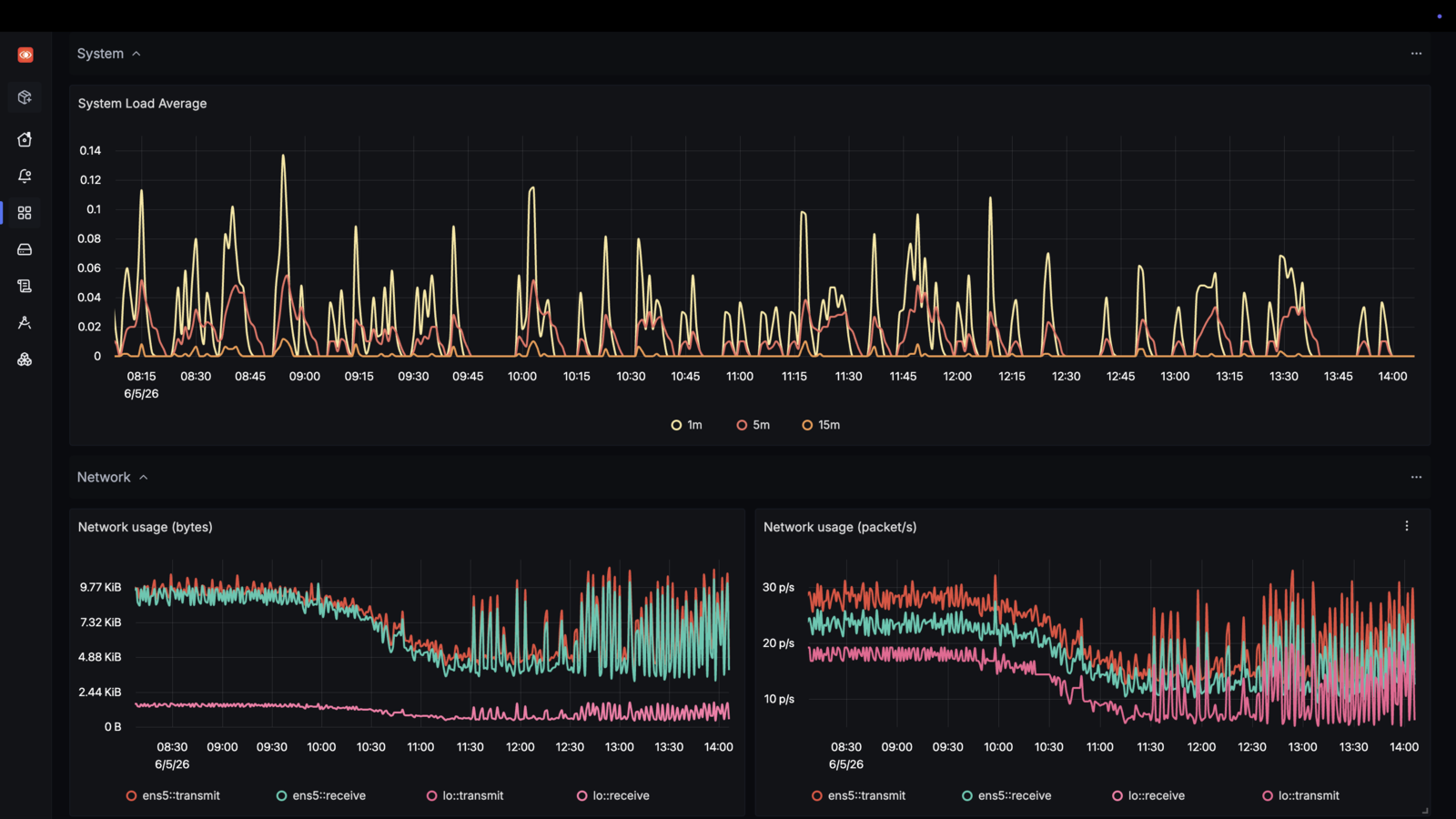
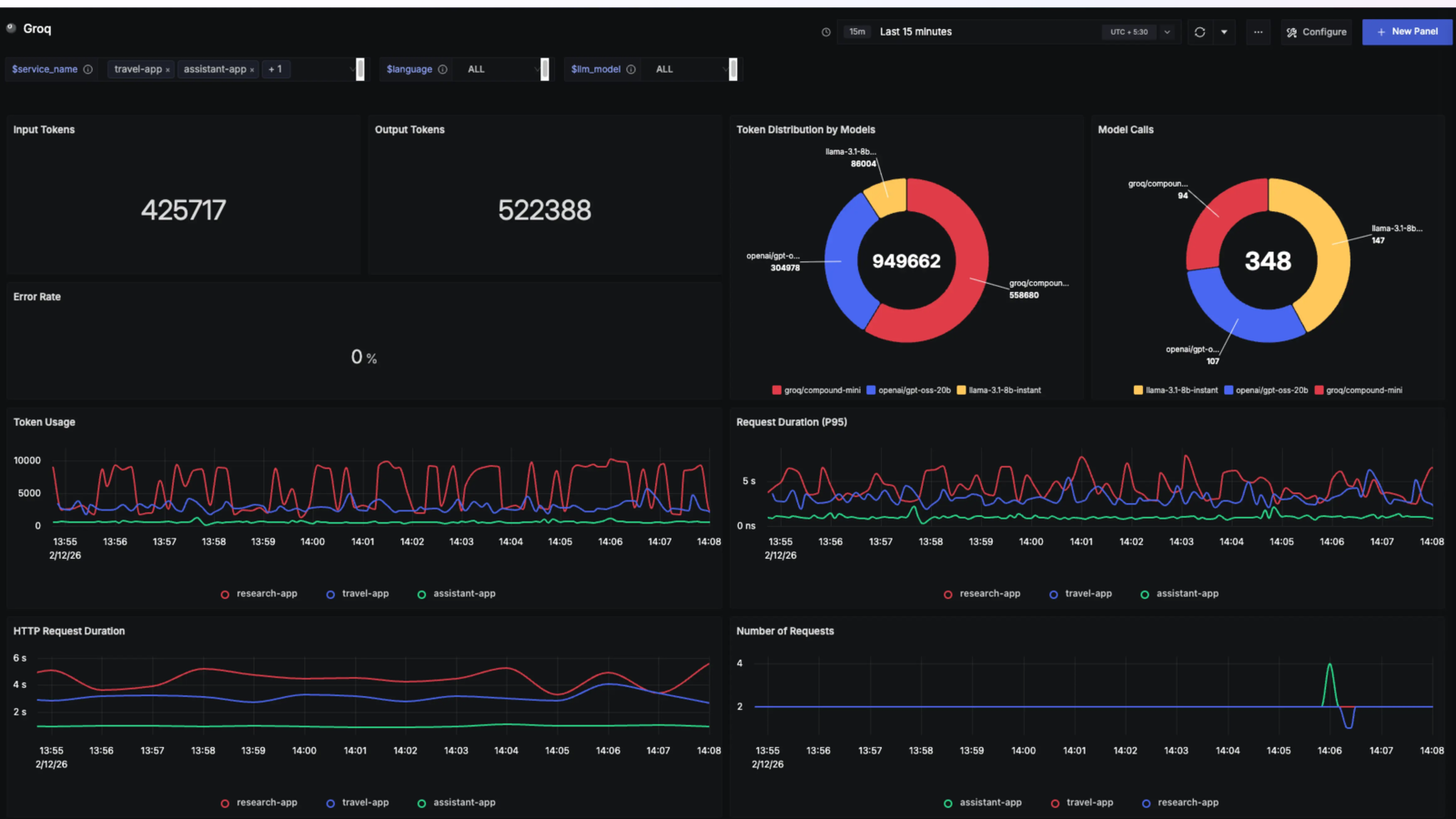
- Metrics explorer and dashboards you build yourself
- Alerts on any trace, log, or metric, sent by email, Slack, webhook, and more
- Exceptions grouped by type, with the trace that raised them
- Cost and token tracking for AI model calls in your traces
Setting up
The first account you register after install becomes the administrator. Do this first: SigNoz accepts no data until that account exists. Choose its password with care, because SigNoz never lets this first account change or reset it. Invite a second administrator from Settings, Members right away, so a lost password does not lock you out.
To send data, point your OpenTelemetry SDK or collector at this app's address and use OTLP over HTTP, with the app's ingest token in a header. Find the token on this app's page in moose. With the standard settings:
OTEL_EXPORTER_OTLP_ENDPOINT: this app's addressOTEL_EXPORTER_OTLP_PROTOCOL:http/protobufOTEL_EXPORTER_OTLP_HEADERS:Authorization=Bearer%20<token>
Good to know
- Send over HTTP, not gRPC. Many SDKs default to gRPC on port 4317, and that cannot reach the app through this box. An SDK left on gRPC reports no error and no data ever arrives.
- Apps running somewhere else can send data, and the app stays private. moose keeps the app owner-only, so its pages are behind the box login. The three paths that receive data are the exception: they answer without it, and they accept only requests that carry the ingest token. Keep the token as safe as a password.
- The first install downloads a small helper from GitHub. SigNoz uses it for percentile charts on metrics. It is checked and kept, so later starts do not need it.
- Invitations and email alerts need an email account. Add one to this app in moose. Without it, alerts by Slack, webhook, and the other channels still work.
- The pages load fonts from Google and check GitHub for a new SigNoz version. Your browser makes these calls on every visit. They carry none of your data, and there is no setting to turn them off.
- This is SigNoz's free community edition. Features that SigNoz sells with its paid licence are not part of it.
- This is a heavy app. It runs the SigNoz server, a collector, and a ClickHouse database with its coordinator. Stored data grows with how much you send.