
Uptimepage
Uptime monitoring for the things you host, with a public status page built in.
by Uptimepage
Overview
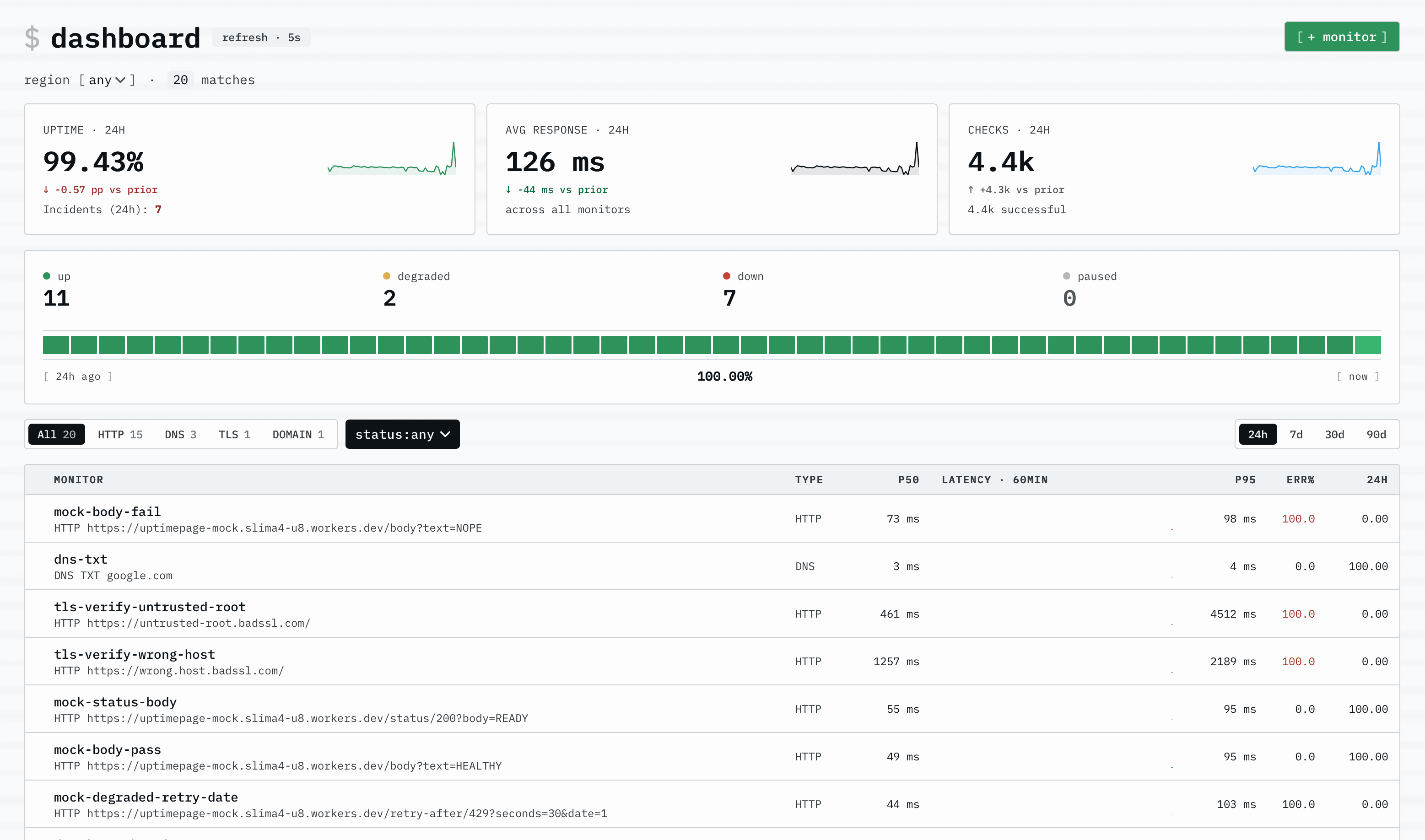
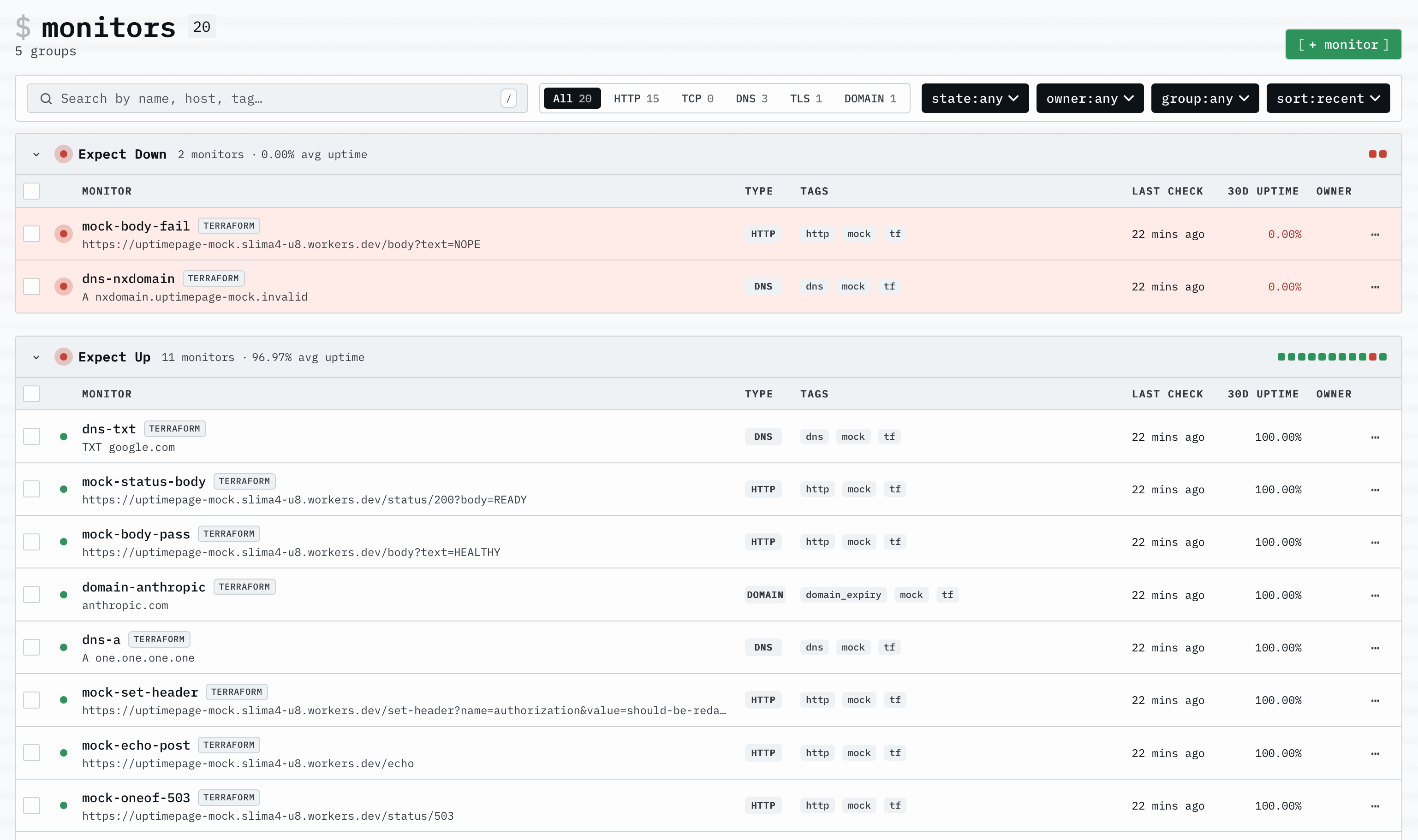
Uptimepage watches the services you care about and tells you when they go down, instead of paying a monitoring SaaS to do it or trusting one to watch its own host. It checks websites, servers, certificates and domains on a schedule, records the history, and publishes a status page you can share with whoever depends on those services.
Features
- Checks over HTTP, TCP, ping, DNS and inbound heartbeats, plus TLS certificate and domain expiry
- Response time broken down into DNS, connect, TLS and first byte, kept as history
- Alerts to Slack, Discord, Telegram, ntfy, Pushover, PagerDuty, webhooks and email
- A public status page with incident history, uptime and latency charts
- Incidents you can narrate as they unfold, so readers see what is happening
- A full REST API and a Terraform provider, so monitors can be managed as code
Setting up
Give your email address when you install. Uptimepage creates the owner account for you on first boot and writes a sign-in link into the app's log. Open the app's Logs tab, find the line that says "seeded the first owner", and open the link in it. Then press "confirm sign-in" on the page it opens.
Do this soon after you install. The link works once and expires after 24 hours, and the account is only created on the very first boot, so restarting the app does not write a new one. If you let it lapse you have to add a Resend key below and ask for a fresh link, or install the app again.
Outage alerts are sent to that address too, so use one you read.
Good to know
That link is the only way in unless you set up more. GitHub and Google sign-in are left switched off on purpose: uptimepage has no way to restrict who may register, so turning either on would let any GitHub or Google account create its own workspace on your instance. Fill in the credentials below only if you want that.
Invitation and sign-in emails need a Resend account. Without one they are written to the app's log rather than sent, with the link cut short so it cannot be used. Outage alerts are separate and do go out over normal email once an administrator binds a mail provider in moose.
Browser flow checks, which drive a real page through a login or a checkout, cannot be created. Uptimepage sets the allowance for them to zero on every plan it ships, and there is no setting that changes it.
Monitoring targets on your own network is switched off, so this watches services reachable over the internet. It keeps every check result it has ever taken, and runs its own analytics database to do it, so it is heavier than most apps here: give it around four gigabytes of memory to be comfortable.