
Zulip
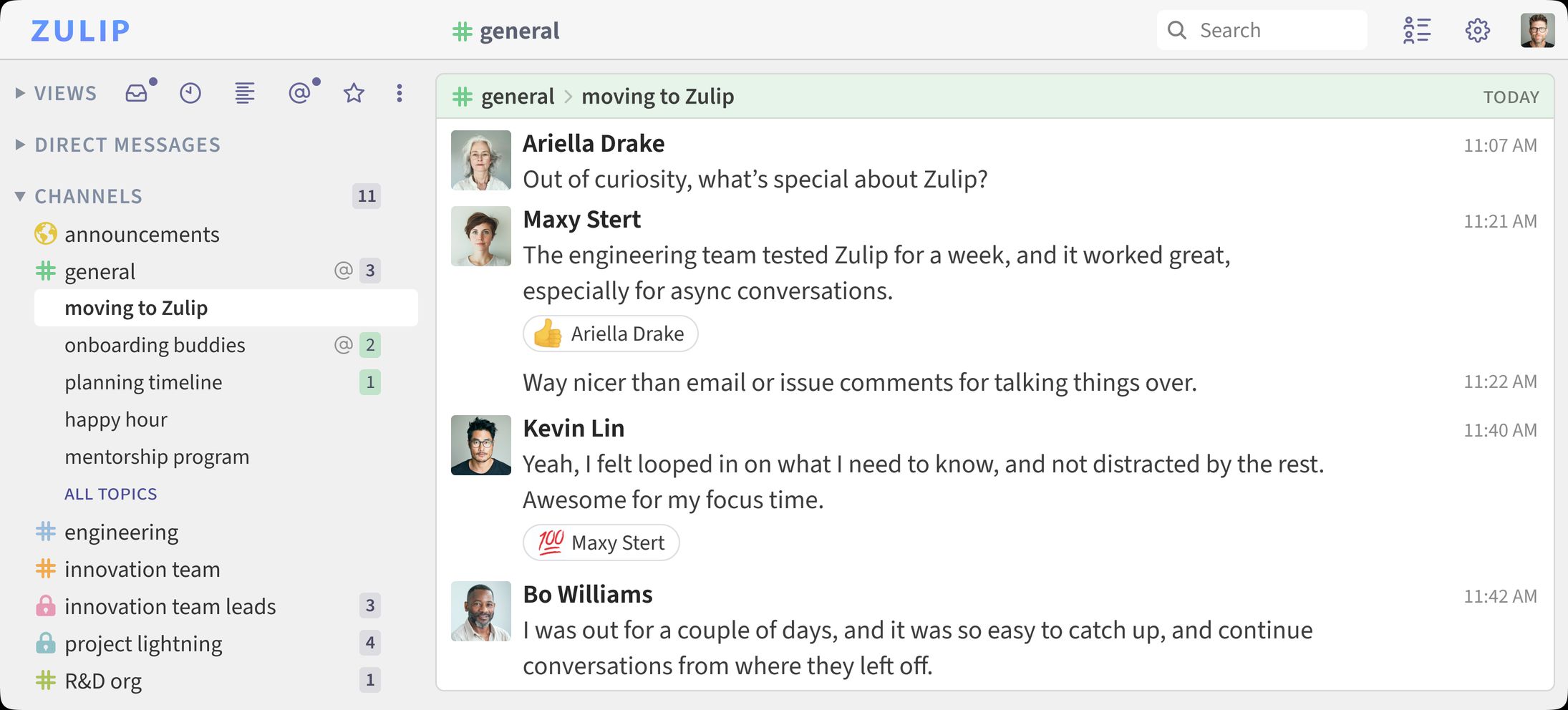
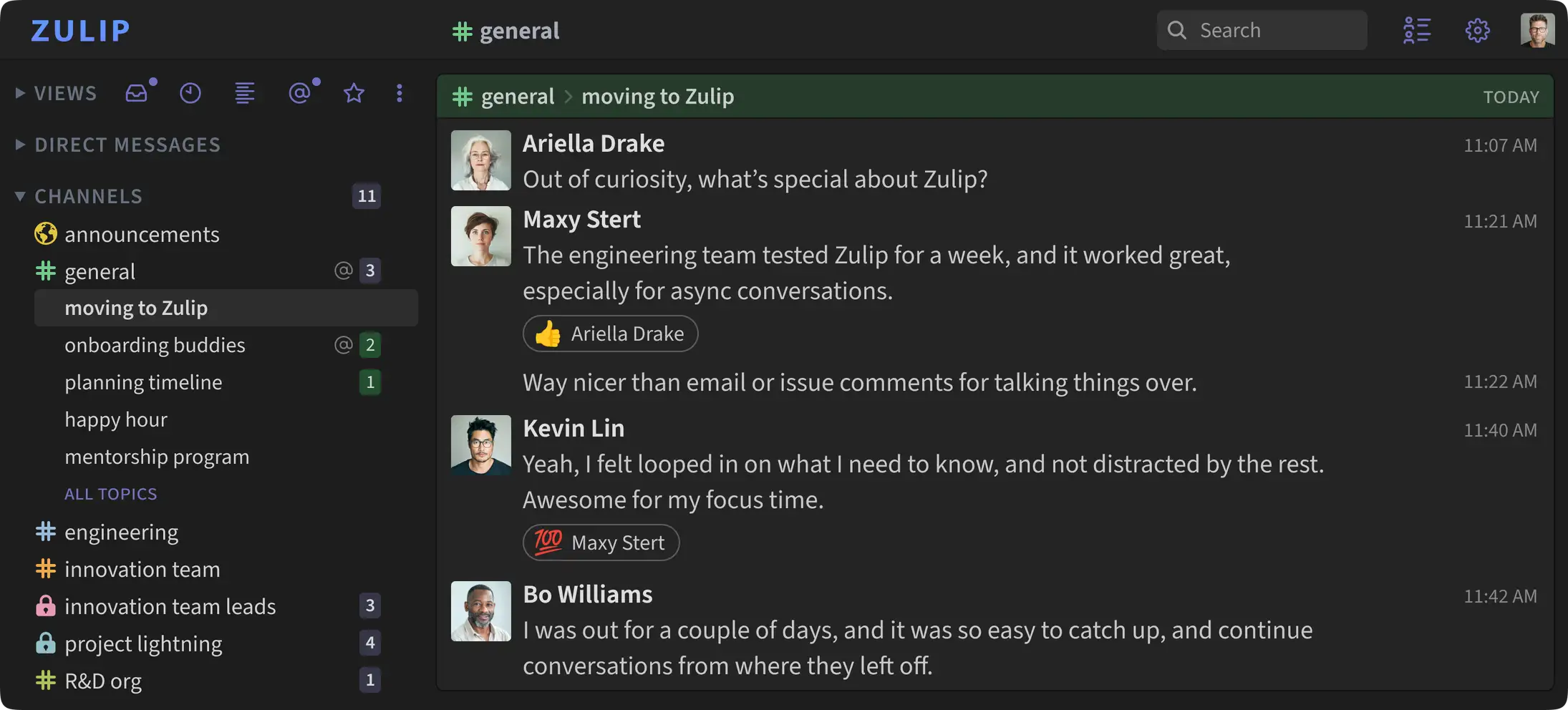
Team chat where every message belongs to a channel and a topic, so busy conversations stay easy to follow.
by Zulip
Overview
Zulip is open-source team chat. Like other chat apps it has channels and direct messages. Unlike them, every message in a channel also has a topic, so many conversations can run side by side and you can catch up on the ones you care about. Your messages and files stay on your box.
Features
- Channels with topics, so each conversation keeps its own thread
- Direct messages and group messages
- Message search, file uploads, emoji reactions and custom emoji
- Mentions, reminders, scheduled messages and message drafts
- Bots, webhooks and integrations, with a full REST API
- Roles and permissions for owners, admins, moderators and members
- Web, desktop and mobile apps
Setting up
The install form asks for the name of your organization and for the first account. That account becomes the owner of the organization. Open the app and sign in with it:
- Email: the admin email you entered
- Password: the admin password you entered
The form values are used once, on the first start. To change the password or the name later, use Zulip's own settings. New members join by invite link, which you create in Zulip.
Good to know
- This app needs HTTPS. Zulip only sets secure cookies, so signing in does not work over a plain
http://address. It is offered only on hosted boxes. - It uses a lot of memory. Zulip alone uses about 4 GB of RAM when idle, so plan for 6 GB. The first start takes a few minutes while Zulip sets up its database, and the app shows an error page until it is done.
- Email is optional, but useful. Without an outgoing mail account, Zulip cannot send invites, password resets or missed-message emails. Invite links still work when you copy and send them yourself.
- Search is simpler than upstream's. The box's shared Postgres lacks the extra word-stemming dictionaries that Zulip's own database image adds. Search still works, but it matches fewer word forms.
- Incoming email is off. Posting to a channel by email needs a mail port that apps do not get.
- Mobile push notifications are off. They need the server to be registered with Zulip's push service, which is a command line step. The mobile apps can still connect and show your messages.